SMALL SOFTWARE. REAL PROBLEMS.
Built to be useful.
Simple apps for small and medium businesses — without the unnecessary complexity.





LIVE FROM THE LAB
These aren't concepts. They're running software.
Live products, used by real businesses every day — and more coming out of the Lab.


 LIVE
LiteRegister
Sales & payments without the POS baggage.
Record sales, choose how each customer pays, and keep customers, expenses and staff in one place — without the complexity.
Run the business without running complicated software.
LiteRegister
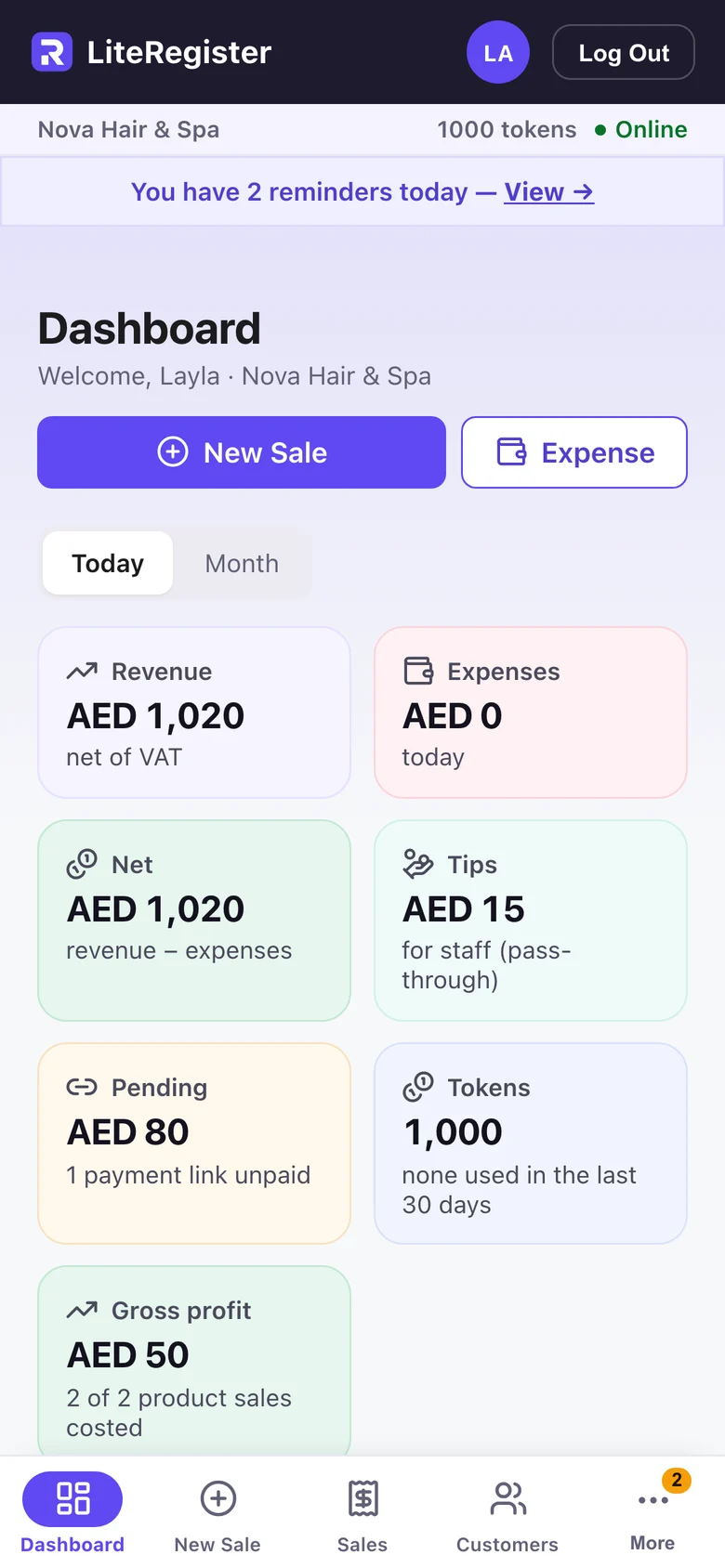
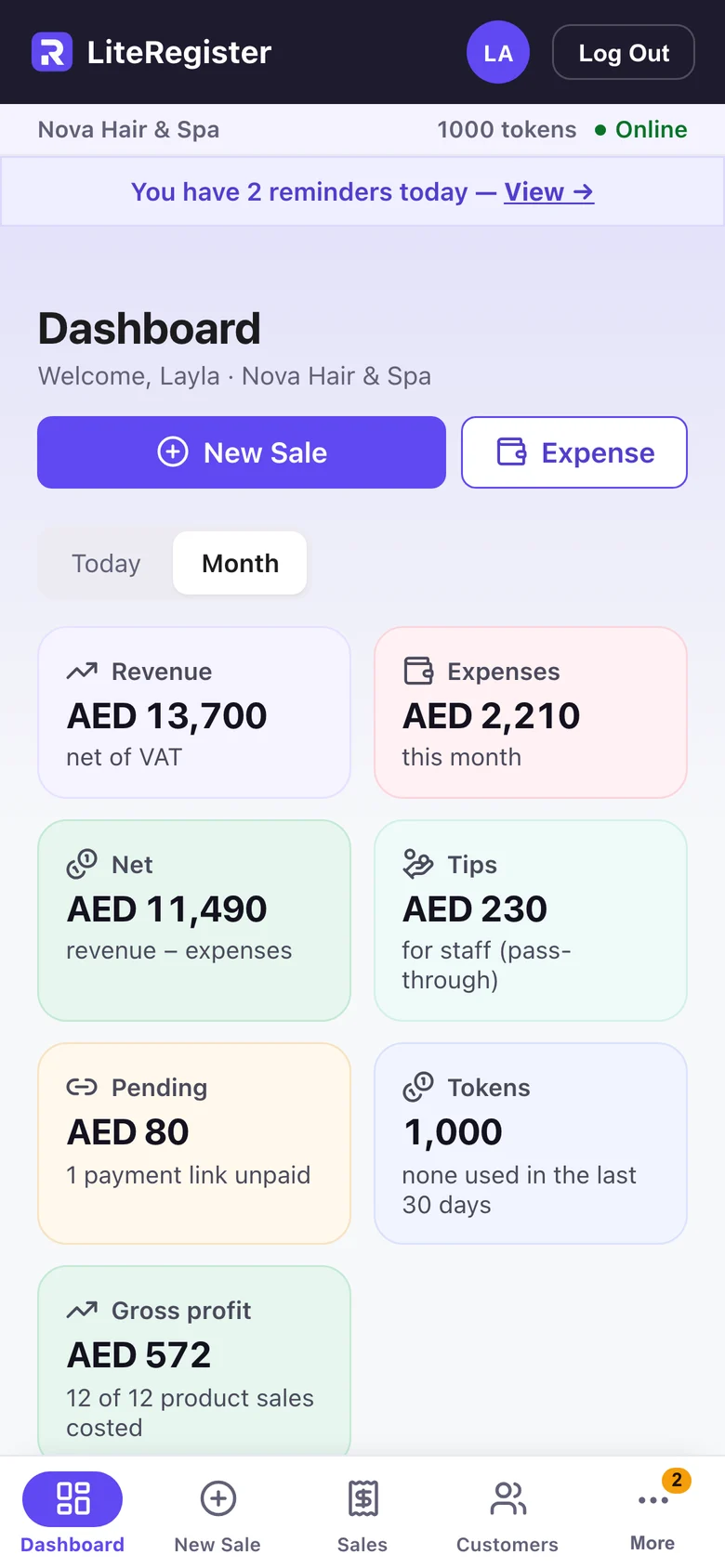
Today’s takings, expenses and net, as soon as you open the app.
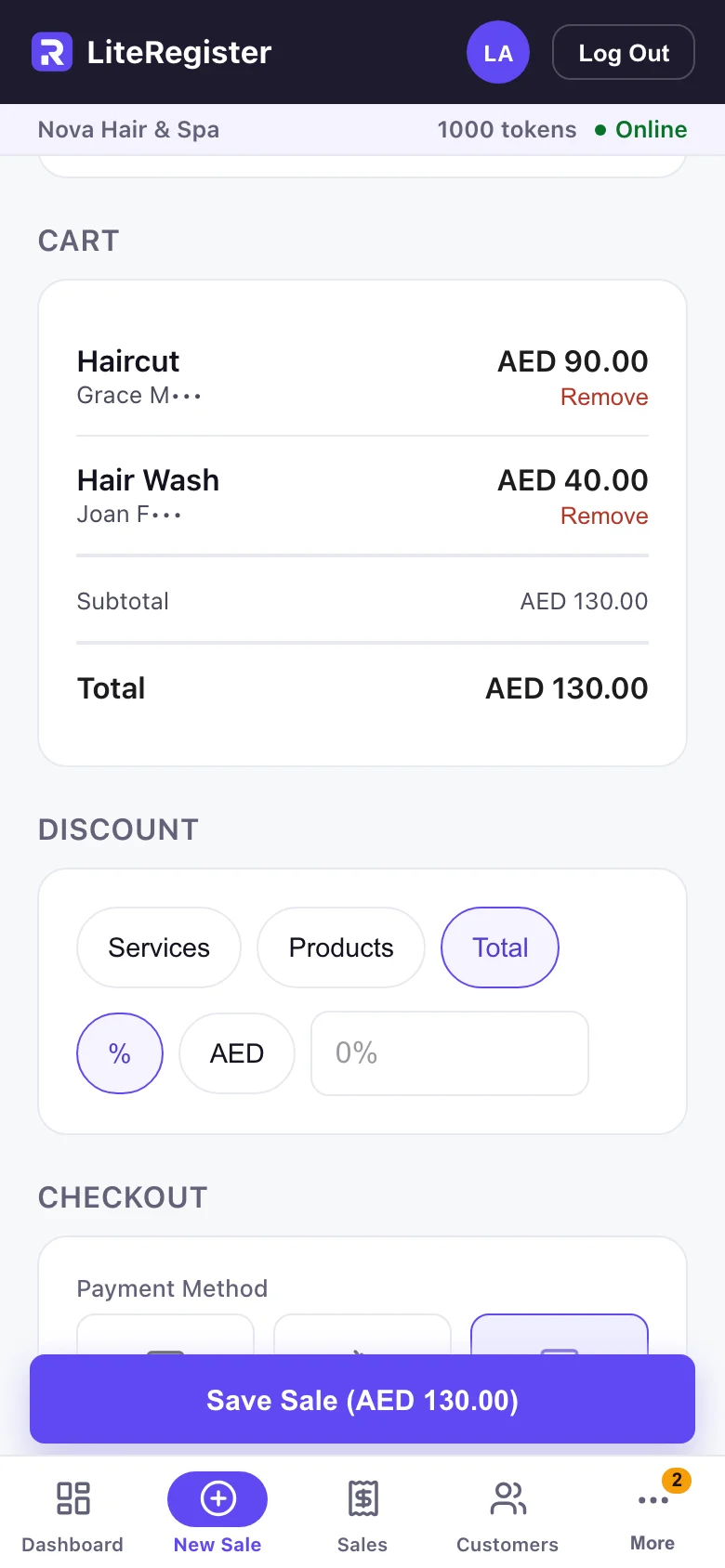
Record a sale
Pick the service or product and who did it, then save.
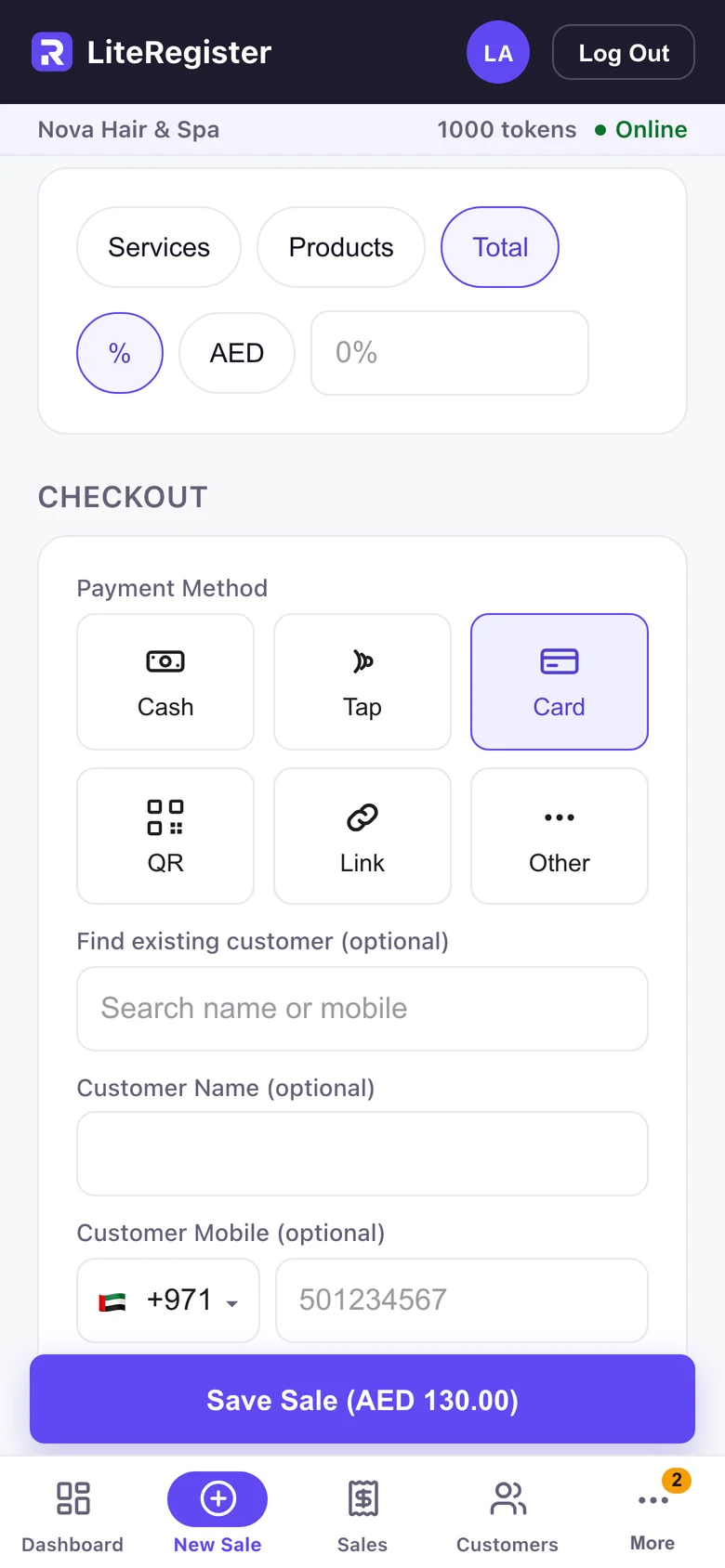
Take payment your way
Cash, Tap, Card, QR, Link or Other — choose how the customer paid.
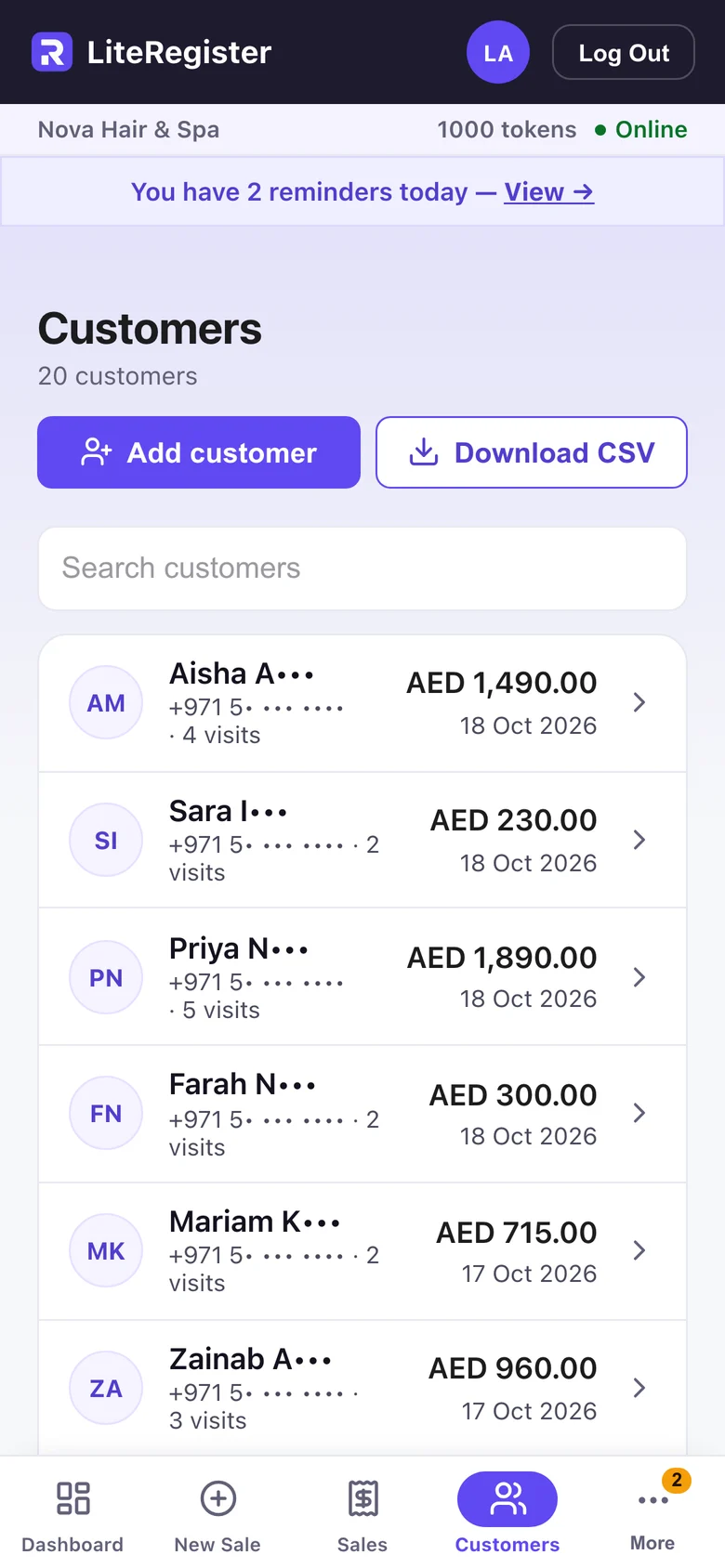
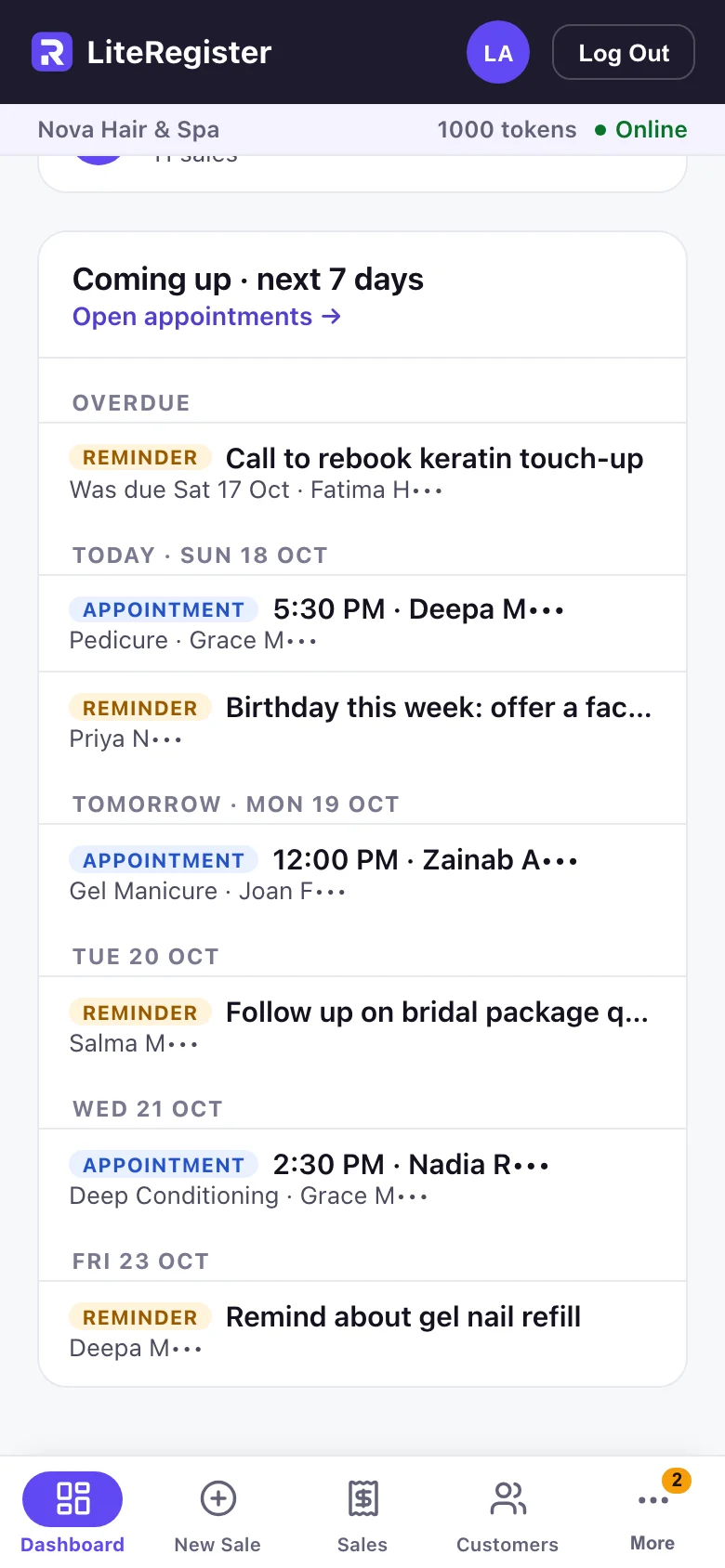
Know your customers
Every customer’s visits and spend in one list.
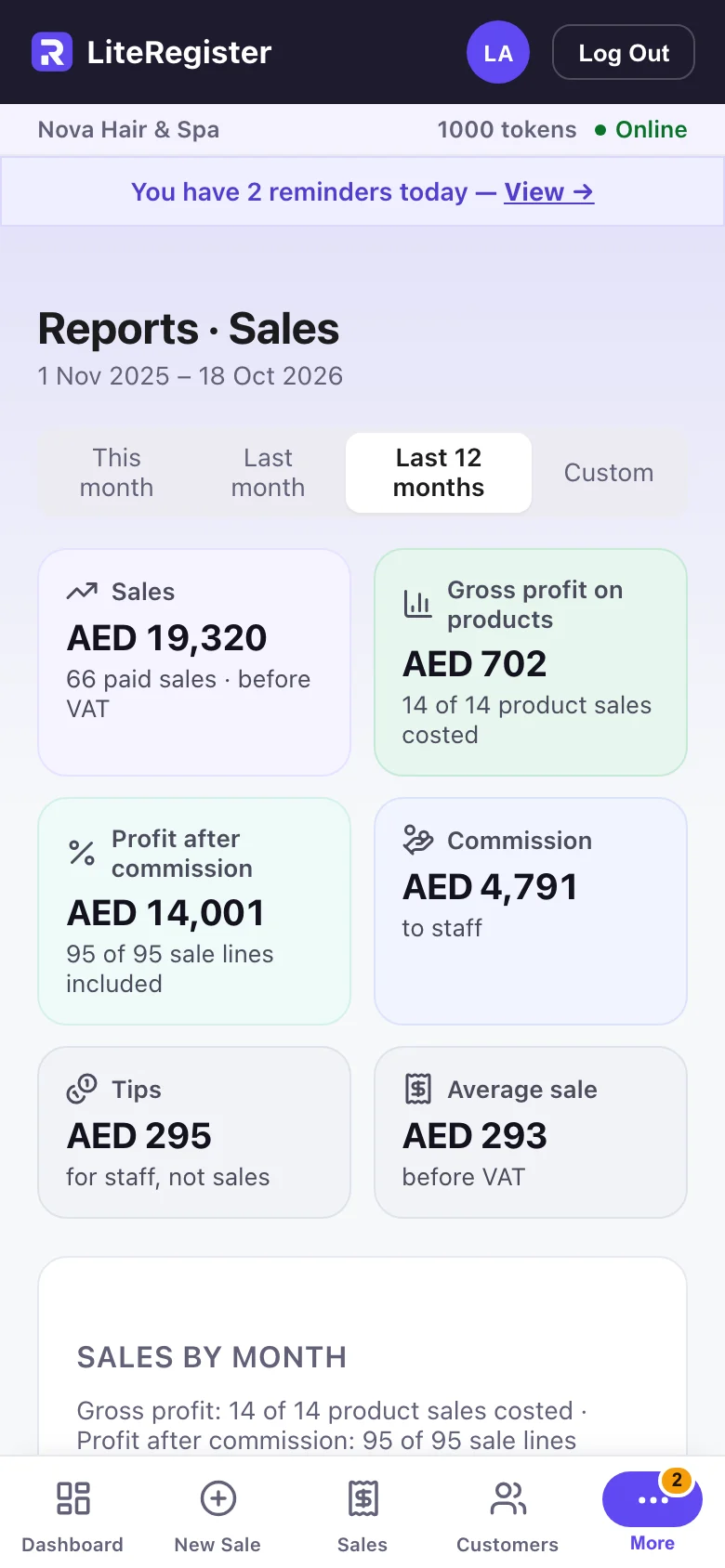
Know what’s left
Expenses by category, beside the month’s revenue and net.
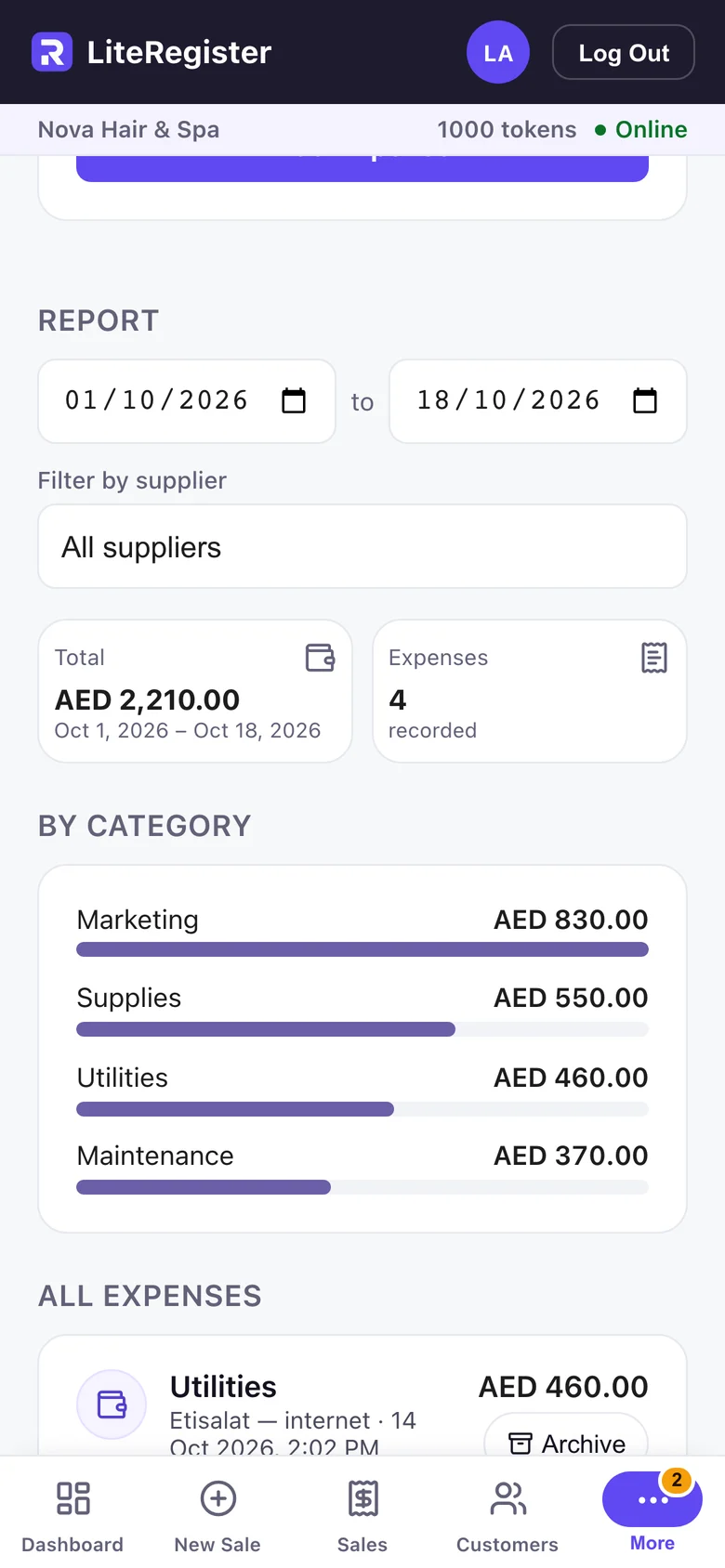
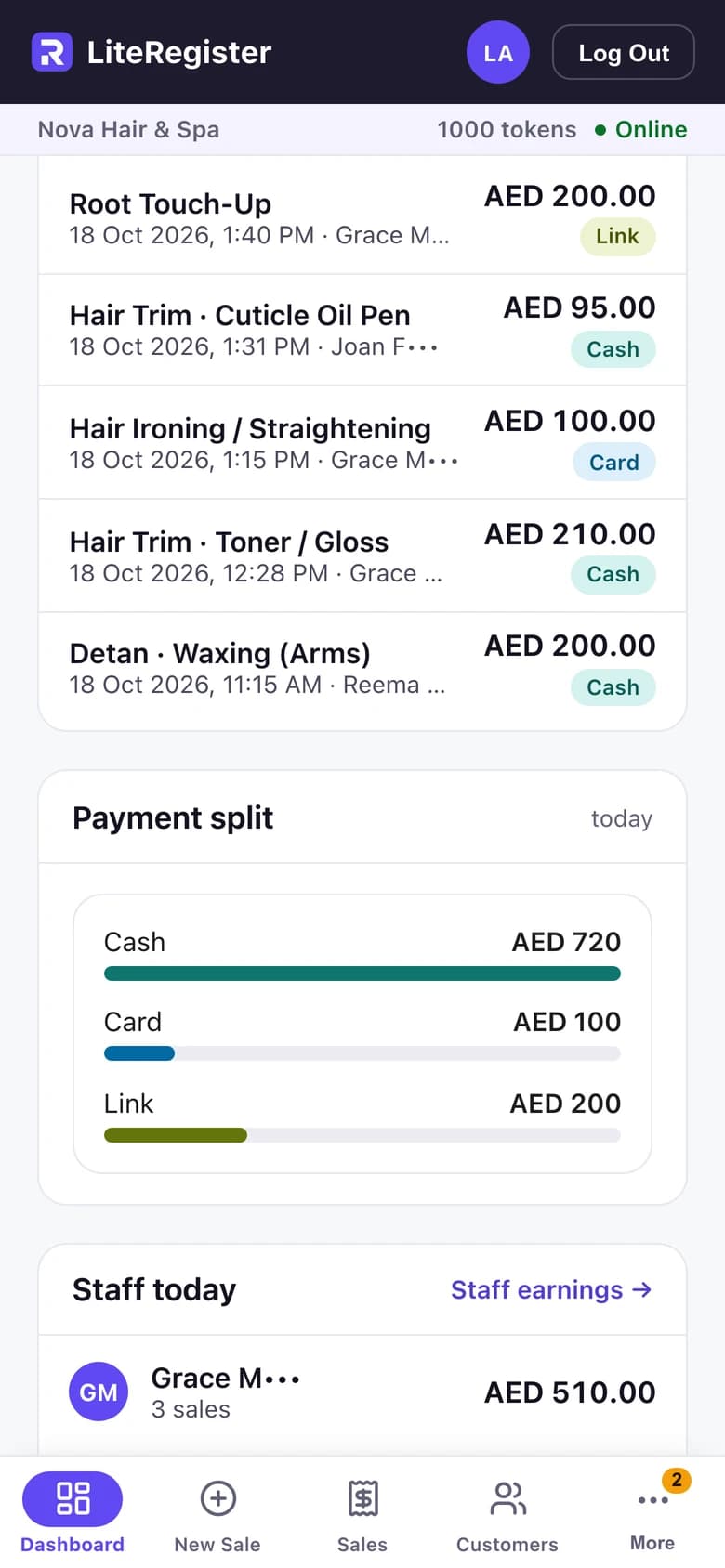
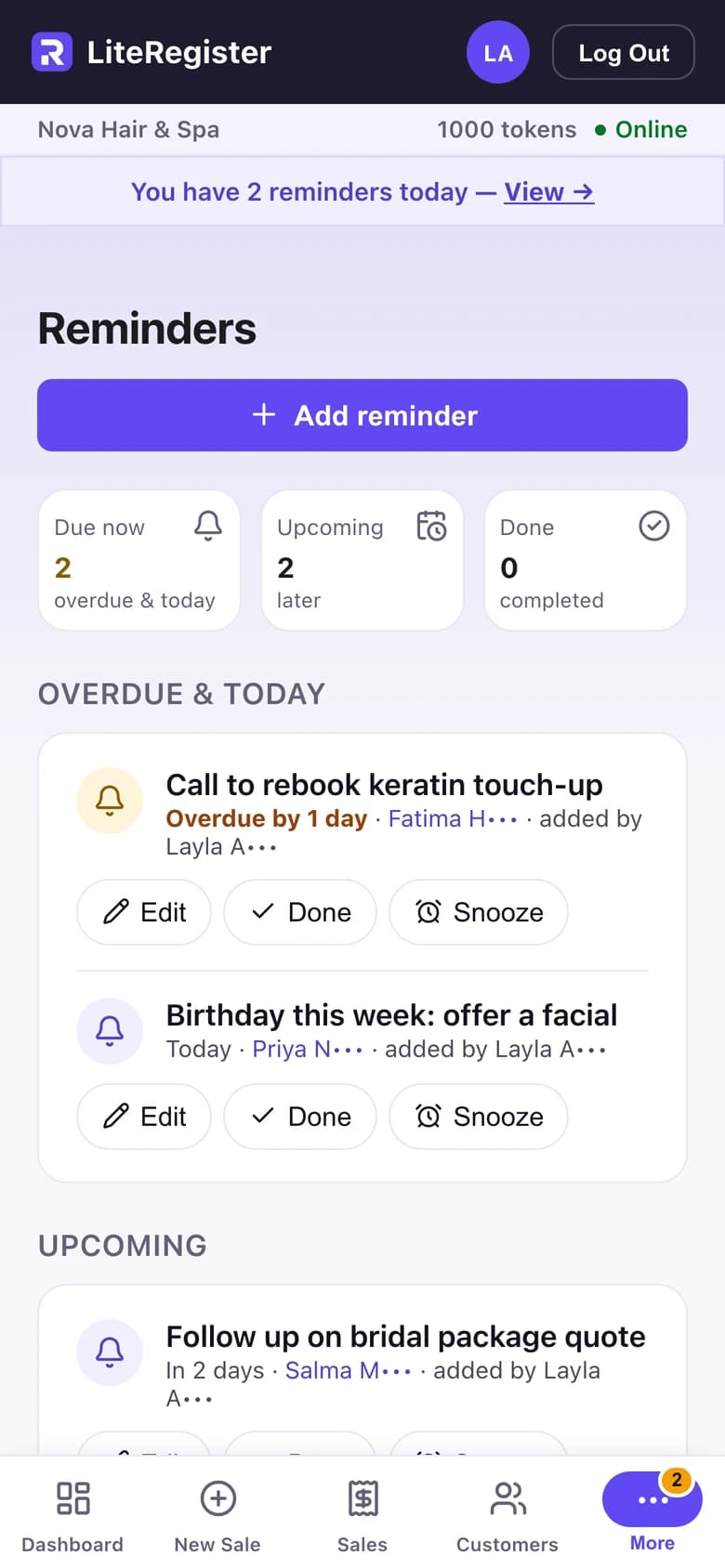
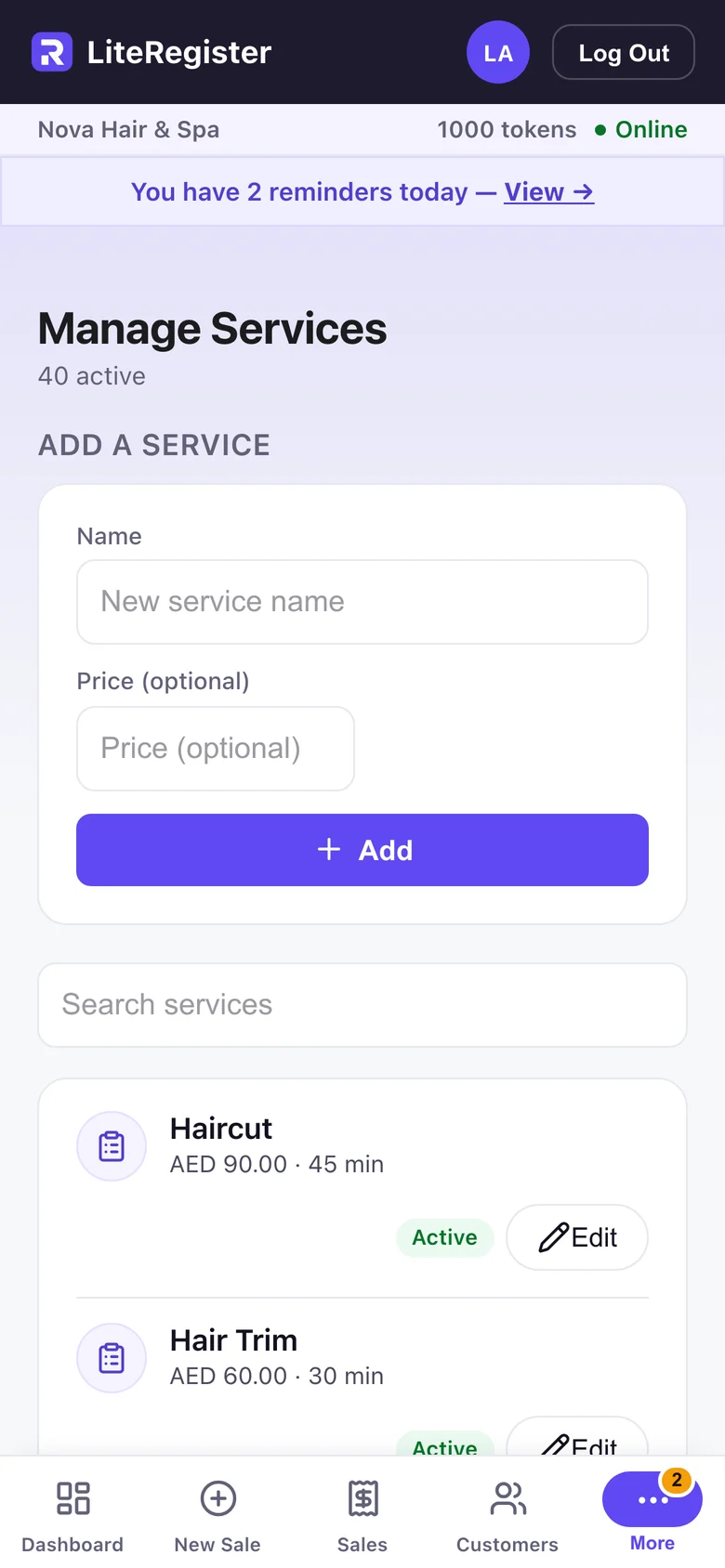
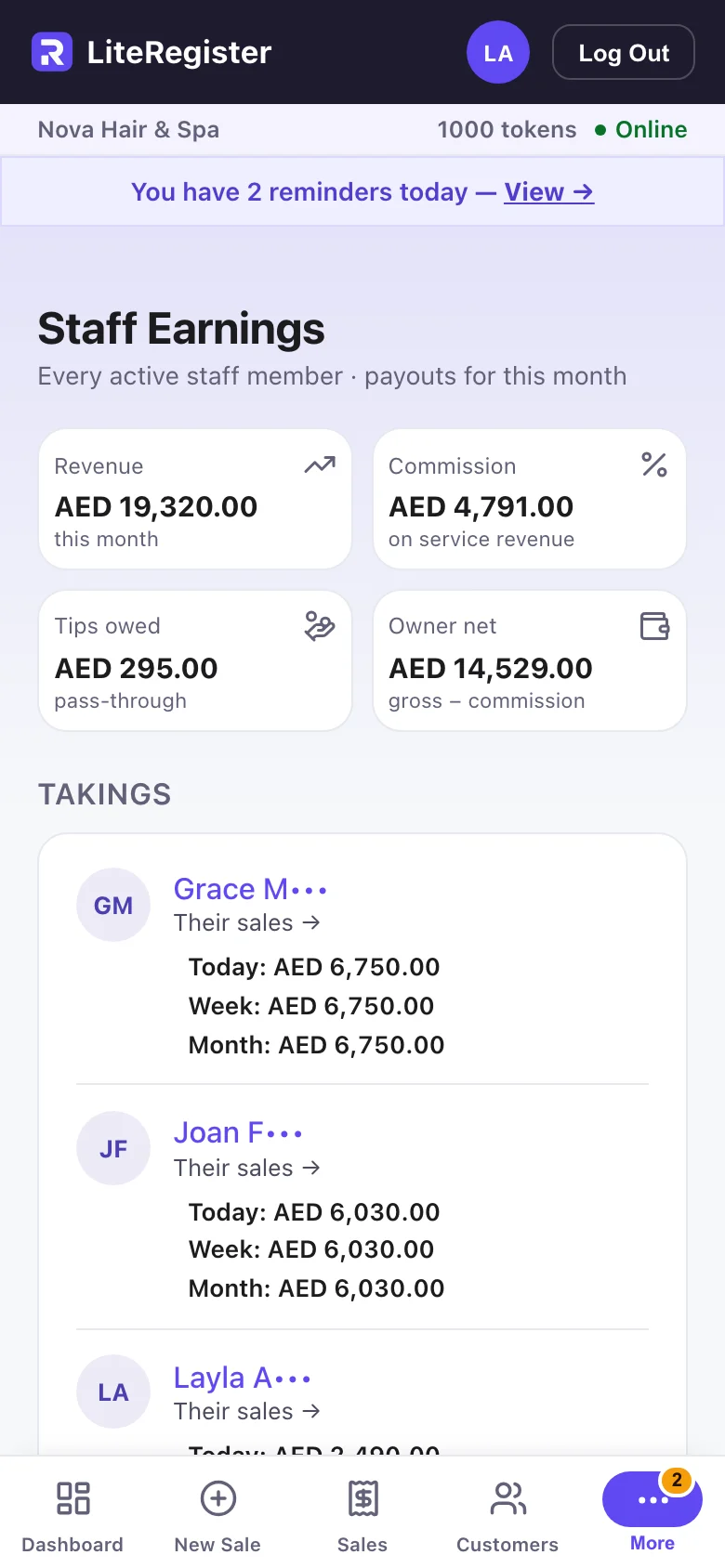
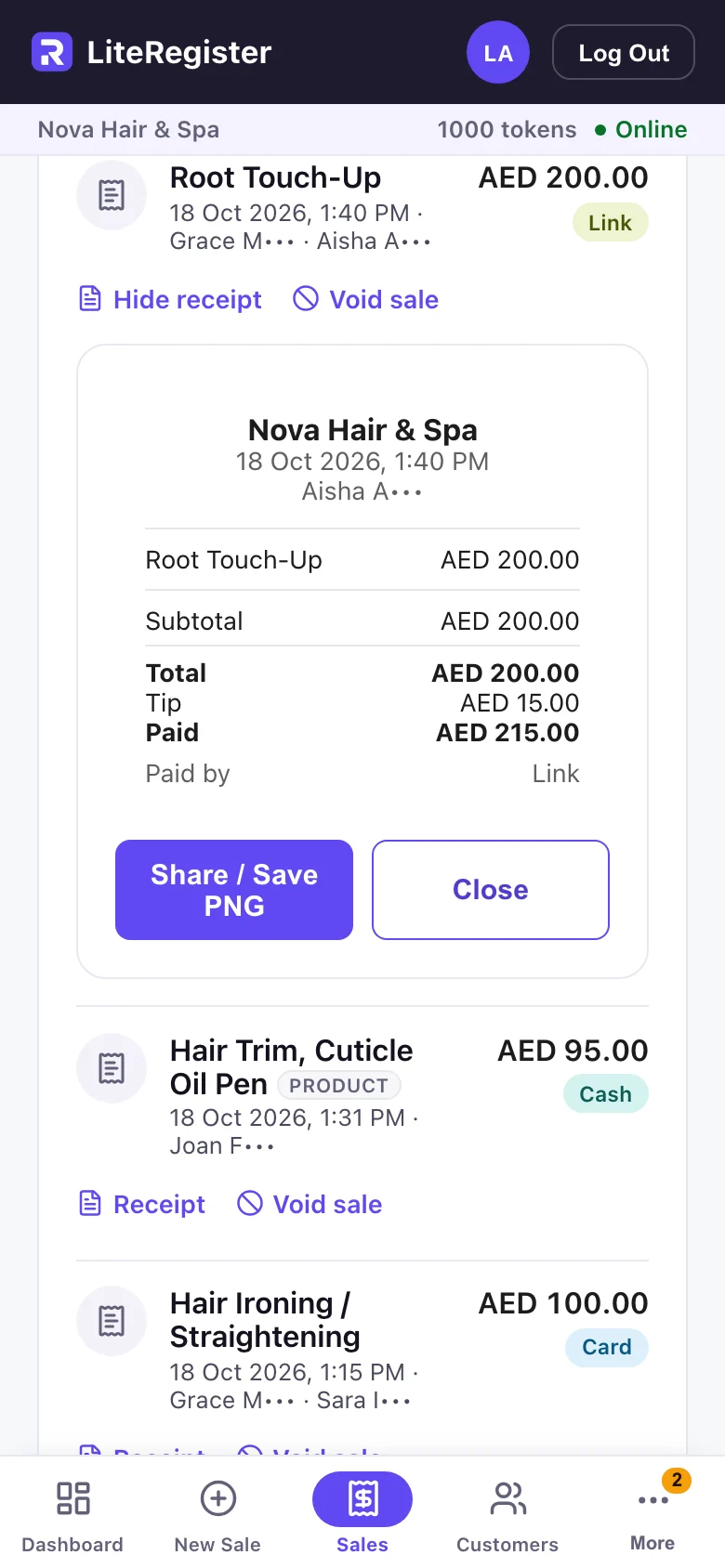
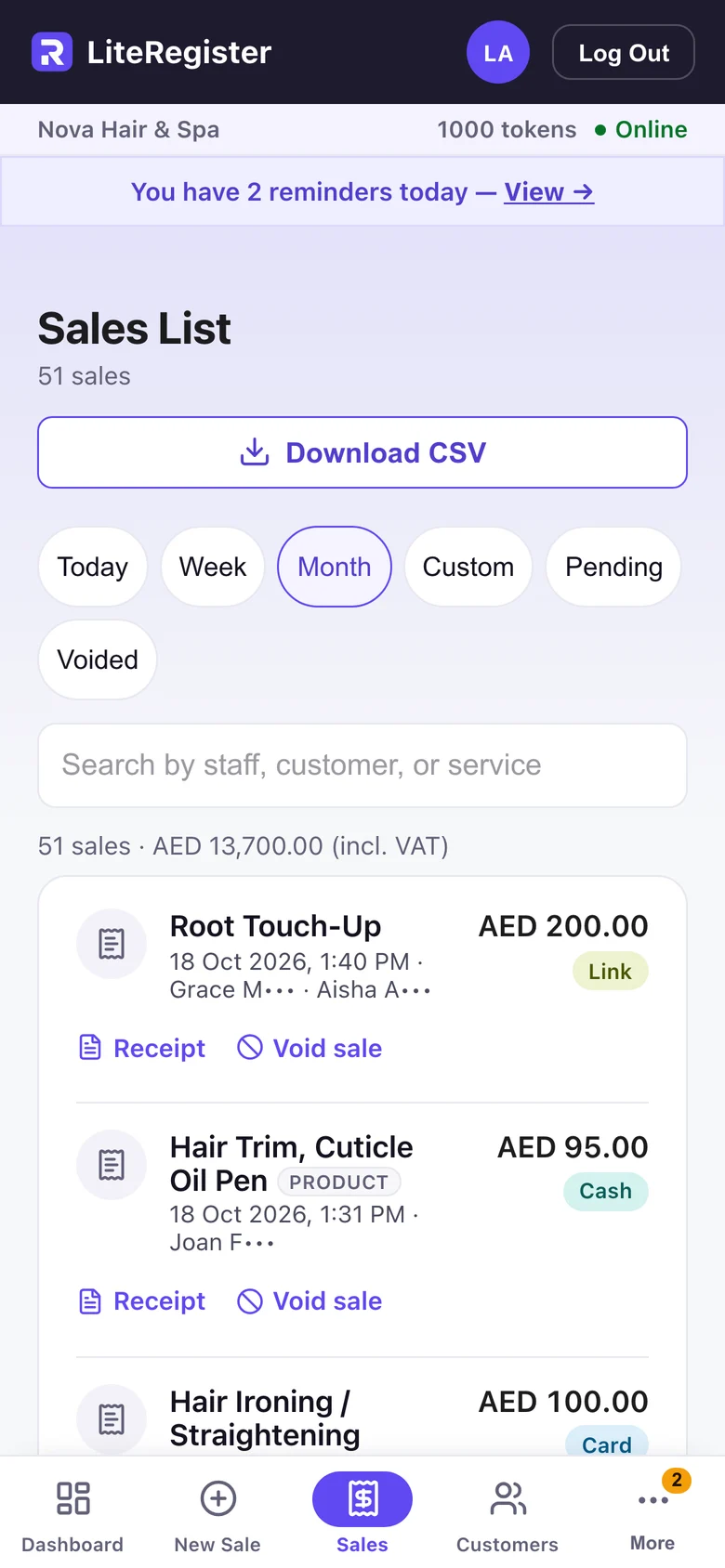
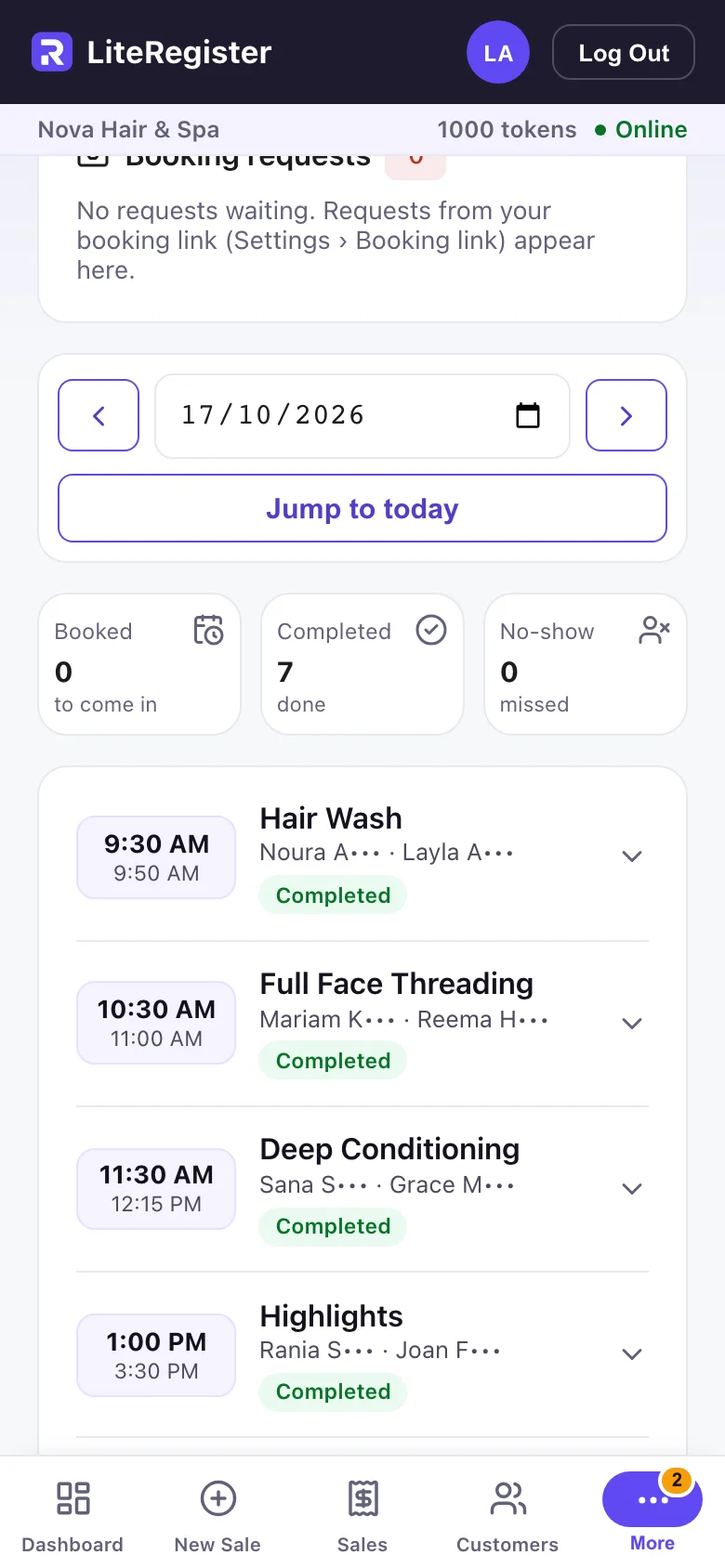
Every feature on phone, tablet and desktop. Explore all the features on literegister.com (opens in a new tab)
1 / 5
LiteRegister
Today’s takings, expenses and net, as soon as you open the app.
Every feature on phone, tablet and desktop. Explore all the features on literegister.com (opens in a new tab)
 LIVE
LiteManage
Customers & operations without the CRM baggage.
Keep customers, deals, appointments and reminders in one place, and see how the business is doing — without the complexity.
CRM functionality without having to become a CRM expert.
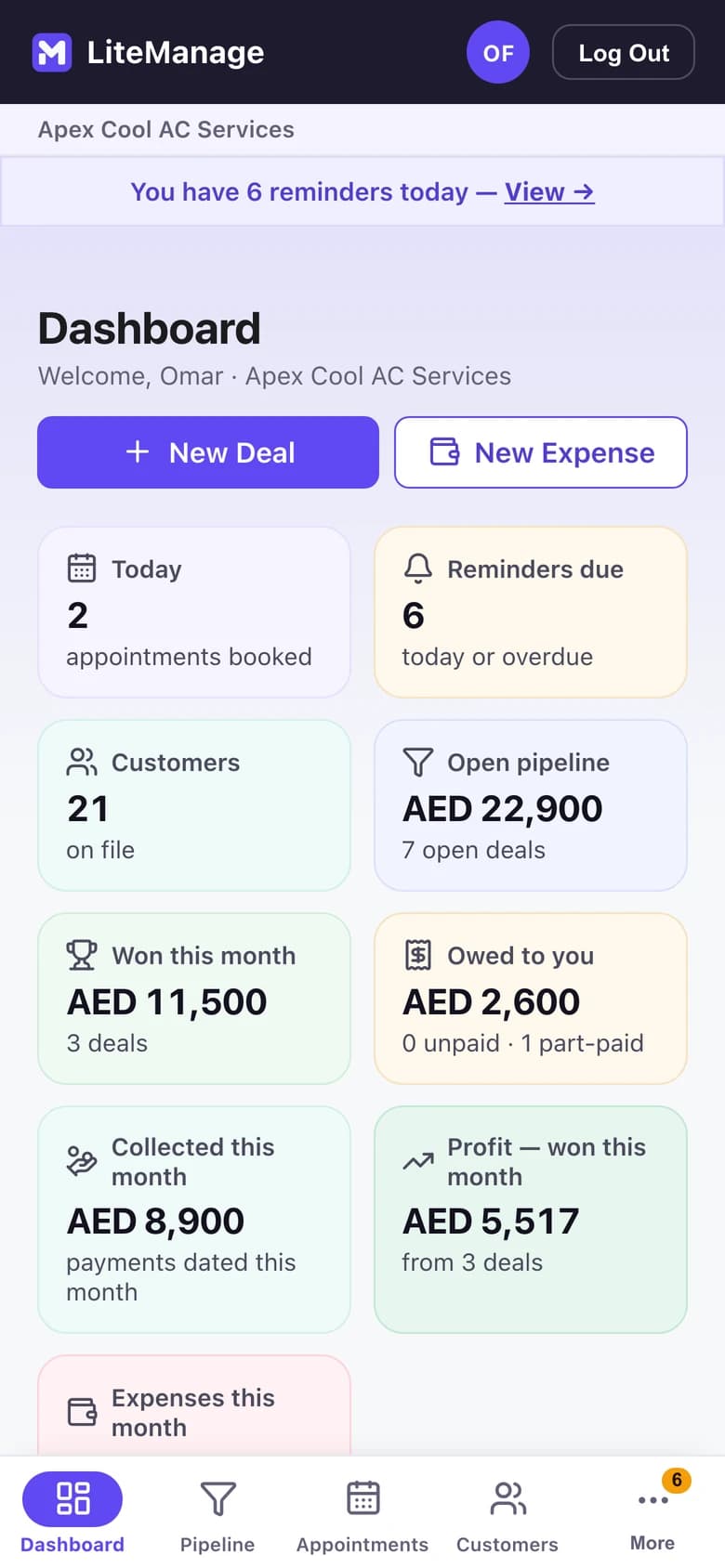
See the business clearly
Open deals, money in and out, and what you’re owed.
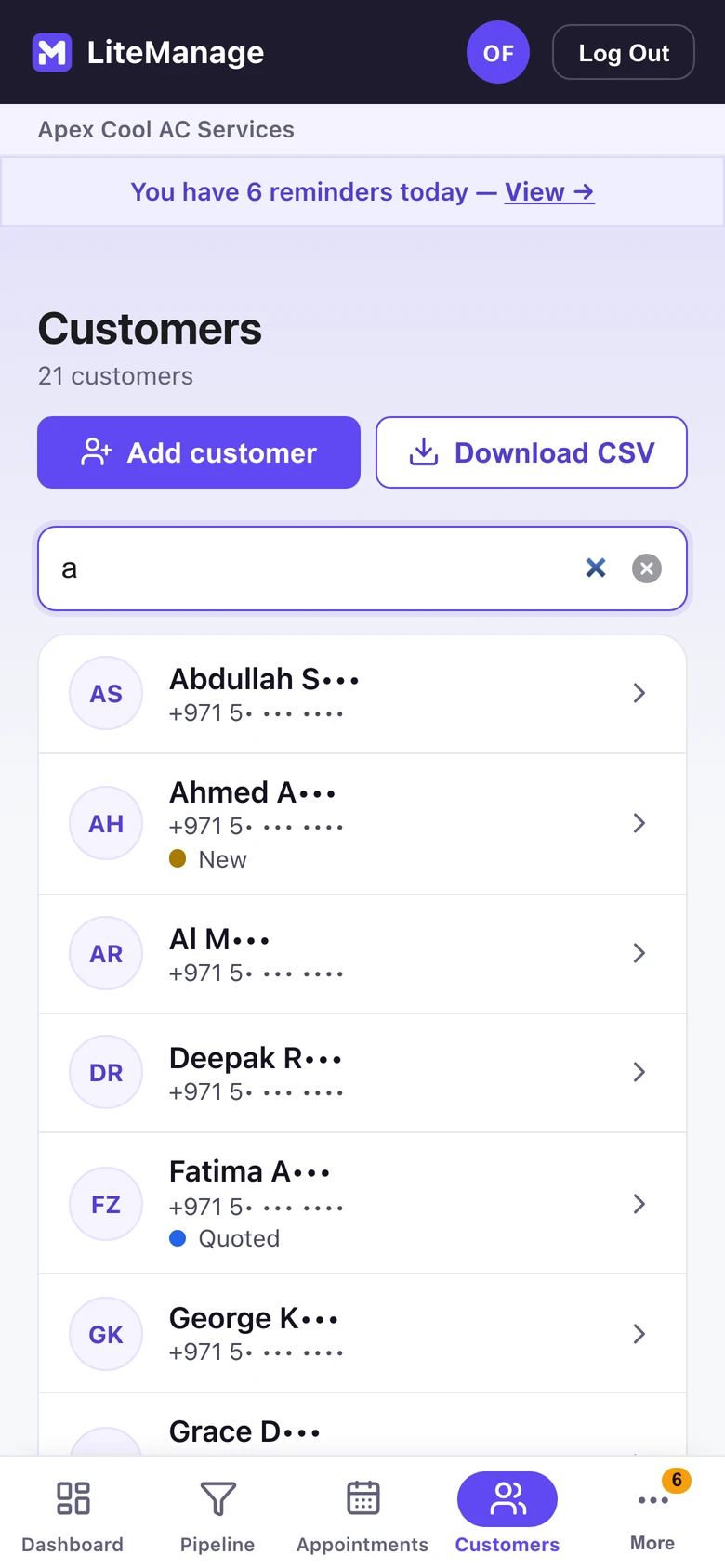
Keep everyone in one place
Each customer’s deals, payments and follow-ups together.
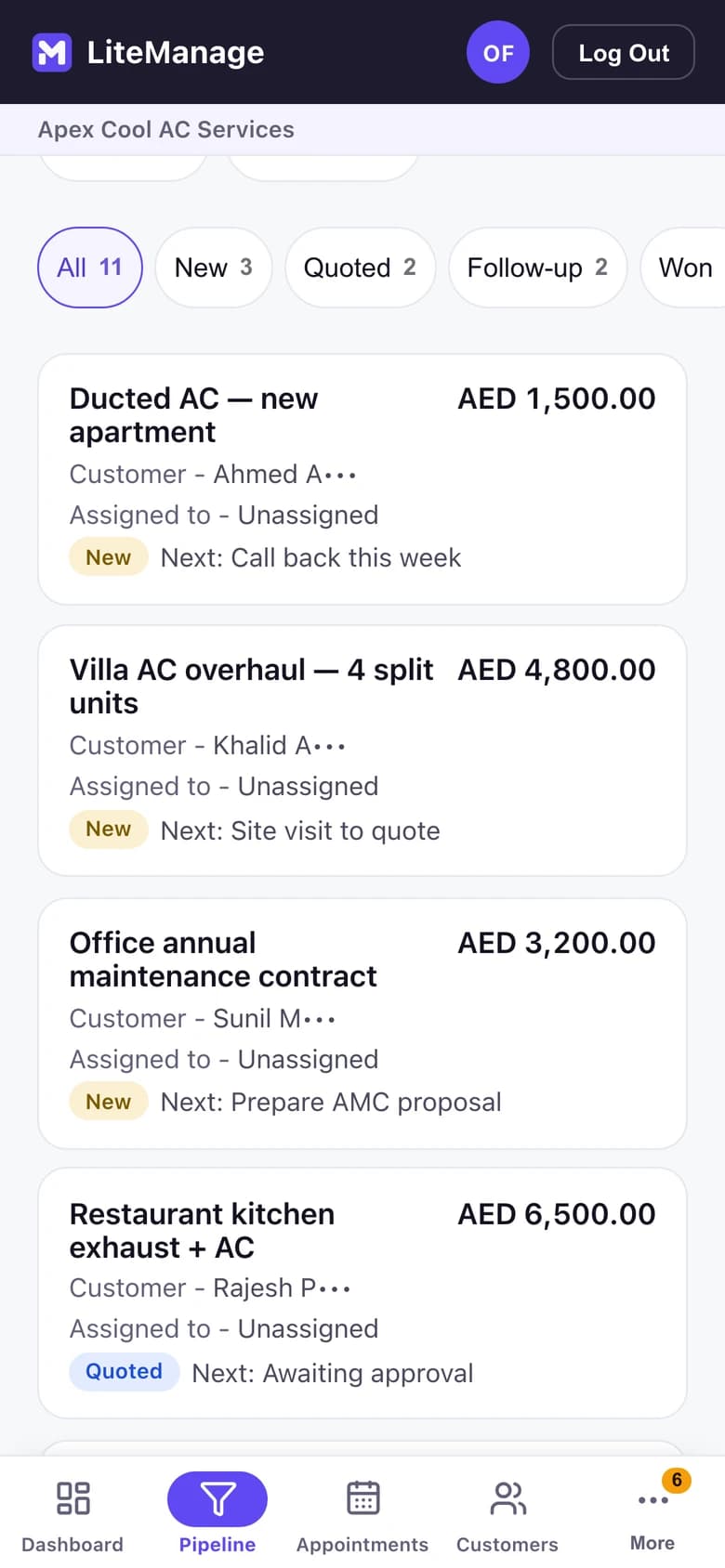
Know what you’re working on
Every open deal by stage, with its value and next step.
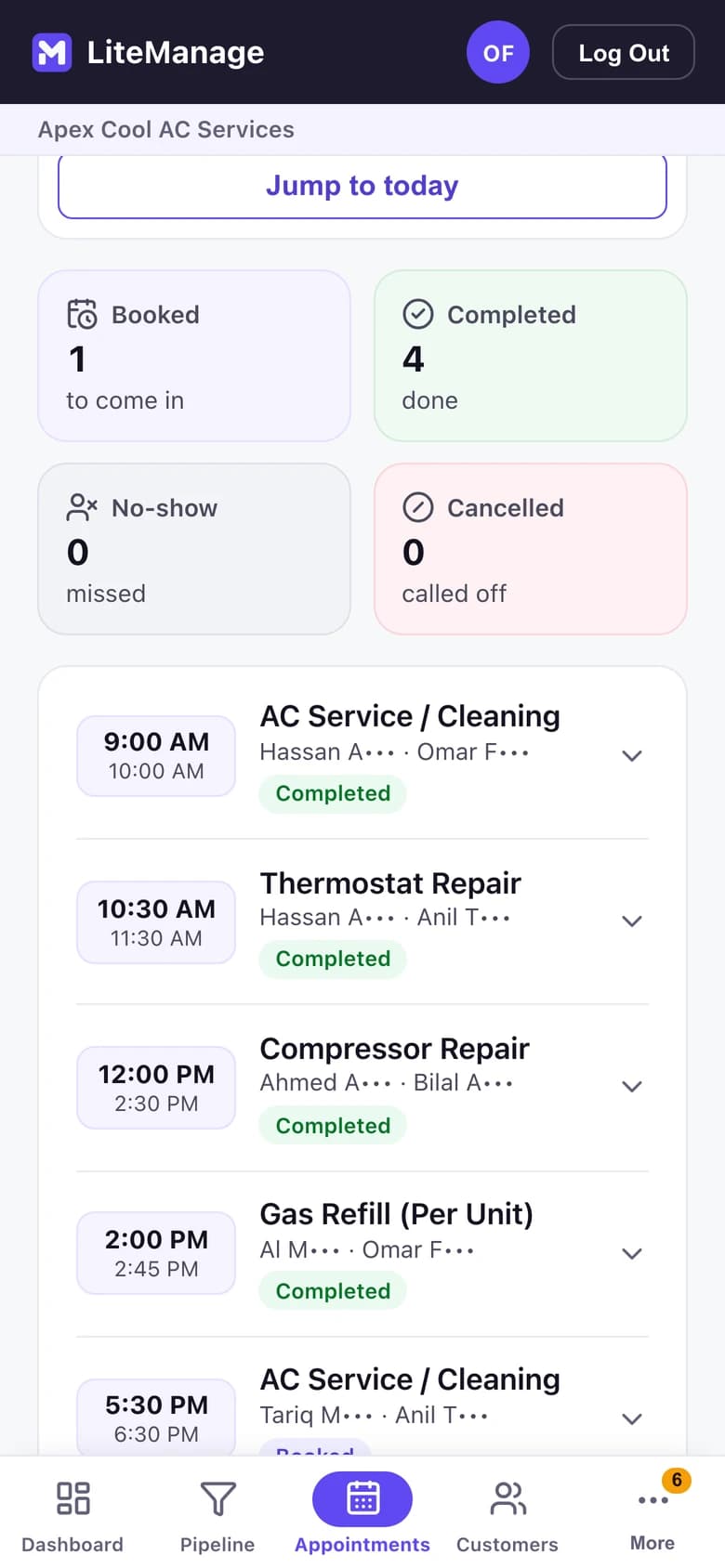
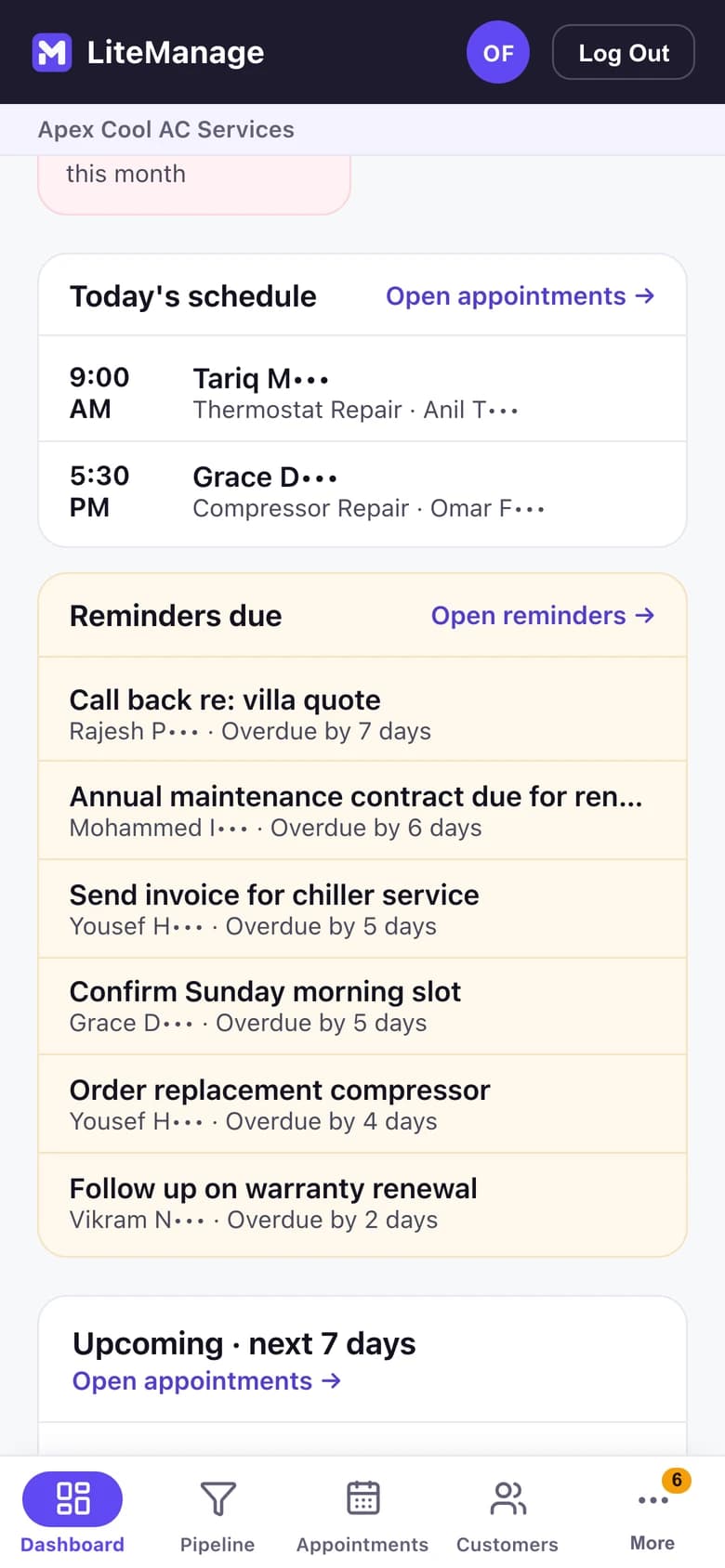
Know what’s happening today
The day’s jobs and their status, beside what’s due.
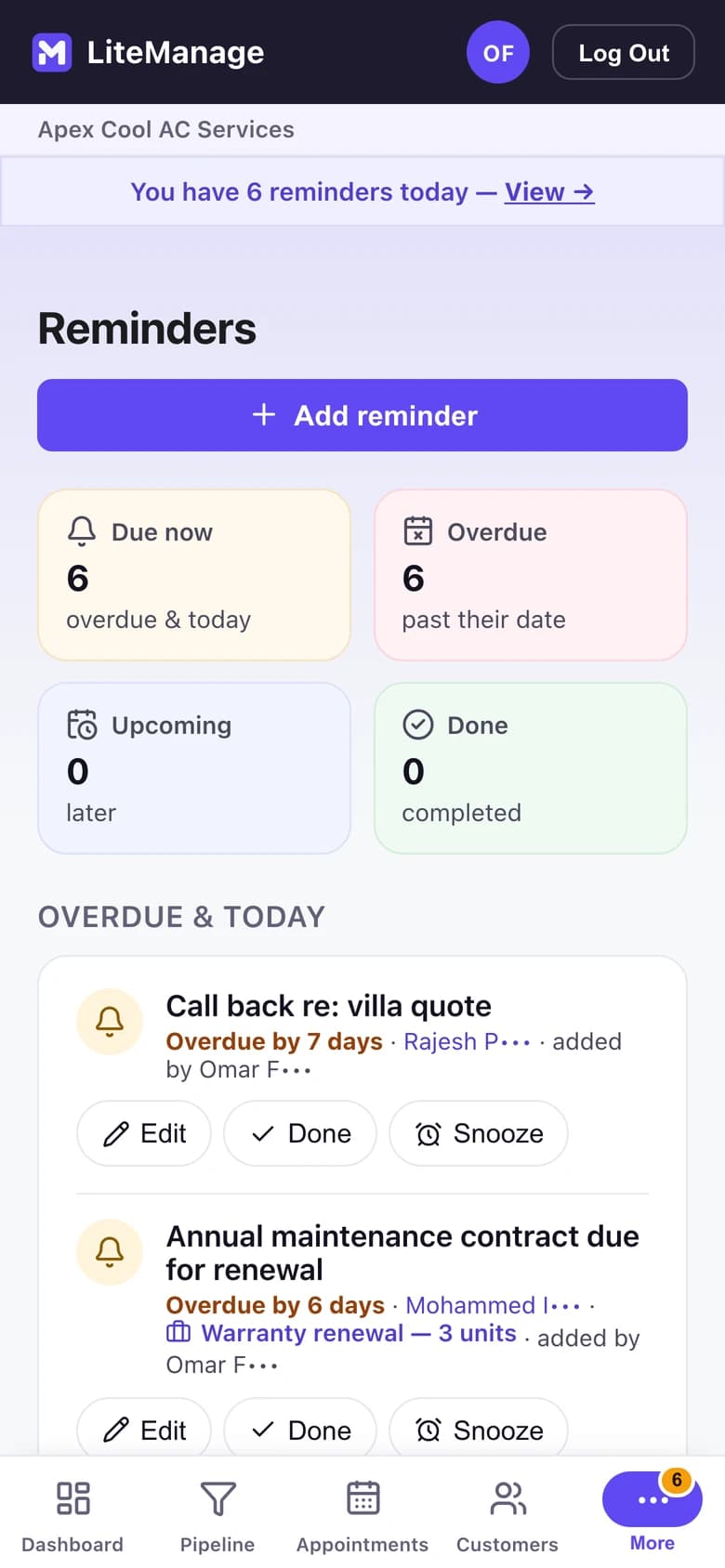
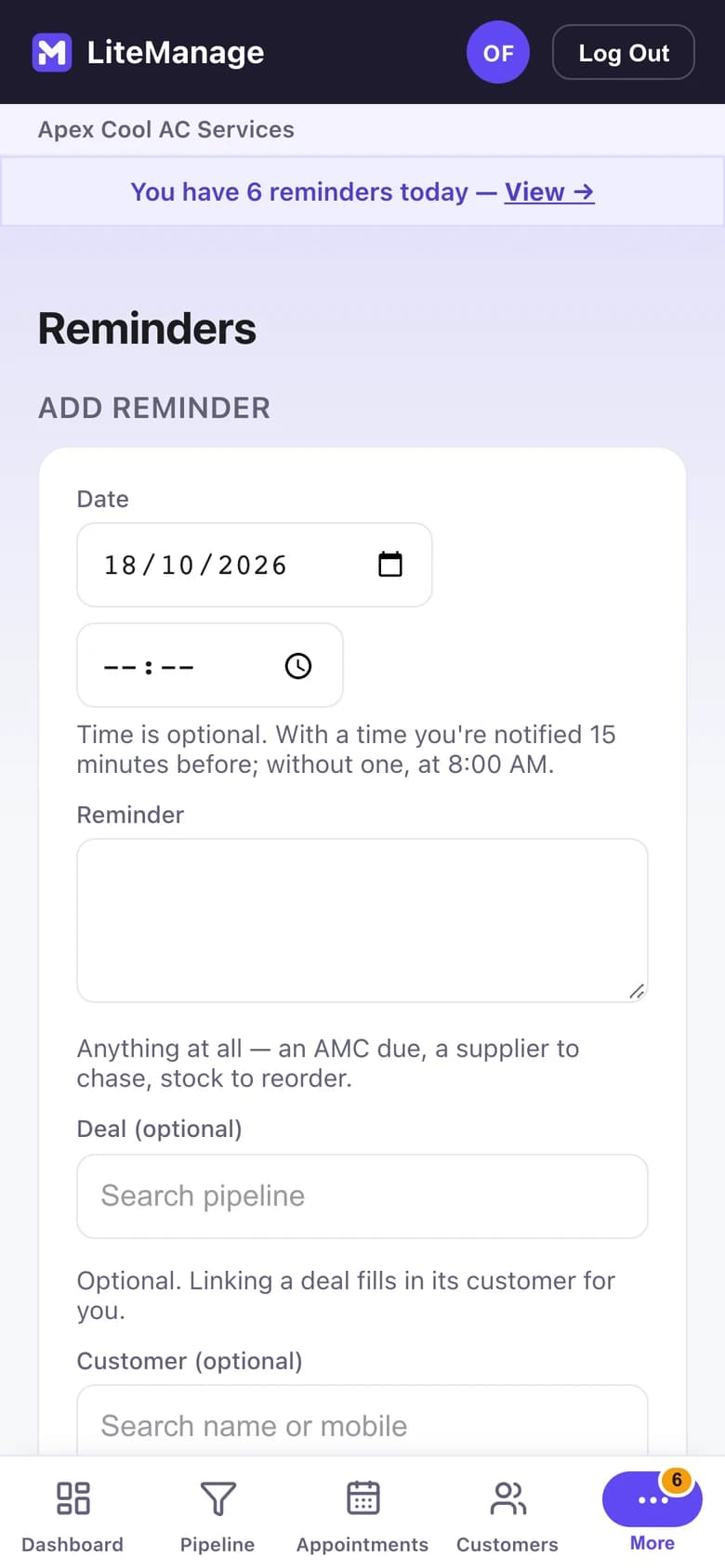
Don’t rely on memory
Dated follow-ups, linked to the customer or the deal.
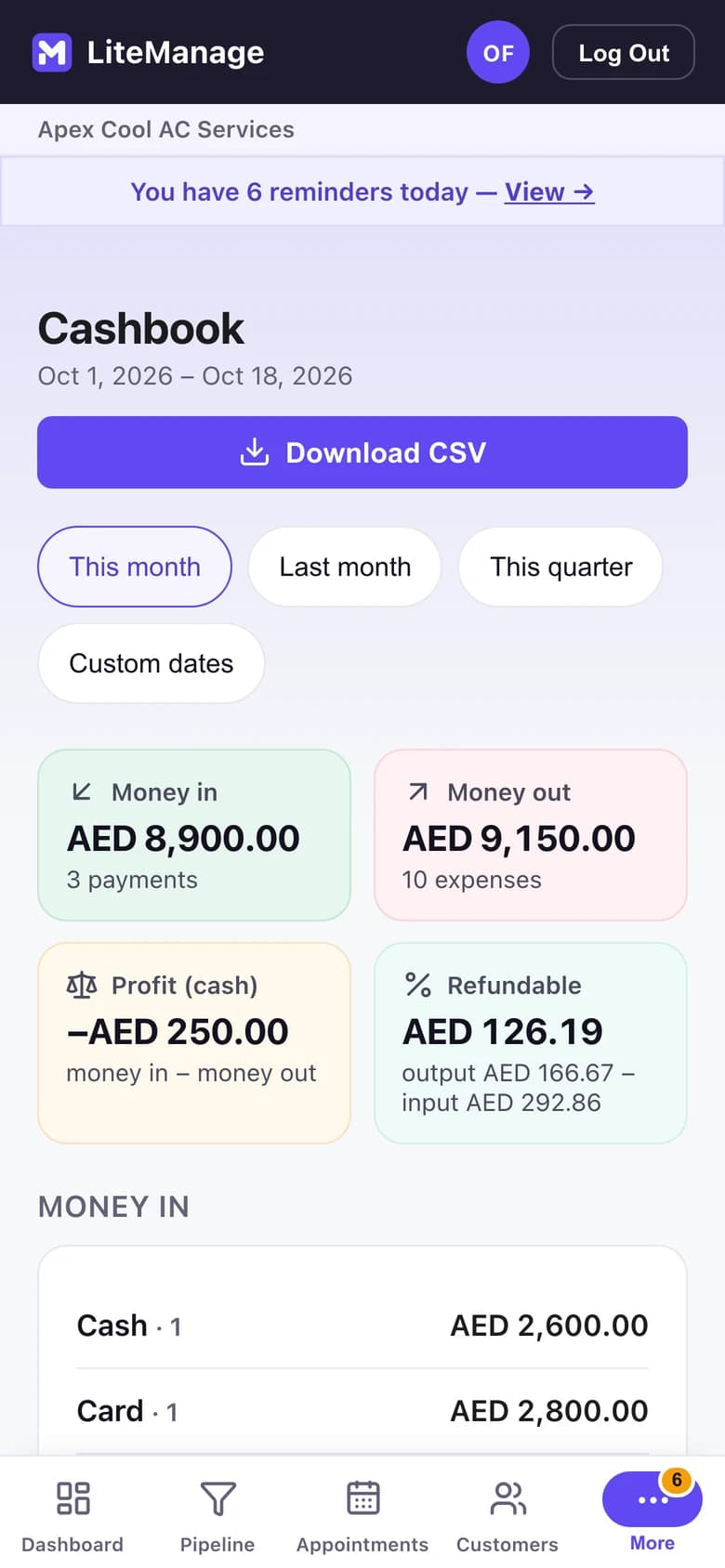
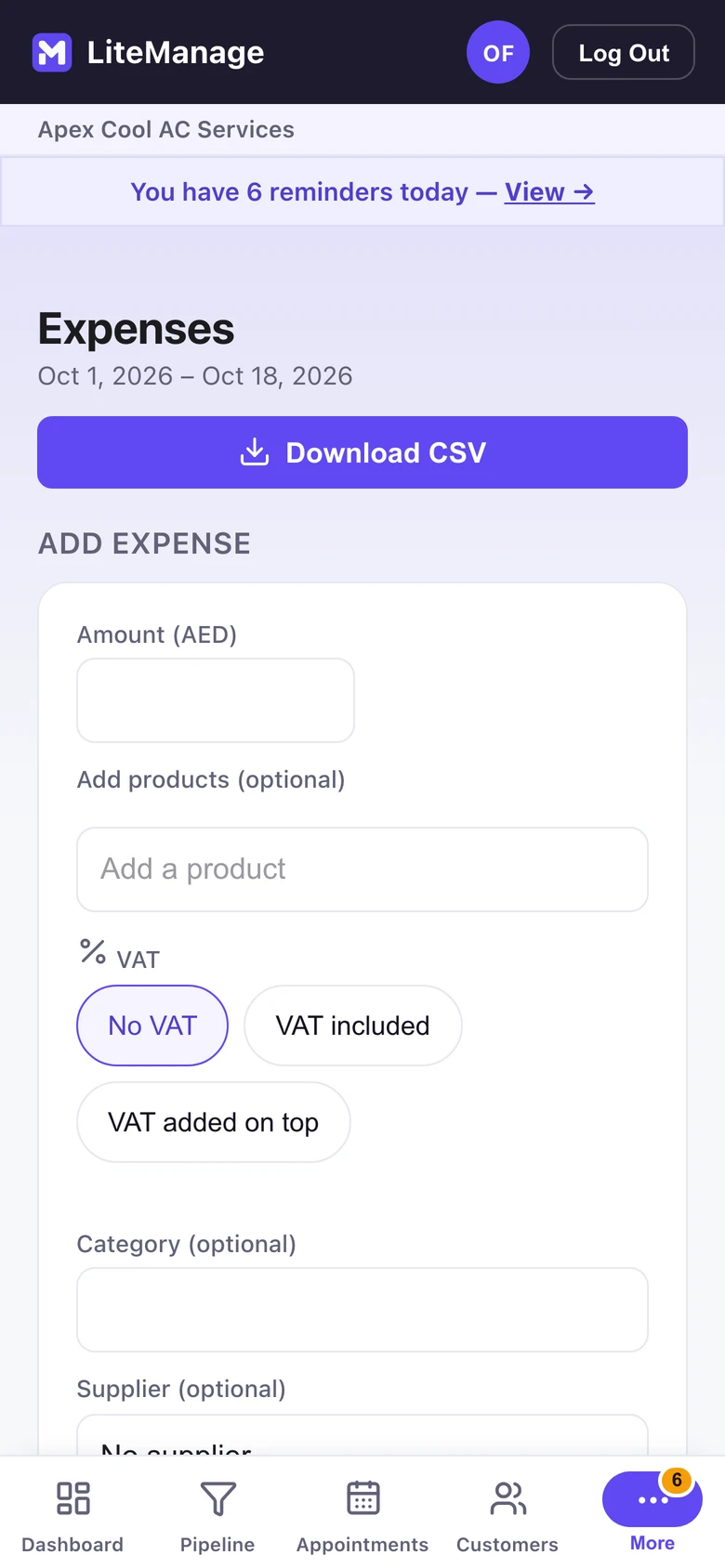
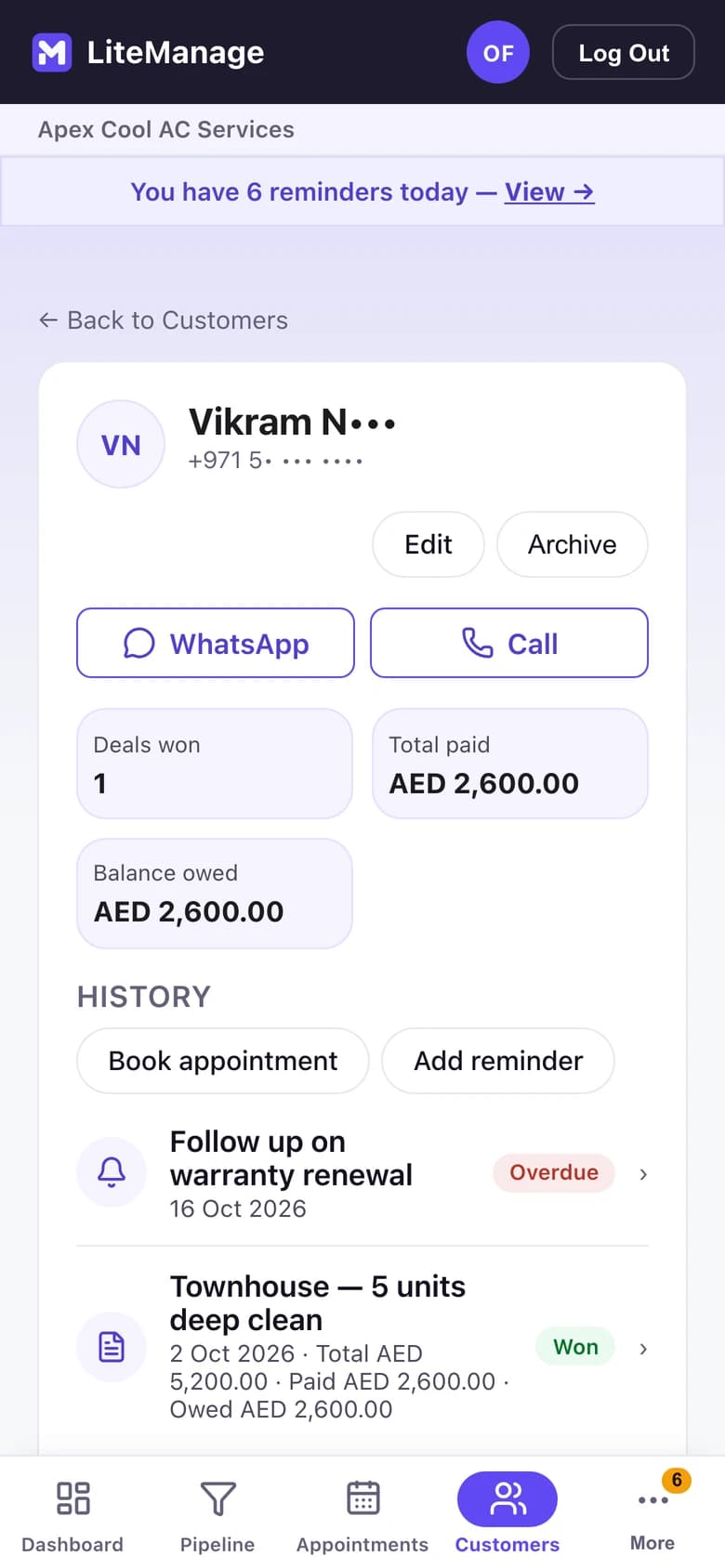
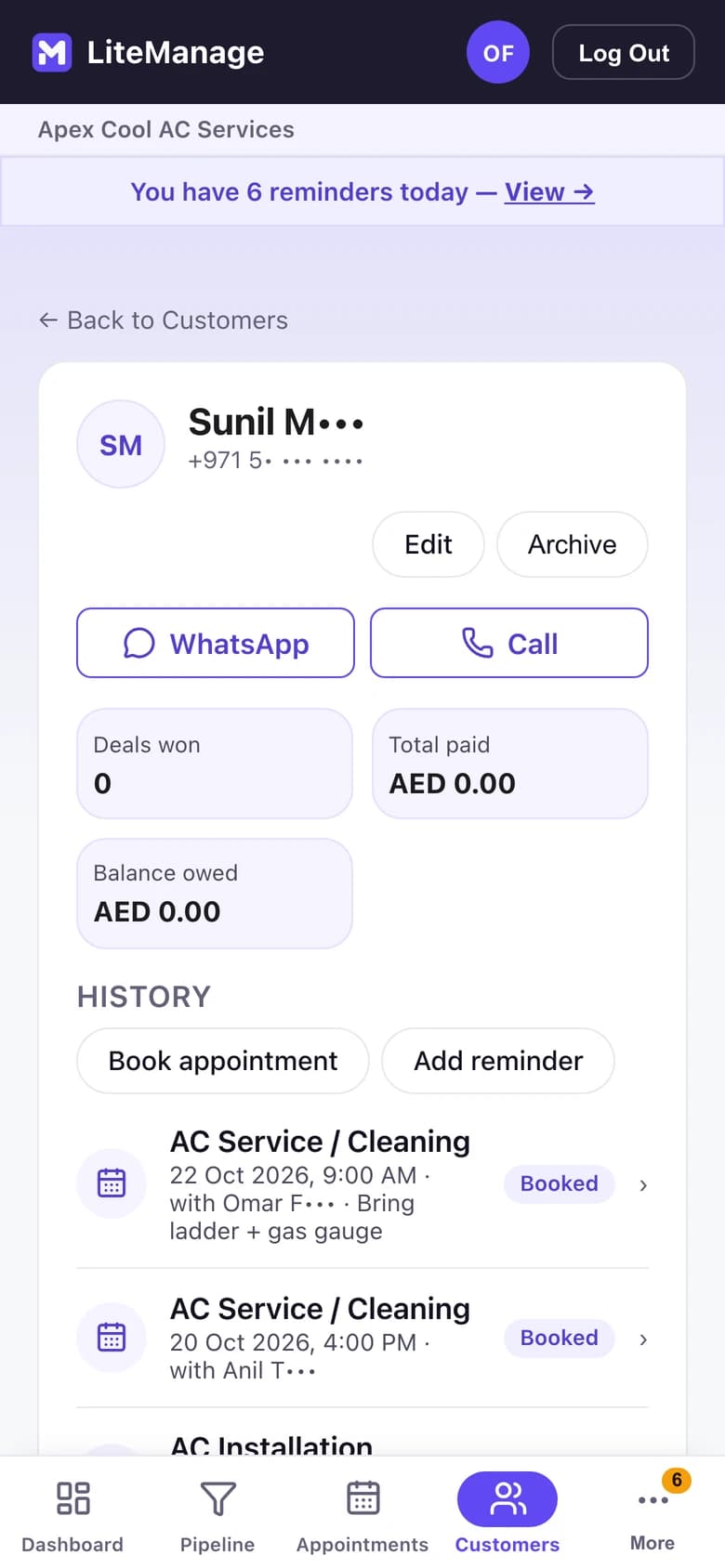
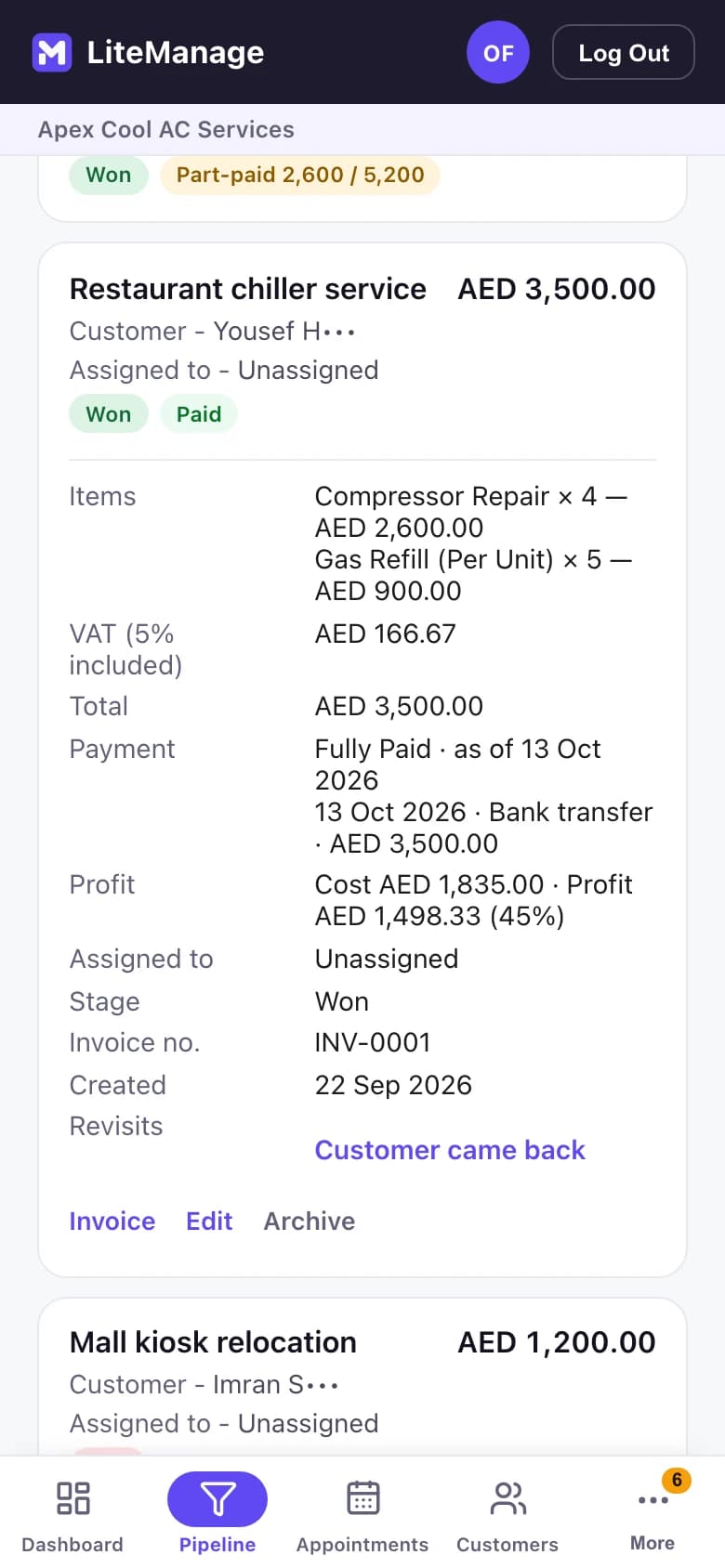
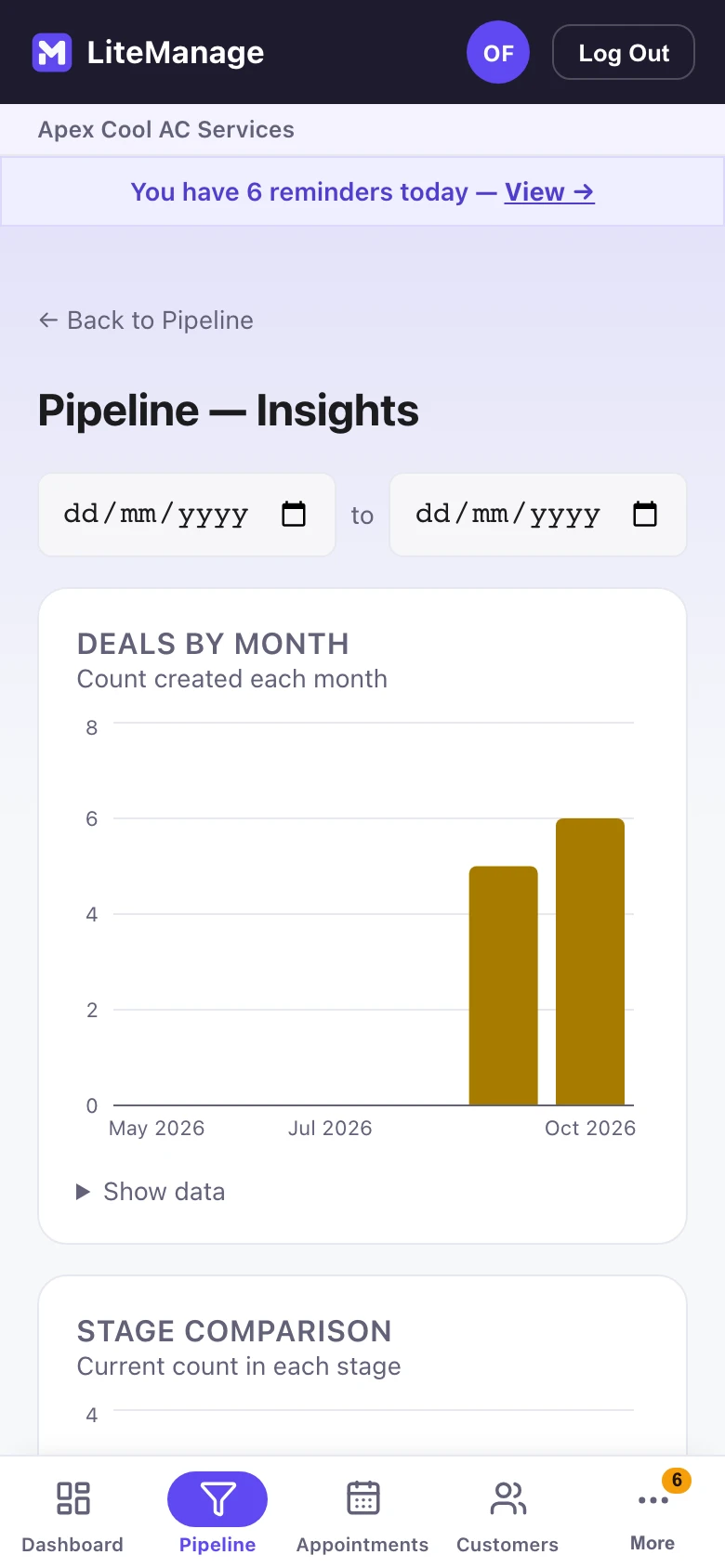
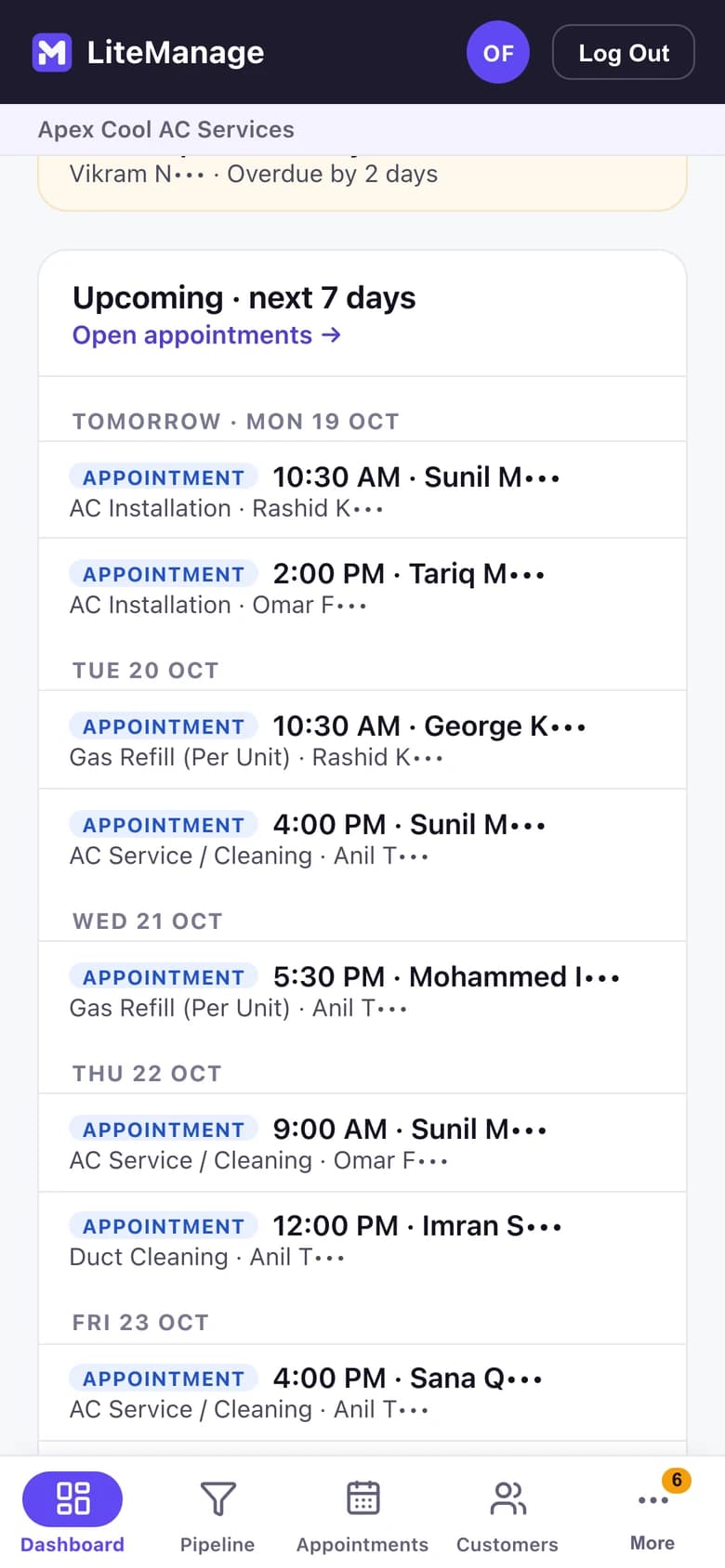
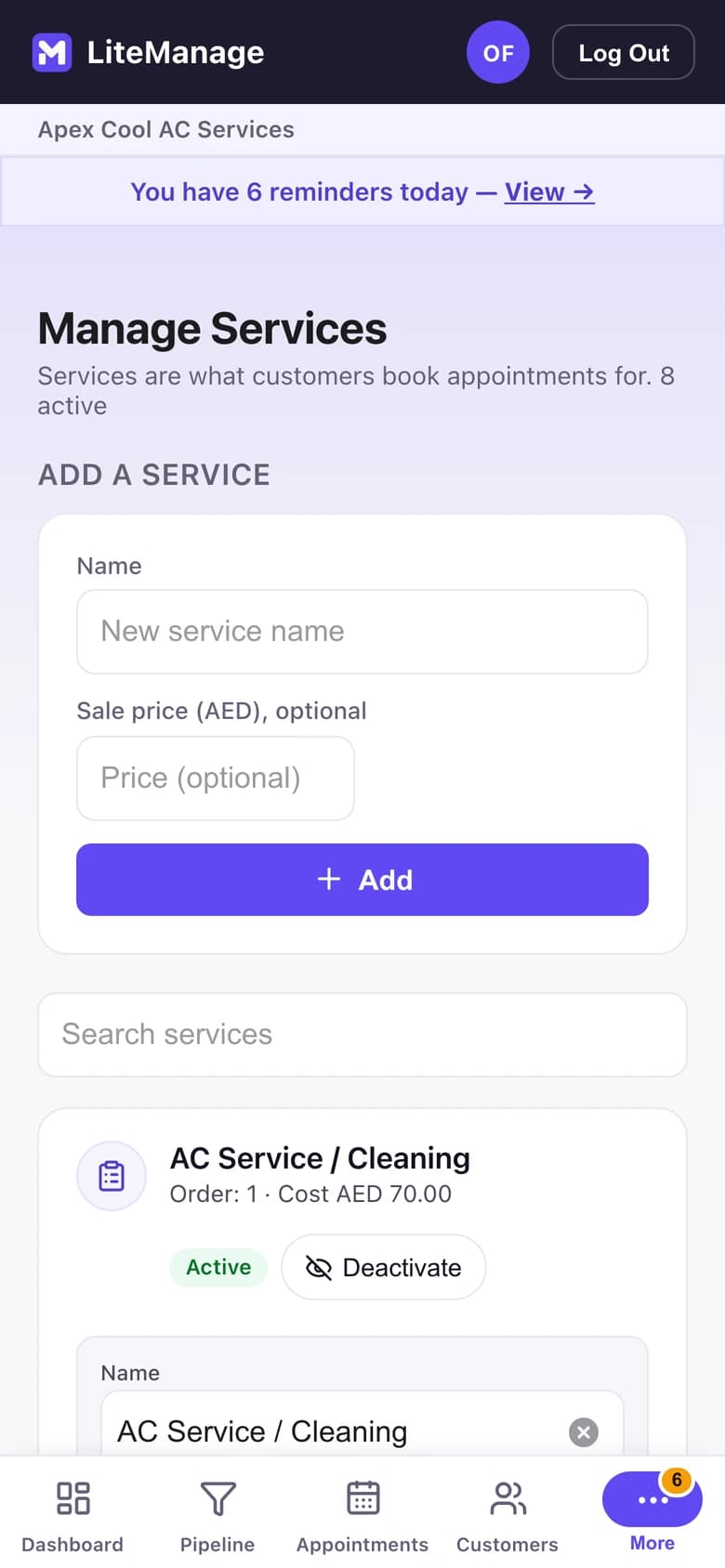
Every feature on phone, tablet and desktop. Explore all the features on litemanage.com (opens in a new tab)
1 / 5
See the business clearly
Open deals, money in and out, and what you’re owed.
Every feature on phone, tablet and desktop. Explore all the features on litemanage.com (opens in a new tab)
 LIVE
LiteAdmin
Oversee businesses you don't run yourself.
Link several LiteRegister businesses to one plan. Each business approves your access first, and you see their branches and performance — read only.
For area managers, franchise operators, consultants, bookkeepers and head offices.
AED 39 / US$10.99 a month. For LiteRegister, and LiteManage too.
 LIVE
LiteVRM
Visitor Record Management
Paper registers had a good run.
Check visitors in and out, hold IDs at reception and see who is inside, on any phone or tablet, even offline.
AED 109 per building a month. Unlimited visitors and guards.
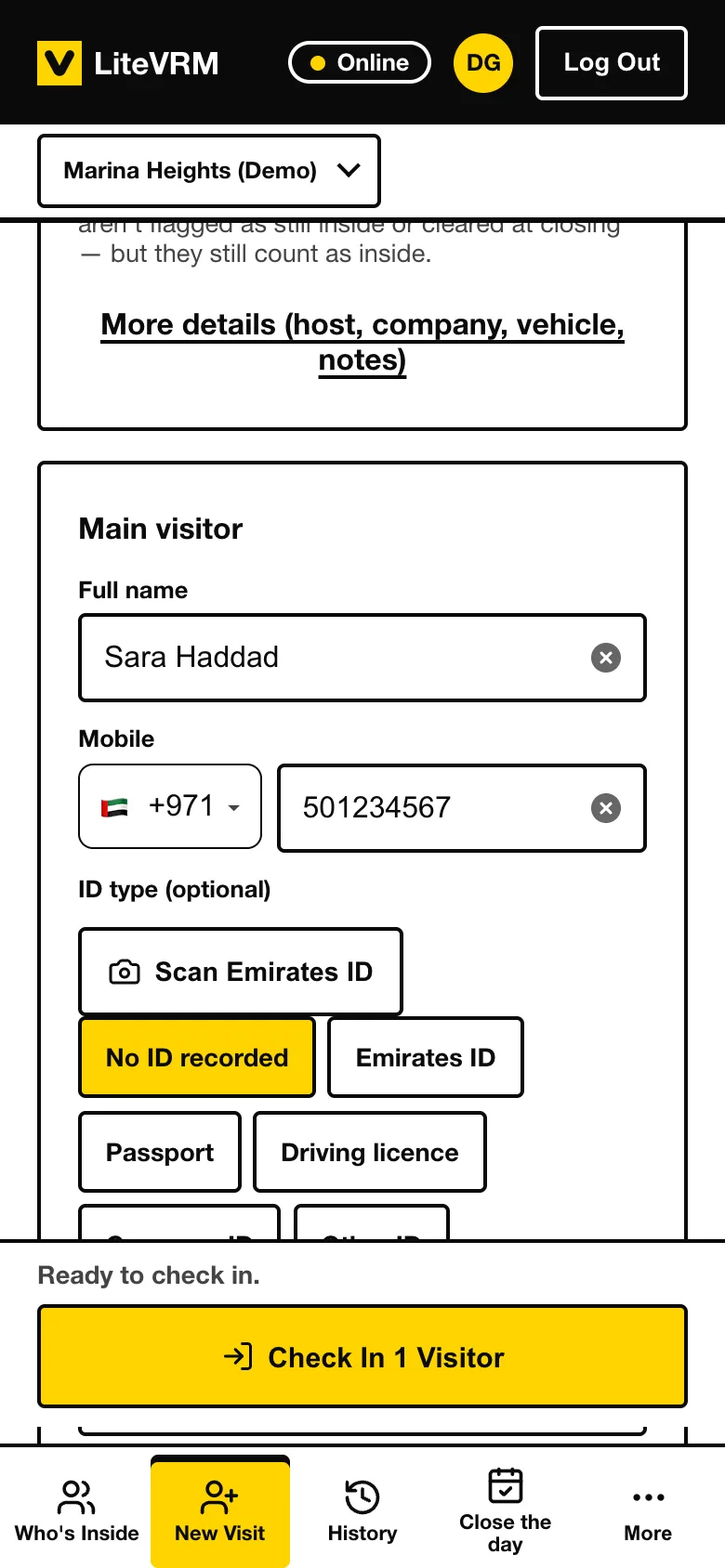
Check in, in seconds.
Name, who they are visiting and why. Several visitors at once. Scan an Emirates ID with the camera: it is read on the phone, and no picture is kept.
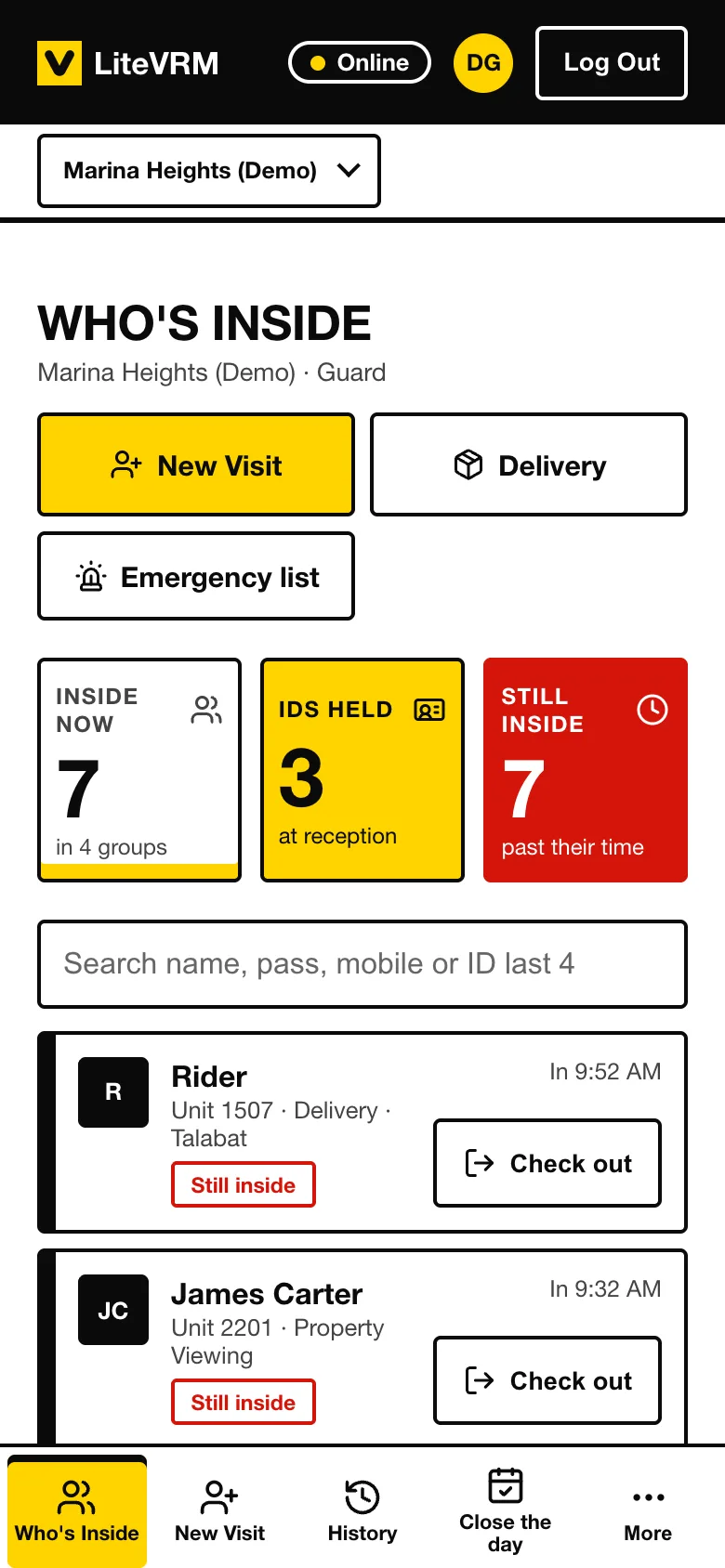
IDs held at reception.
See every ID still at the desk, and hand it back when the visitor leaves.
Works offline.
No signal at the gate? Keep checking people in. Everything is sent when the connection is back.
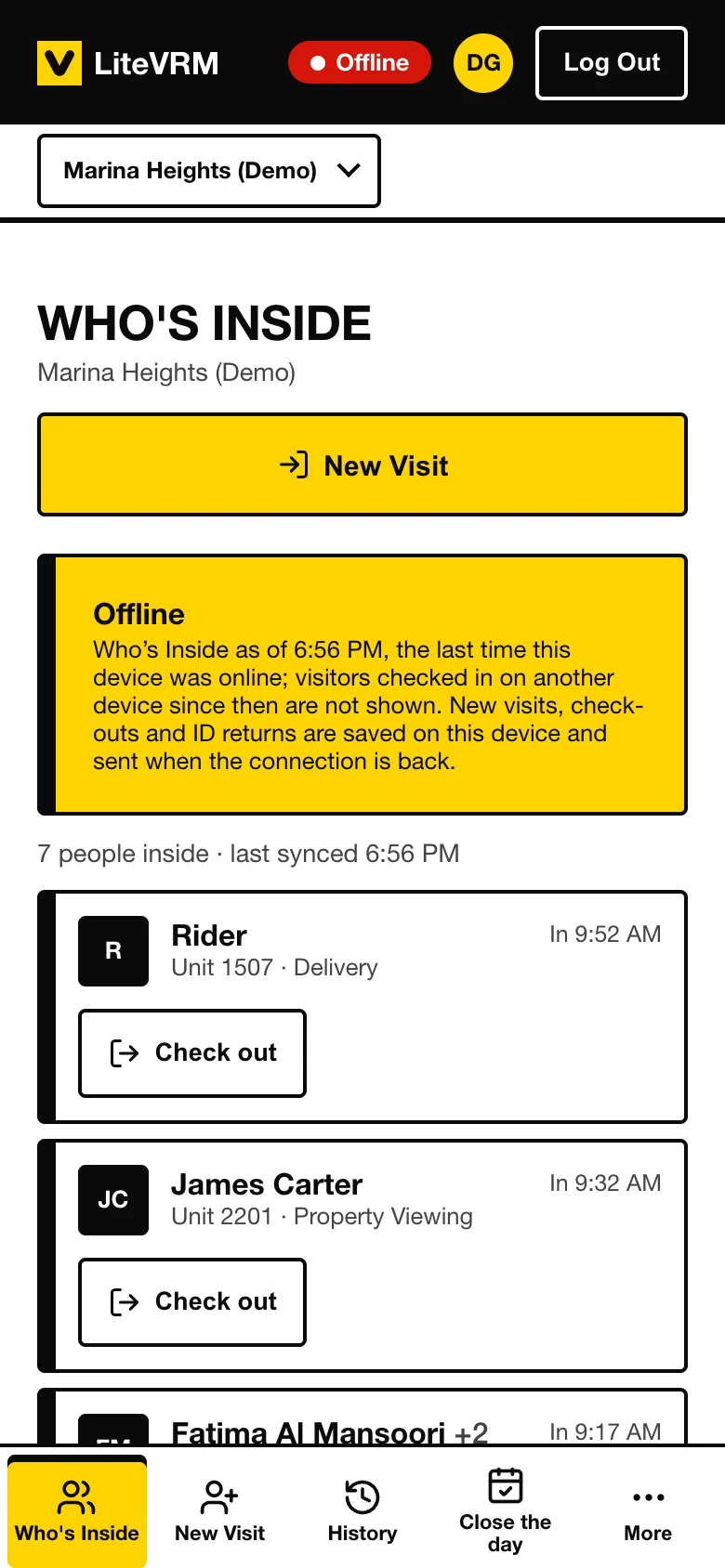
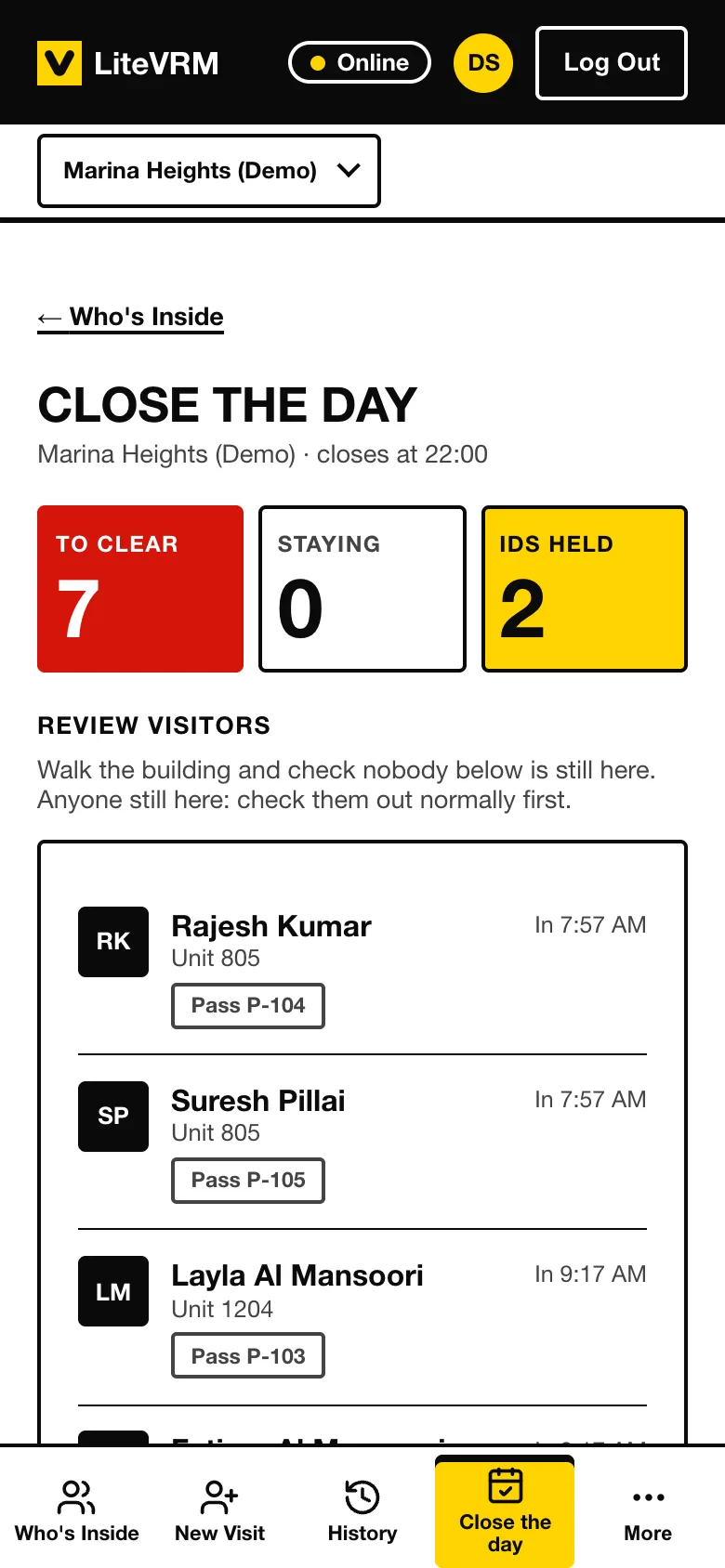
Close the day, or hand over the shift.
End-of-day close, or a 24/7 handover between guards. The supervisor is reminded when it is missed.
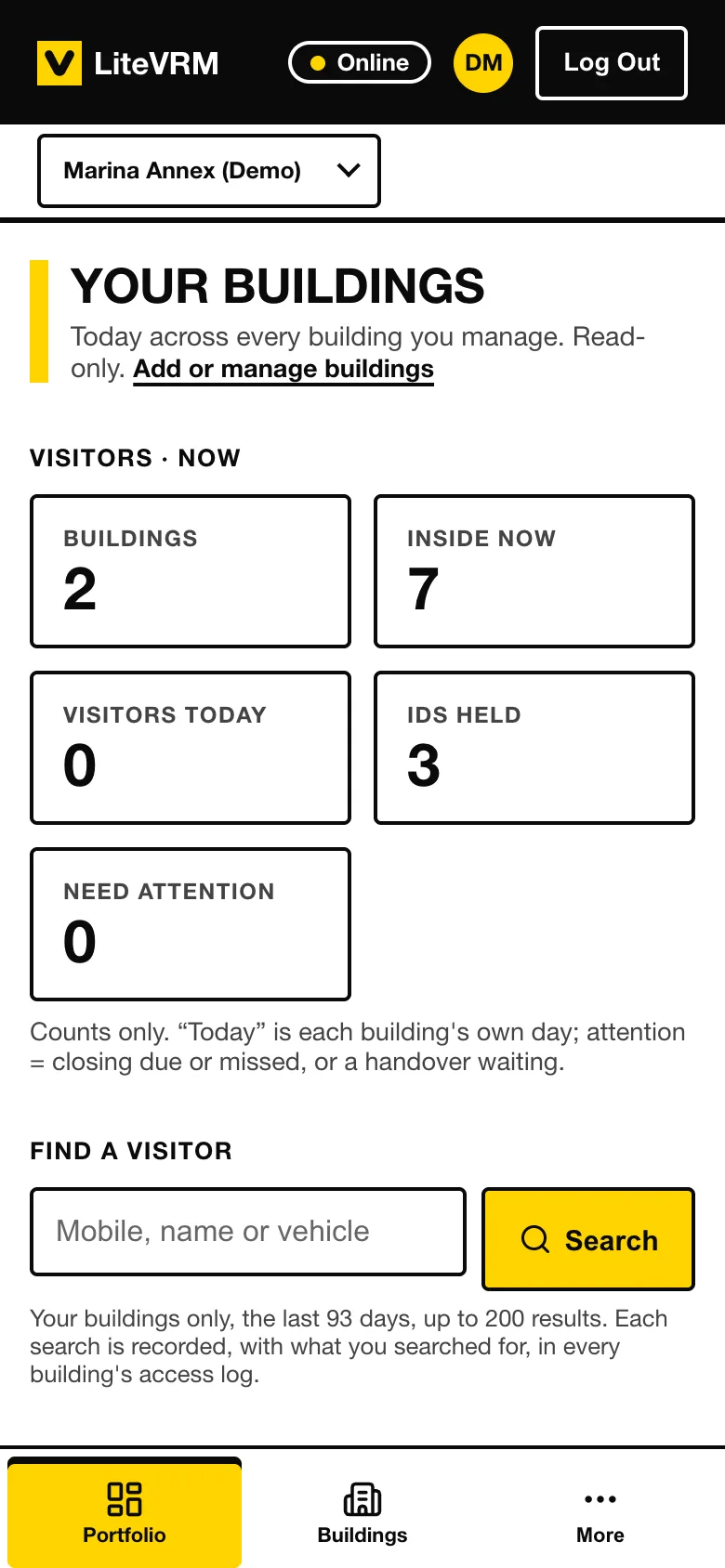
Reports for management.
Every building in one place: who is inside, visits and IDs held. Visit history with masked ID numbers, and Export to CSV.
1 / 5
Check in, in seconds.
Name, who they are visiting and why. Several visitors at once. Scan an Emirates ID with the camera: it is read on the phone, and no picture is kept.
CURRENTLY IN THE LAB
LitePRM
Property Relationship Management. Properties. Owners. Prospects. Relationships.
STATUS: IN DEVELOPMENT
One place for your properties, their owners and the prospects interested in them, and the relationships between them.
FROM THE LAB — NEXT.
What's cooking.
- NEXT
LiteScan
Useful document tools without another subscription.
scan.litelab.io
- COMING SOON
LitePark
Simple parking management.
park.litelab.io
- COMING SOON
LitExpense
Know where your money went — and what you can safely spend.
expense.litelab.io
- COMING SOON
LiteInventory
Know what you own, where it is and when its warranty ends.
inventory.litelab.io
- COMING SOON
LiteVPS
A VPS Guardian Angel. It watches. It fixes. It tells you when it can't.
vps.litelab.io
HOW LITELAB WORKS.
We don't start with features.
- Step 1 of 7: PROBLEM
- Step 2 of 7: BUILD
- Step 3 of 7: TEST
- Step 4 of 7: RELEASE
- Step 5 of 7: OBSERVE
- Step 6 of 7: IMPROVE
- Step 7 of 7: GRADUATE
Some experiments become products.
Some remain tiny useful tools.
Some teach us something and disappear.
That's the point of a lab.
Built in the UAE.
Designed for anywhere.
LiteLab Studio builds focused software for people who want the job done without learning complicated software first.