 LIVE
LiteManage
Customers & operations without the CRM baggage.
Keep customers, deals, appointments and reminders in one place, and see how the business is doing — without the complexity.
Every feature on your phone, tablet and desktop — nothing cut down for mobile.
No passwords — sign up and sign in with your mobile number and a one-time code on WhatsApp.
What it does
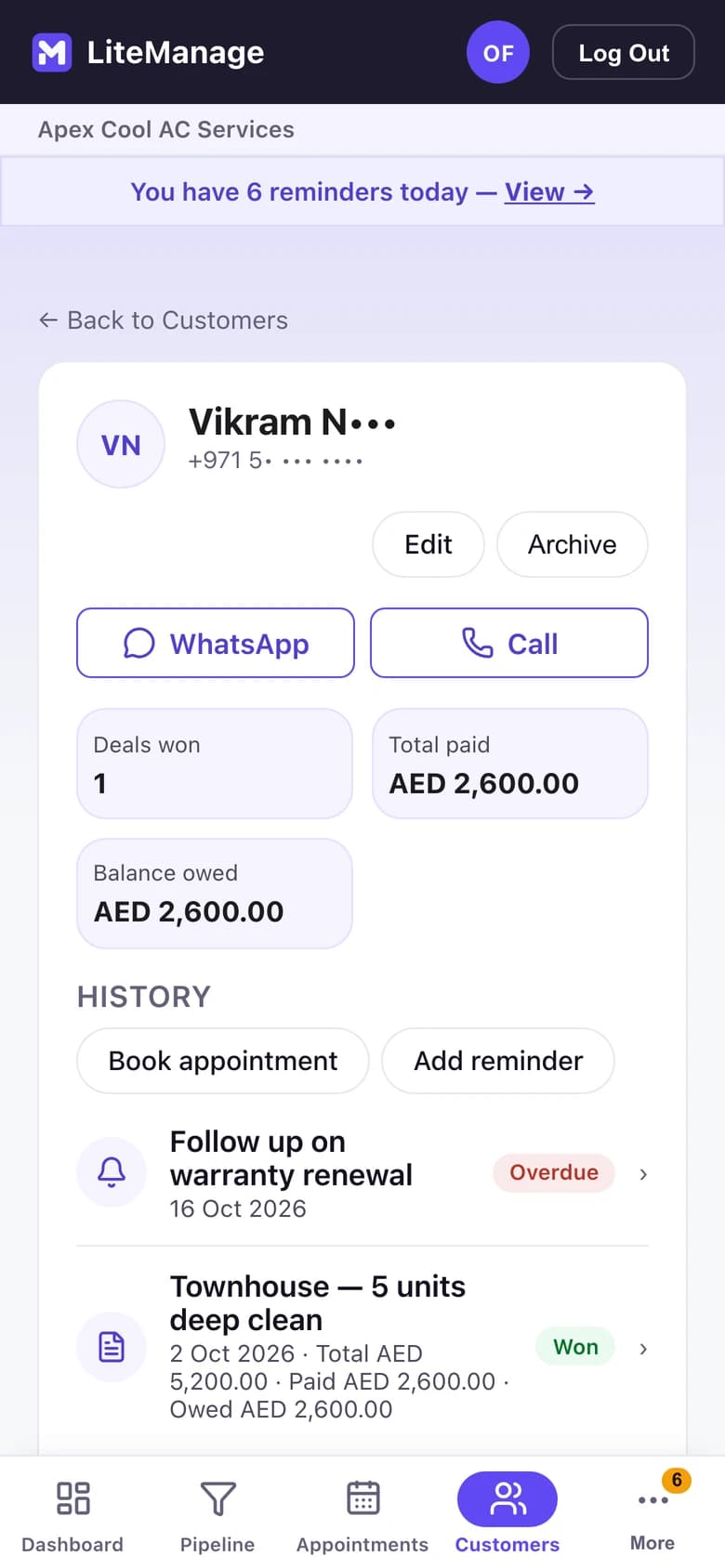
- Keep each customer’s deals, payments and history together.
- Track every deal by stage, from new to won.
- Book appointments and see the day at a glance.
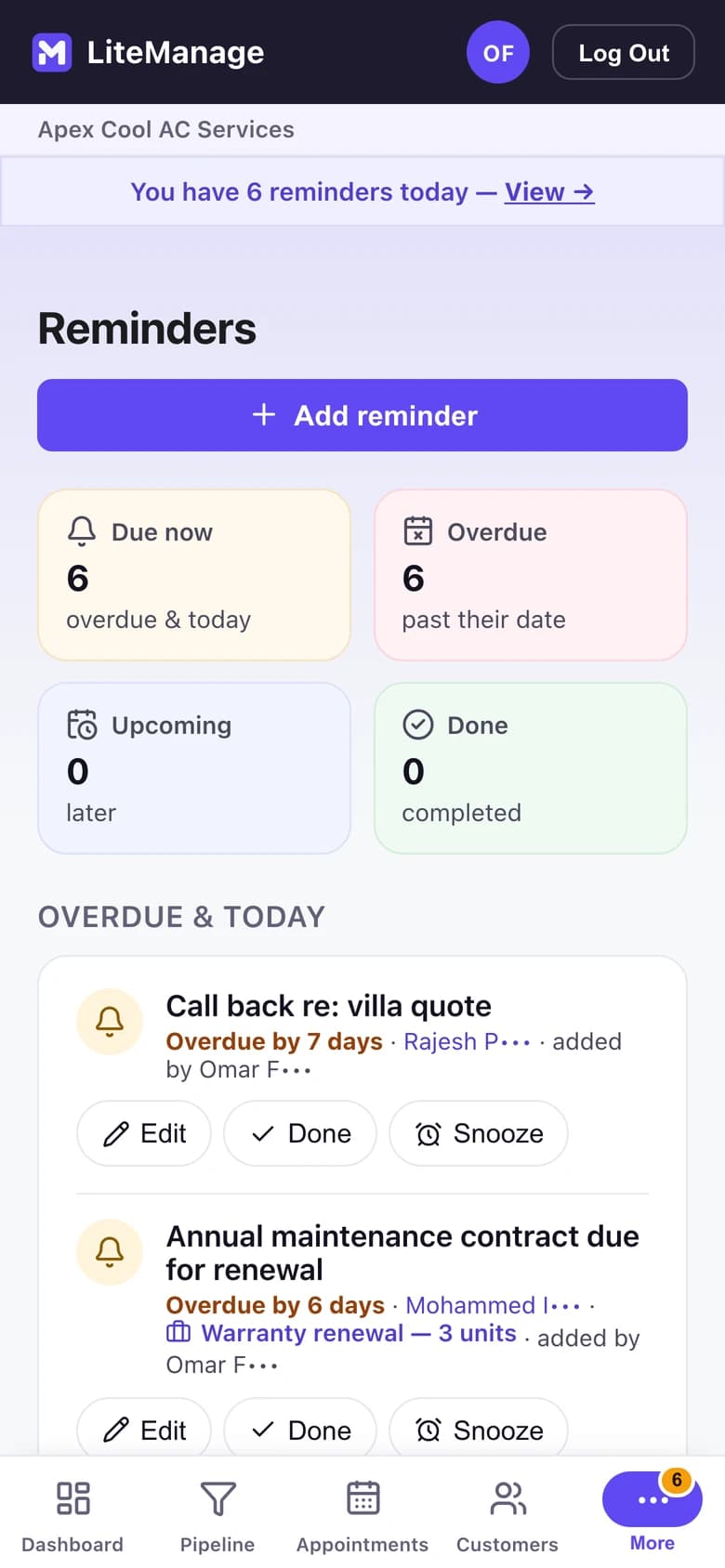
- Set reminders so follow-ups don’t slip.
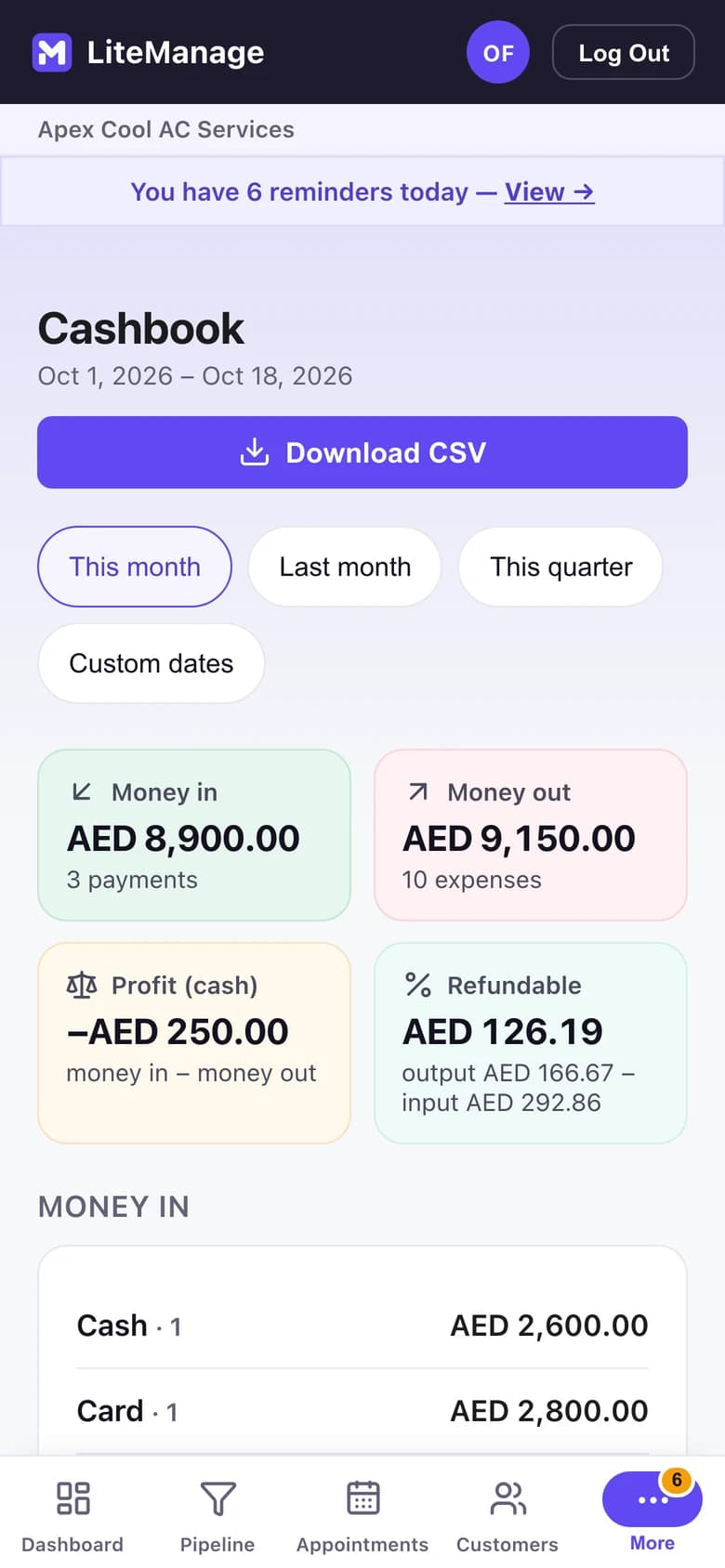
- See money in, money out and what you’re owed.
- Send a branded quote or tax invoice from your phone, as a PDF or image.
Walkthrough
- 01See the business clearly
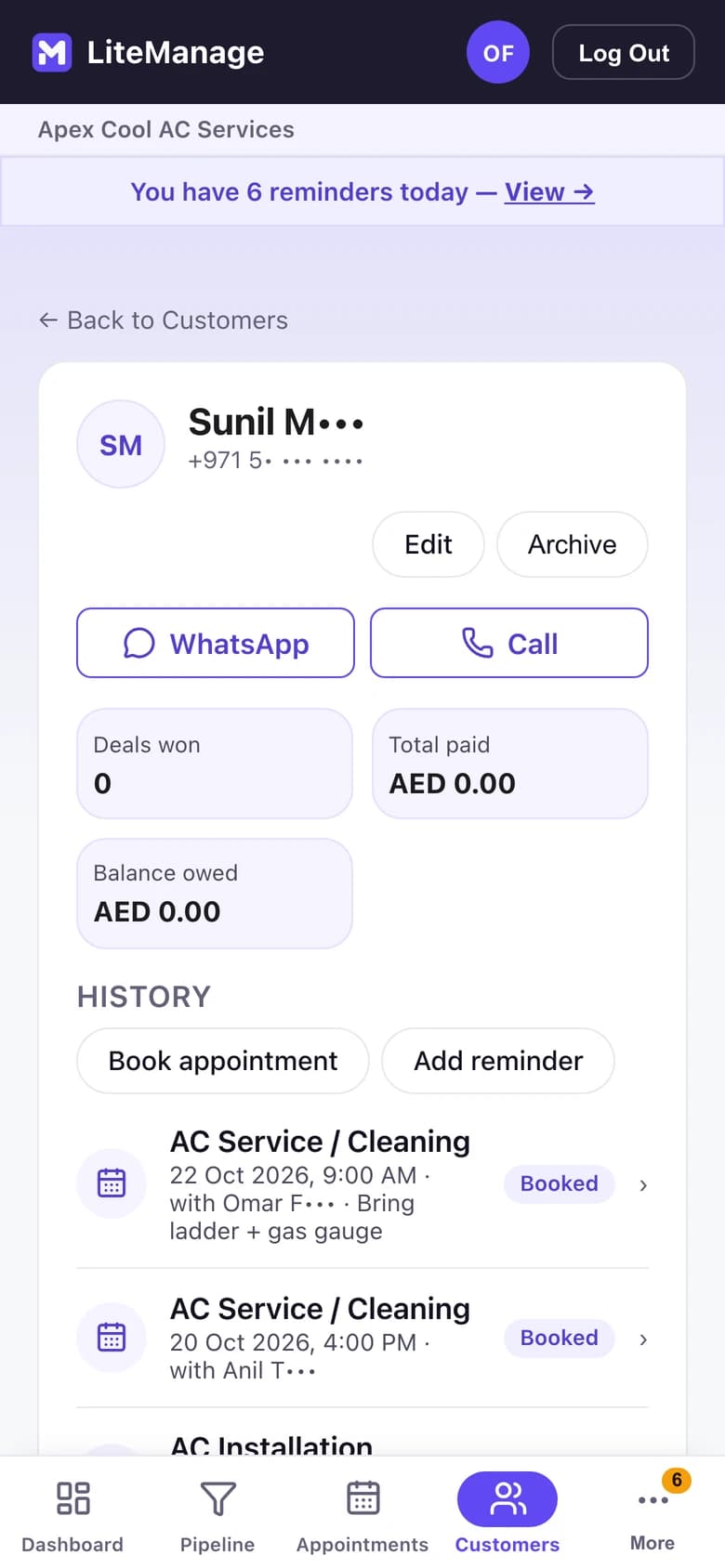
- 02Keep everyone in one place
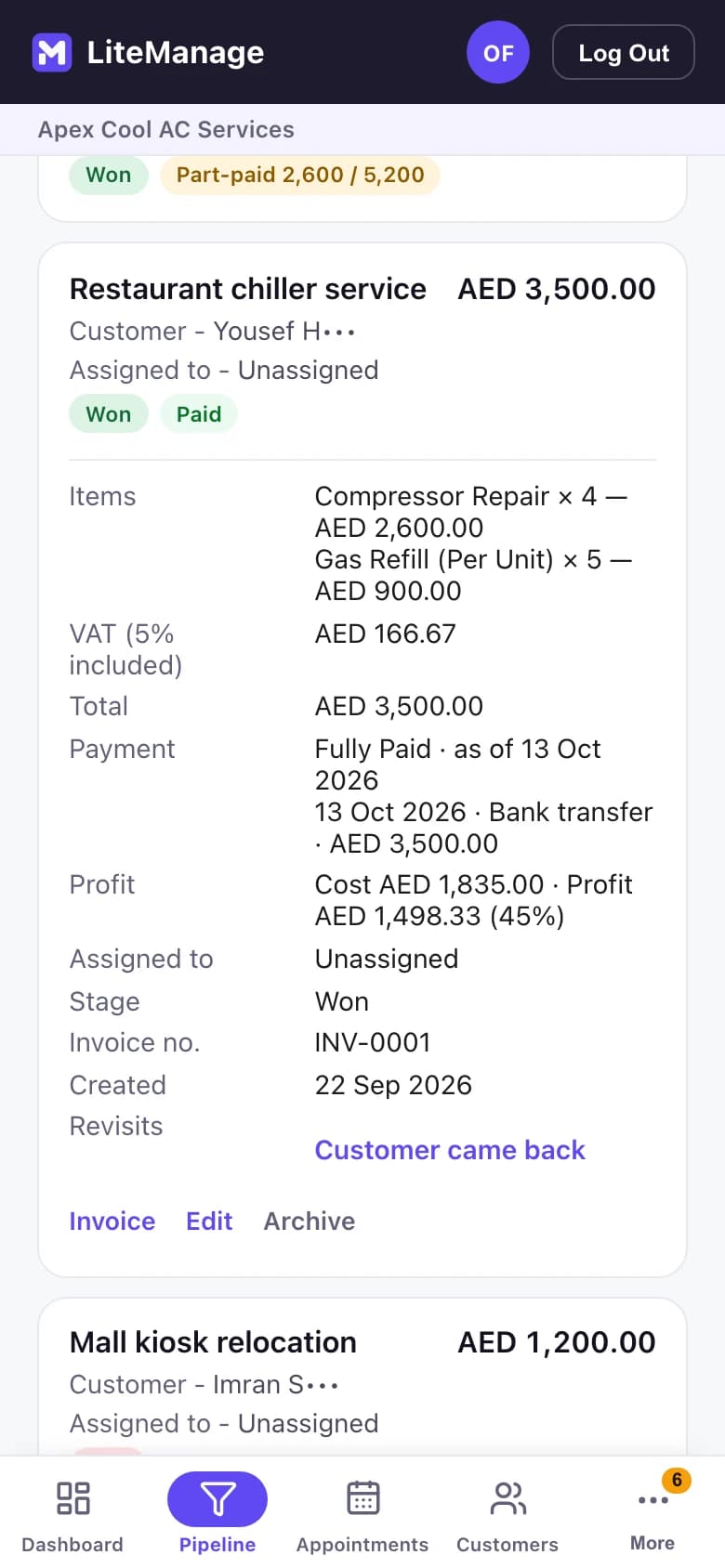
- 03Know what you’re working on
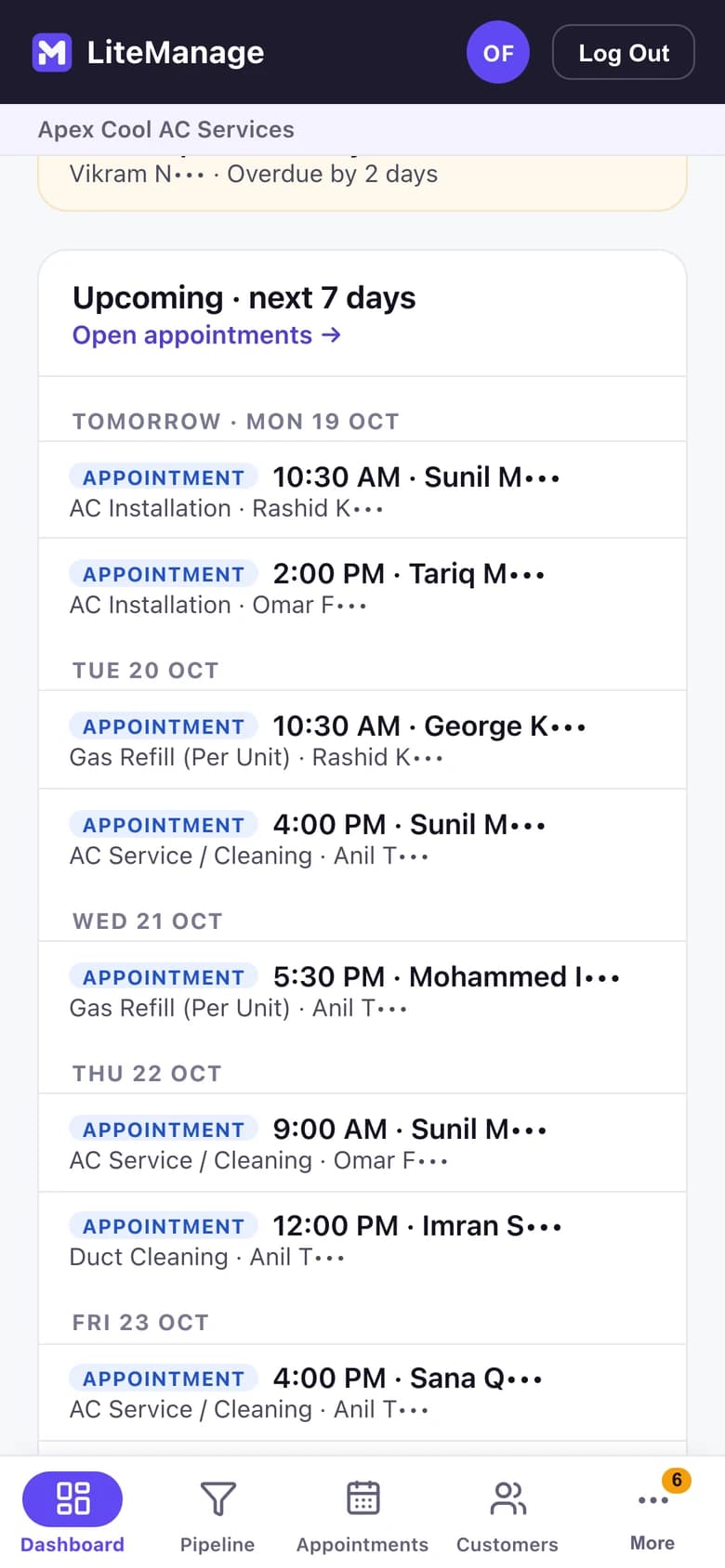
- 04Know what’s happening today
- 05Don’t rely on memory
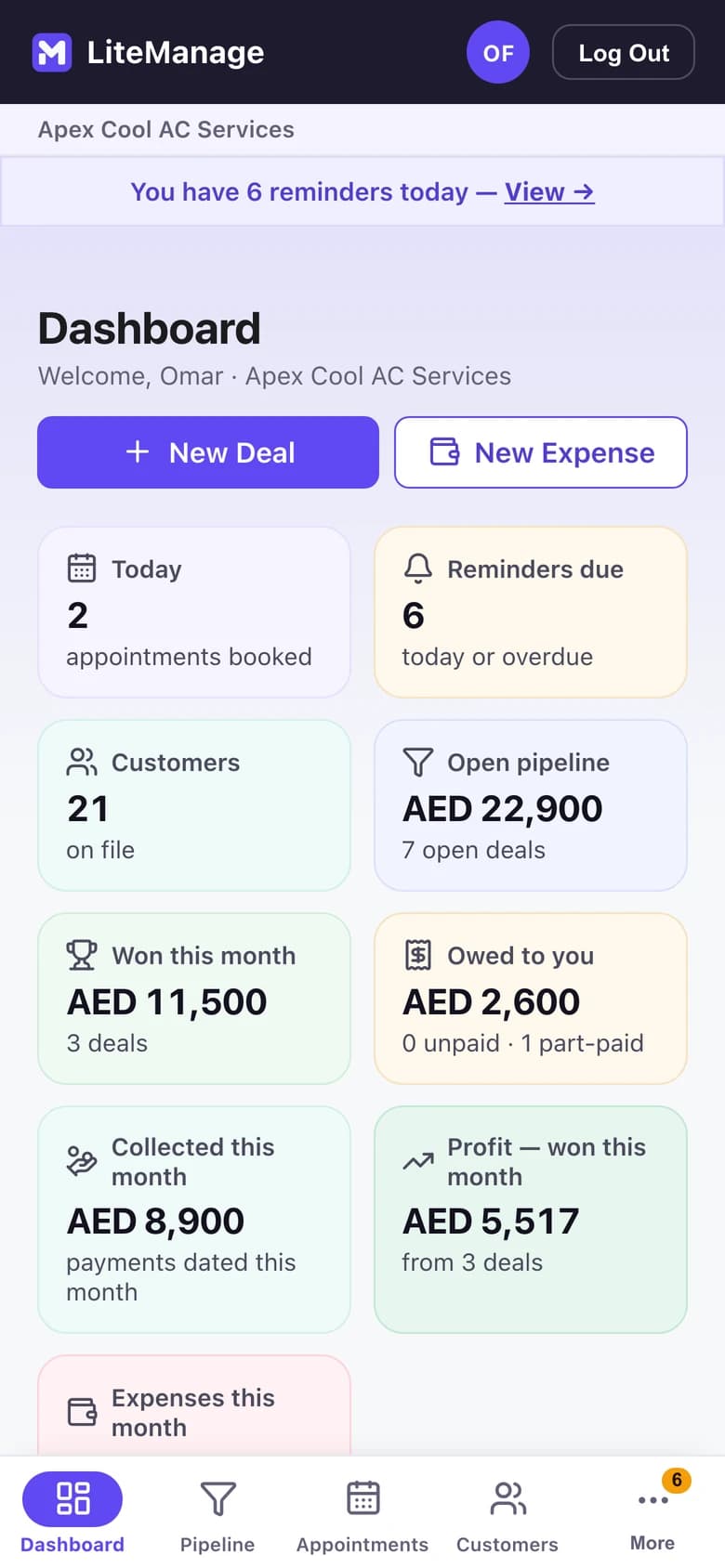
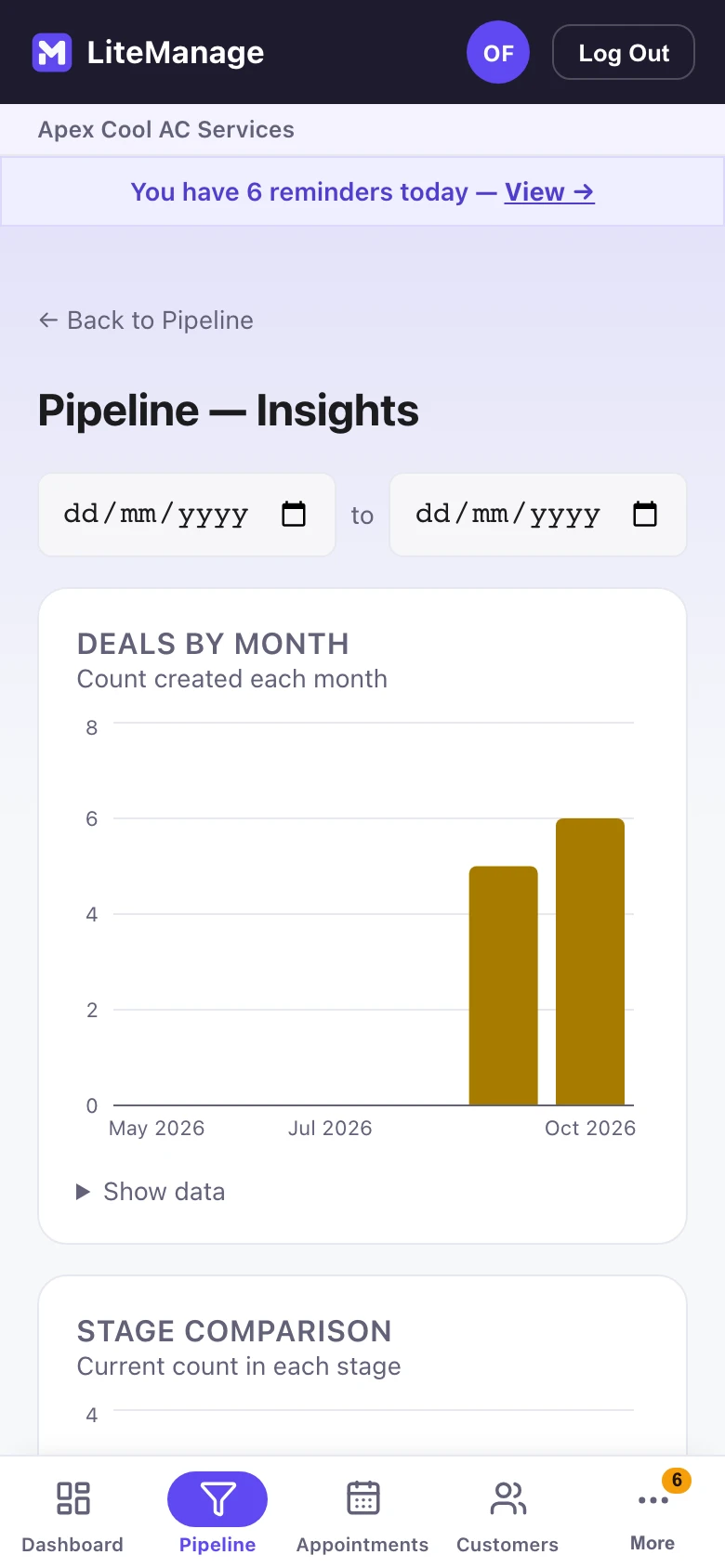
See the business clearly
Open deals, money in and out, and what you’re owed.
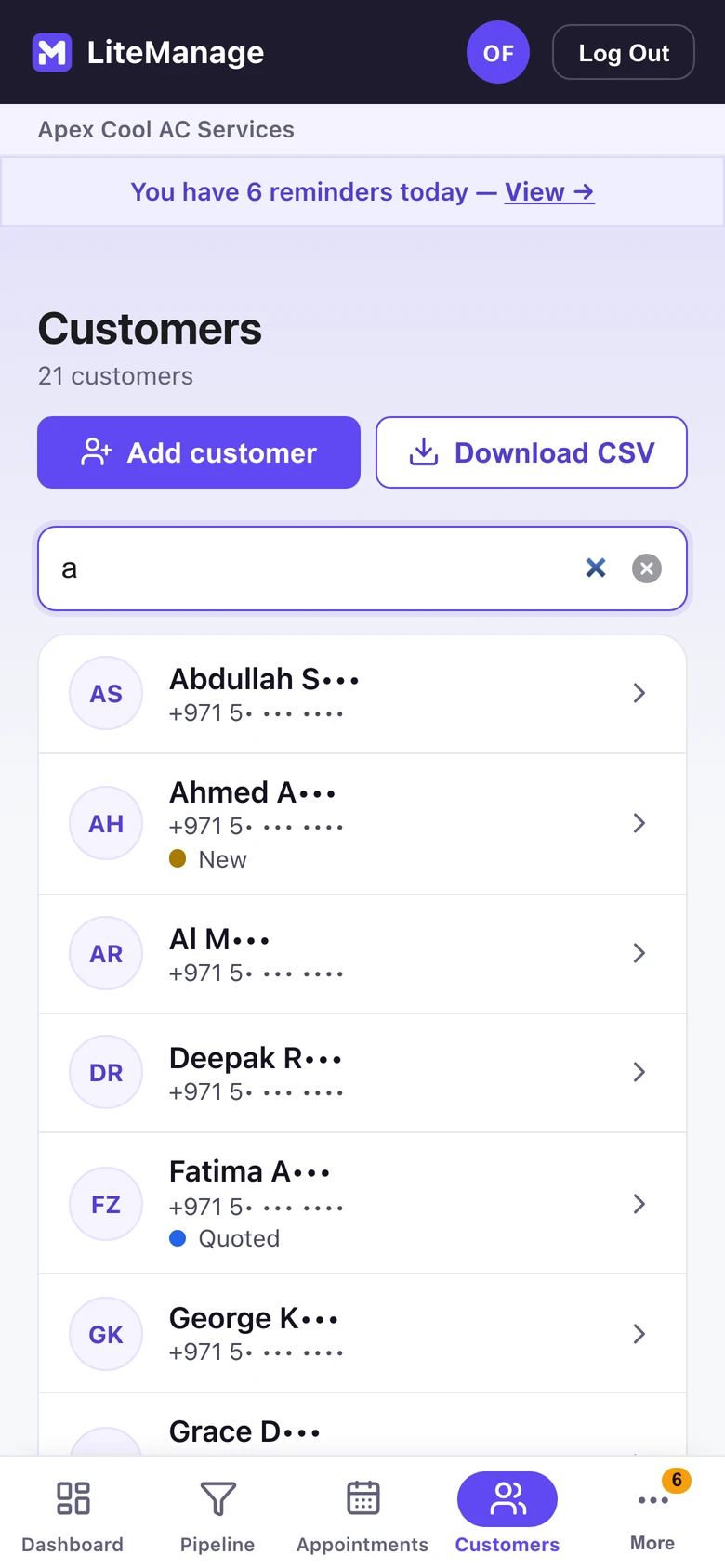
Keep everyone in one place
Each customer’s deals, payments and follow-ups together.
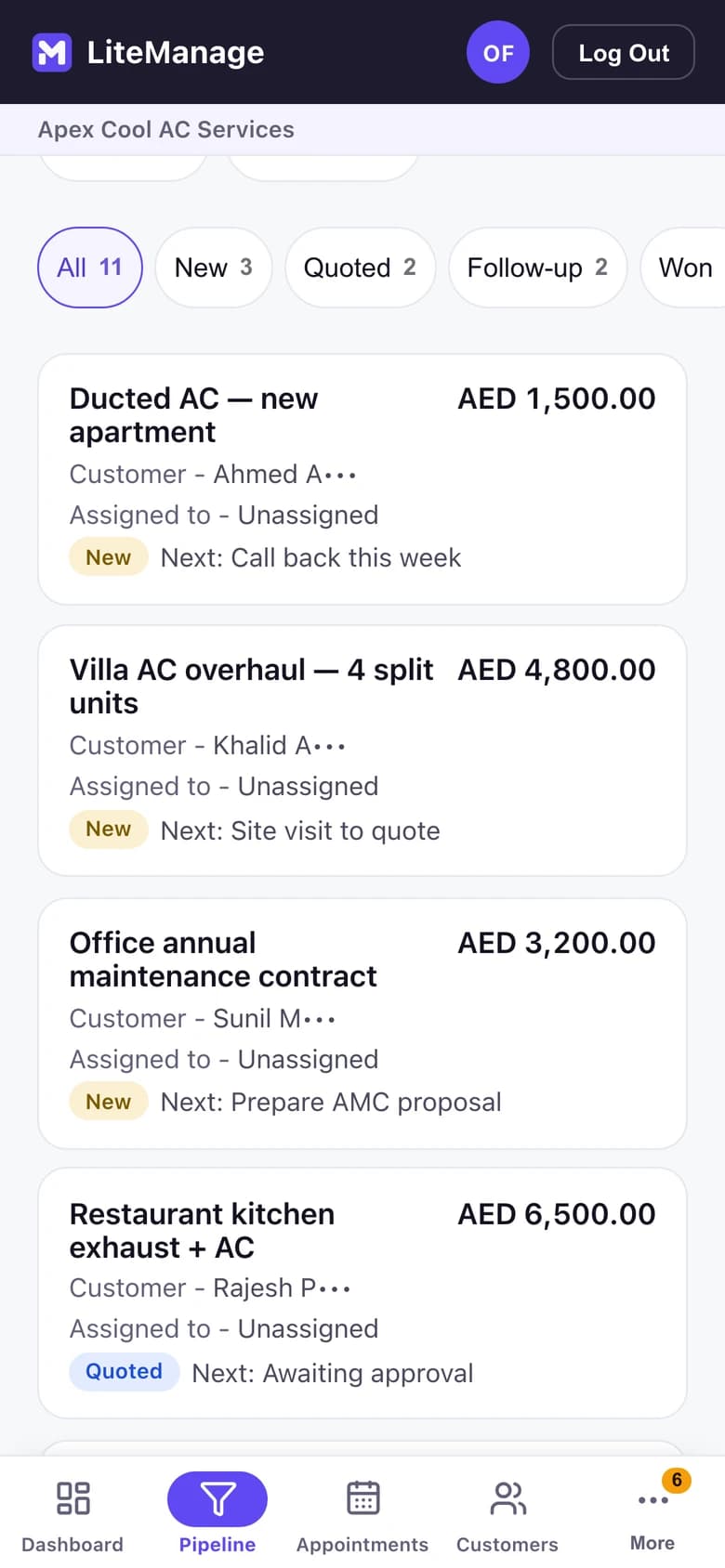
Know what you’re working on
Every open deal by stage, with its value and next step.
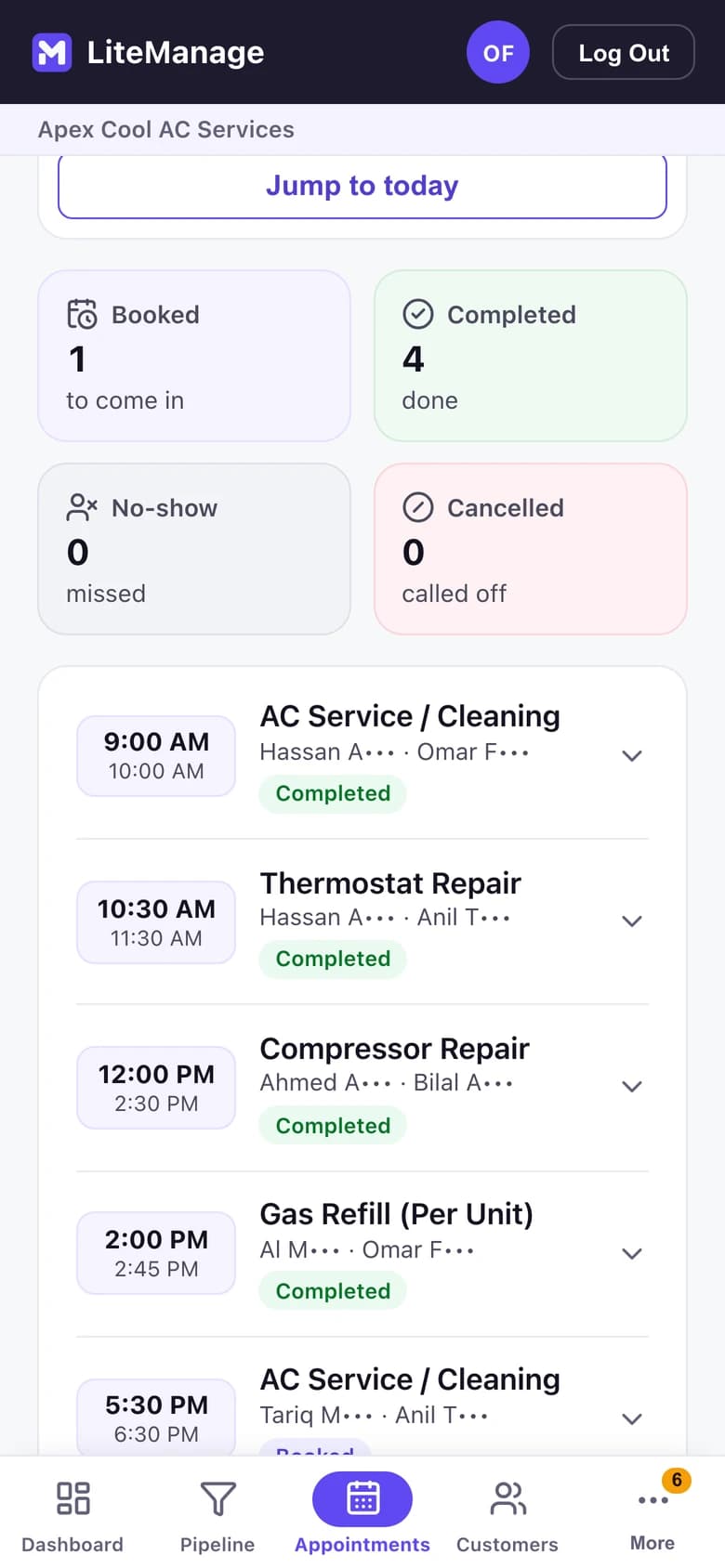
Know what’s happening today
The day’s jobs and their status, beside what’s due.
Don’t rely on memory
Dated follow-ups, linked to the customer or the deal.
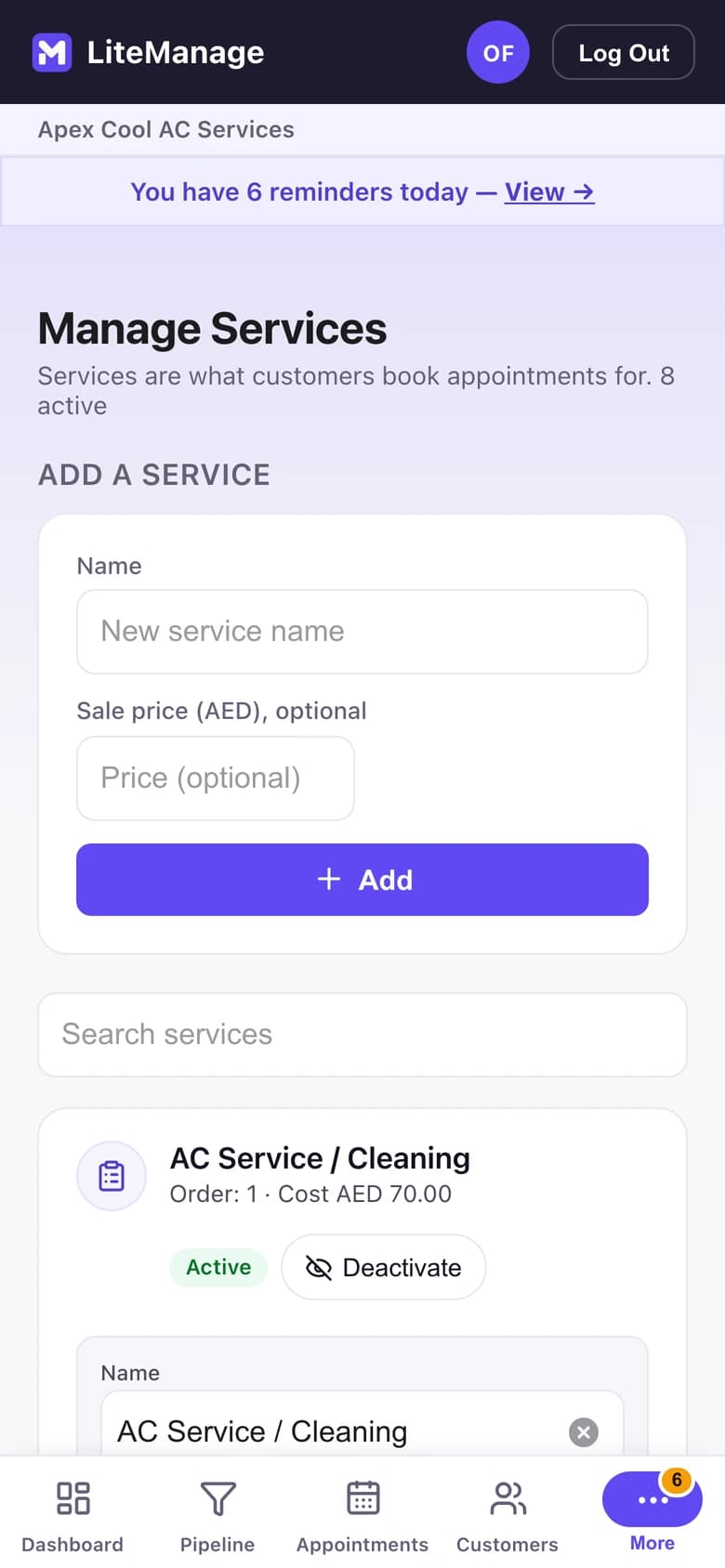
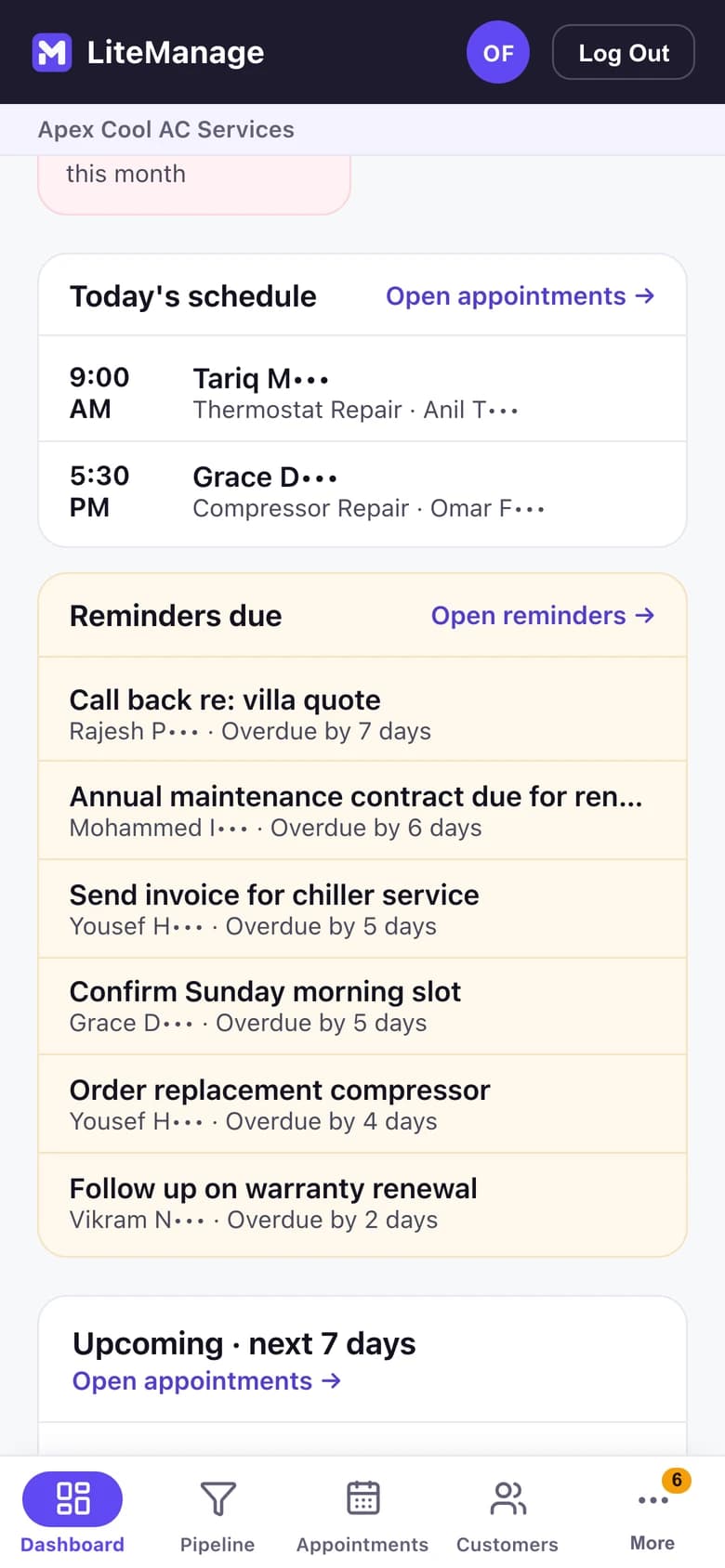
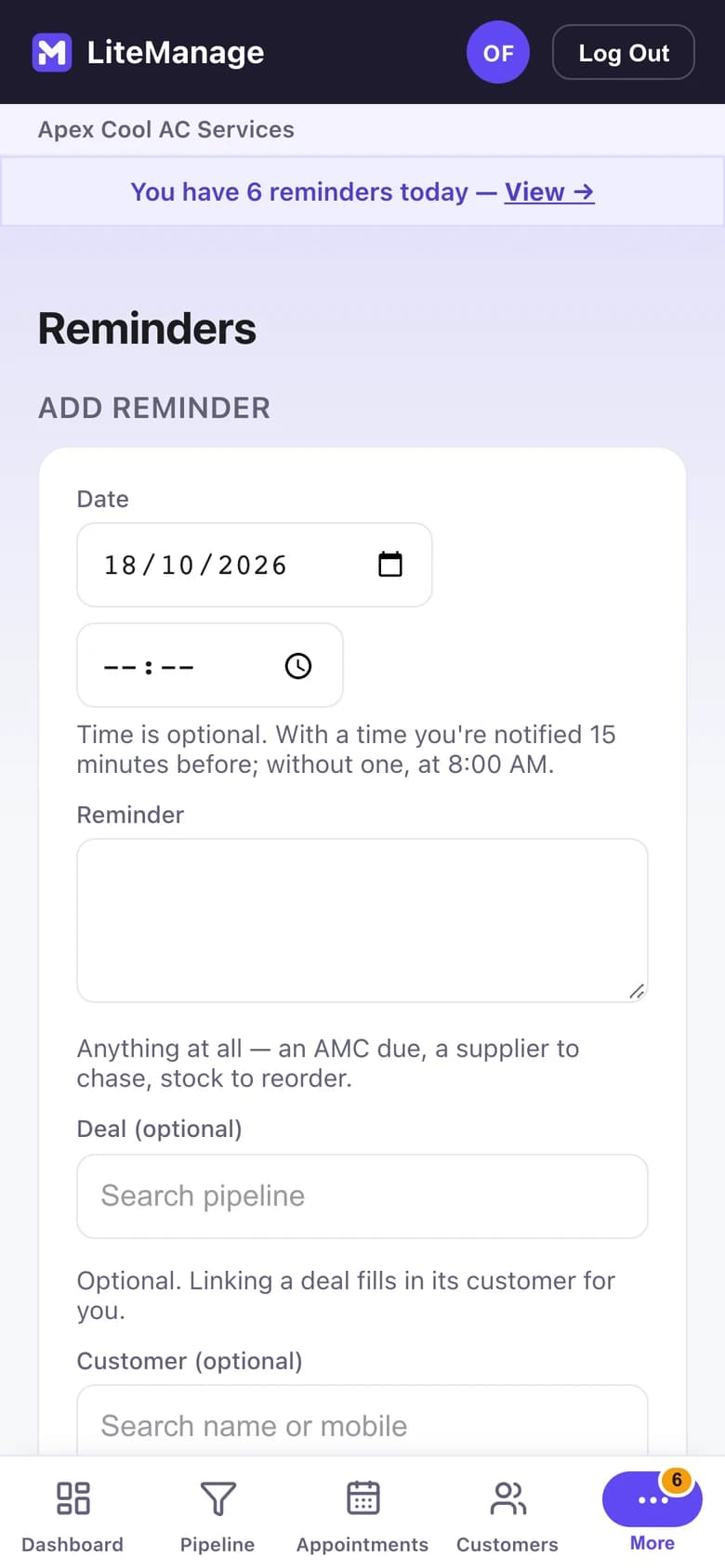
1 / 5
See the business clearly
Open deals, money in and out, and what you’re owed.
Features
Customers and deals
- Customer records with their history, WhatsApp and call
- A pipeline: New, Quoted, Follow-up, Won, Lost
- Deals with items, payments, profit and an invoice
- Pipeline insights: deals by month and win rate
Day to day
- Appointments marked booked, completed, no-show or cancelled
- Reminders linked to a customer or a deal
- A booking link where customers ask for an appointment or a question
- Staff logins that can’t see costs, profit or the cashbook
Money
- A cashbook: money in, money out and profit
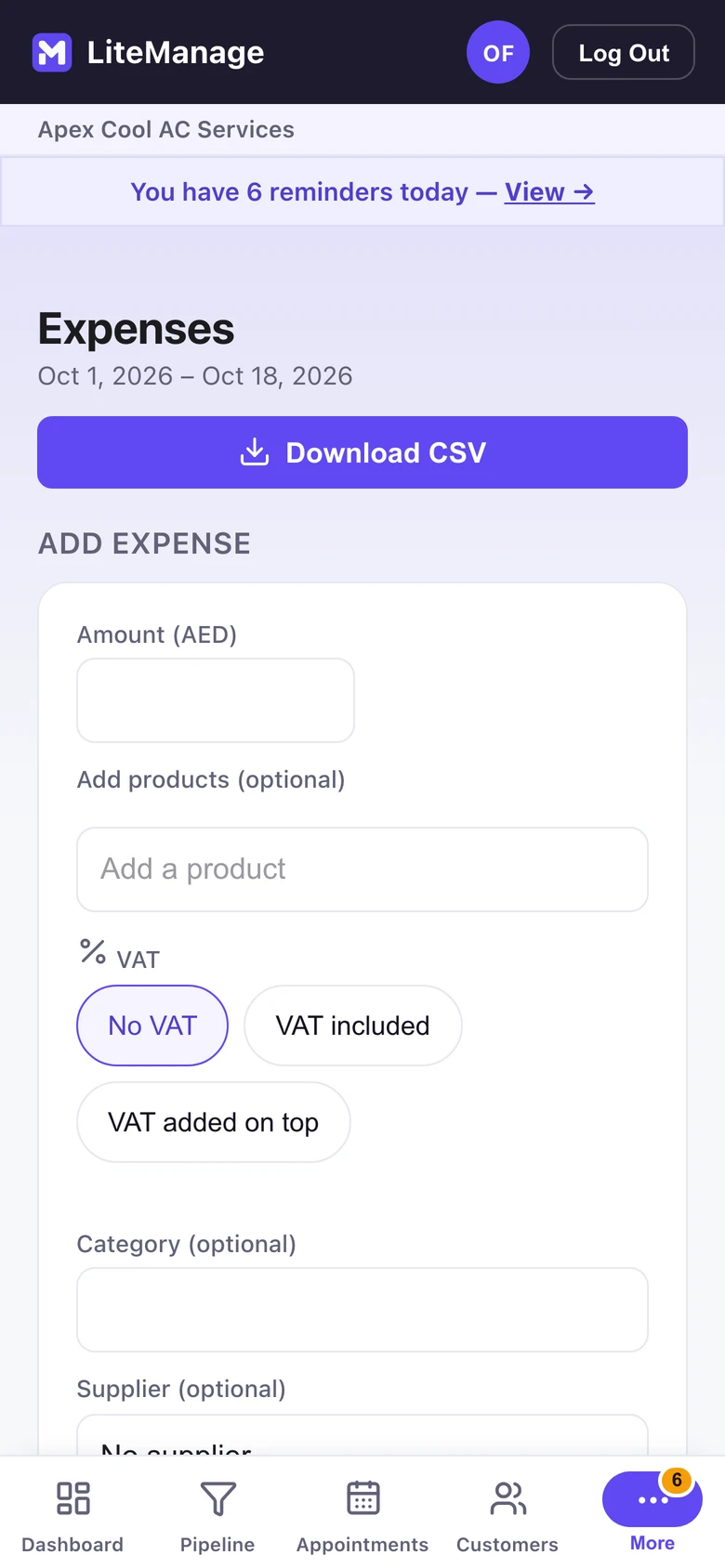
- Expenses with VAT, category and supplier
- A VAT summary
- CSV downloads
Customers & operations without the CRM baggage.
Explore all the features on litemanage.com (opens in a new tab)