 LIVE
LiteRegister
Sales & payments without the POS baggage.
Record sales, choose how each customer pays, and keep customers, expenses and staff in one place — without the complexity.
Every feature on your phone, tablet and desktop — nothing cut down for mobile.
No passwords — sign up and sign in with your mobile number and a one-time code on WhatsApp.
What it does
- Record a sale in a few taps — services, products and who did each one.
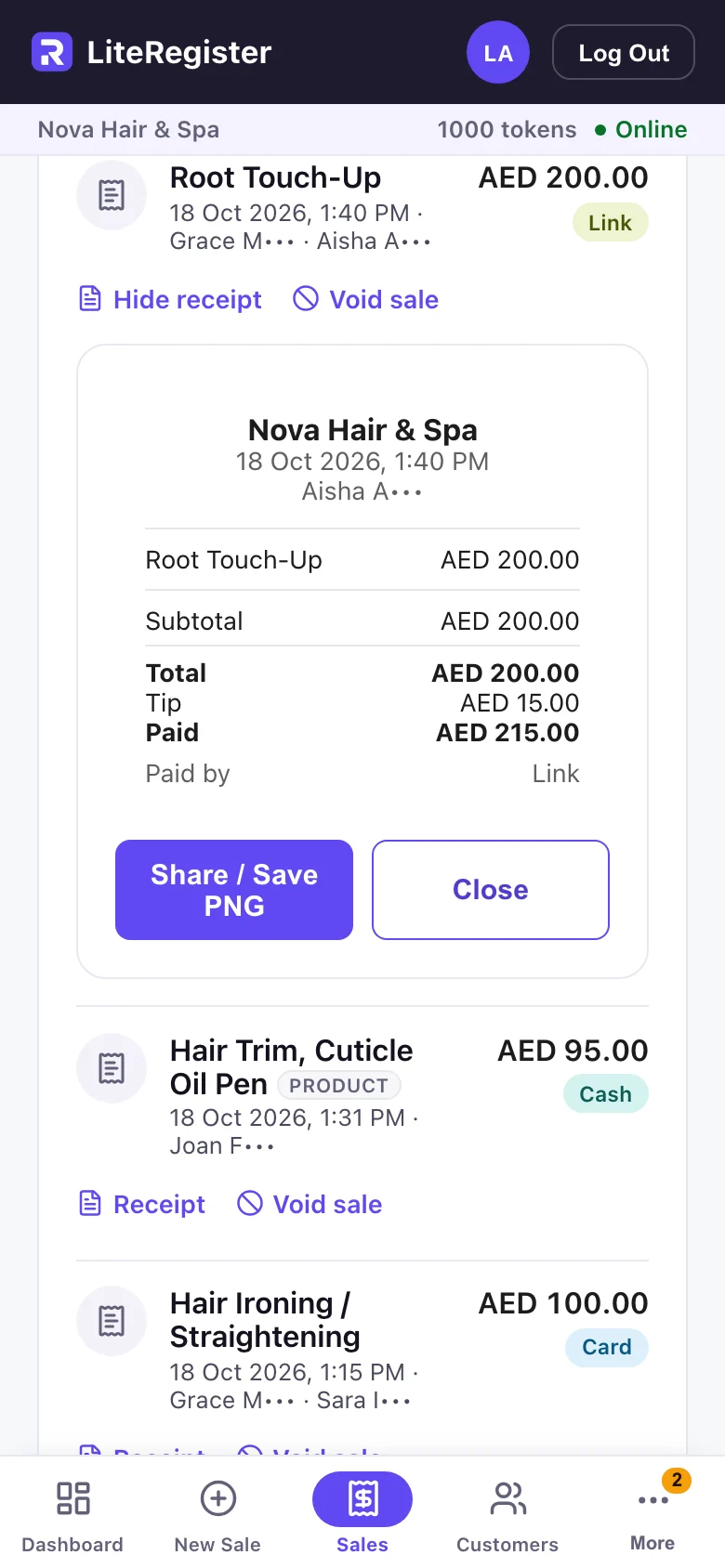
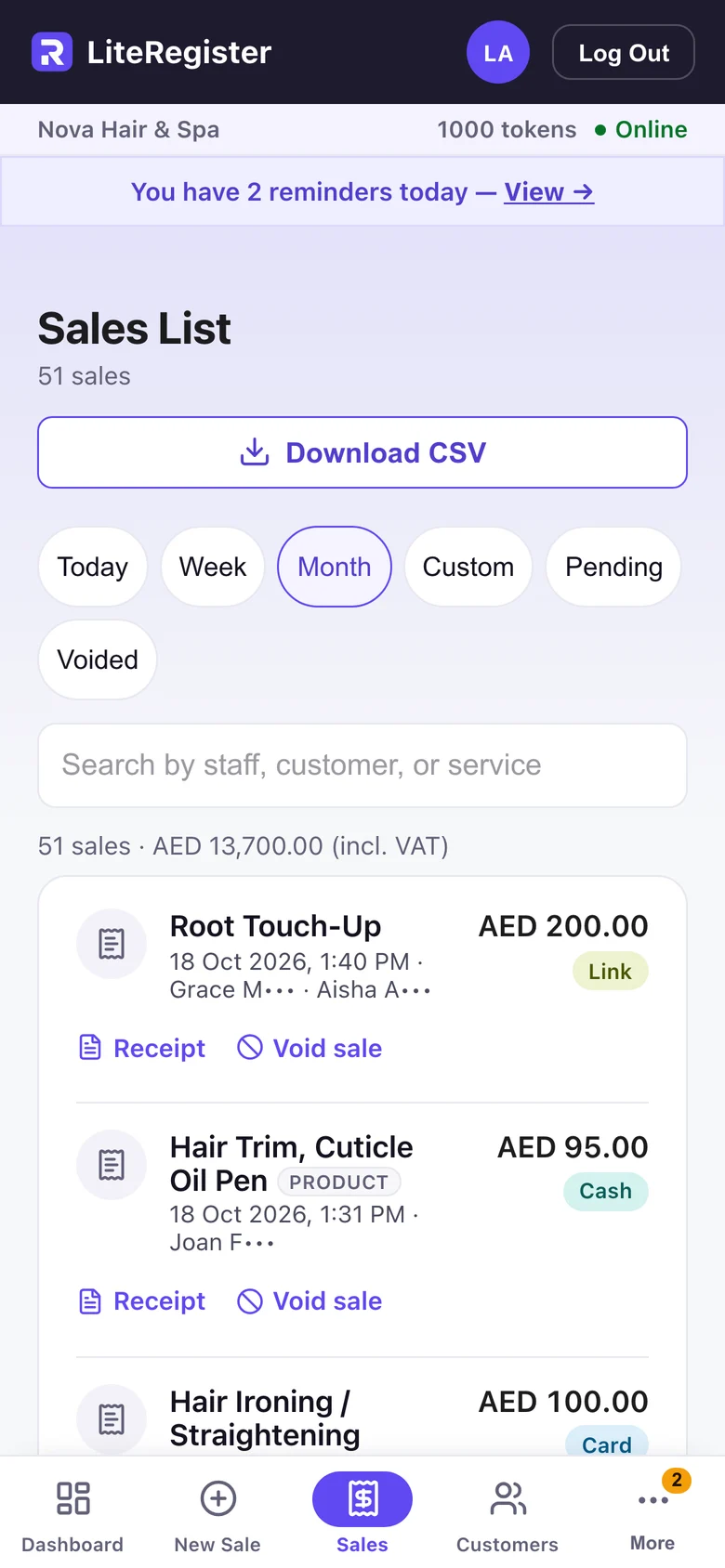
- Take Cash, Tap, Card, QR, Link or another payment, and share the receipt.
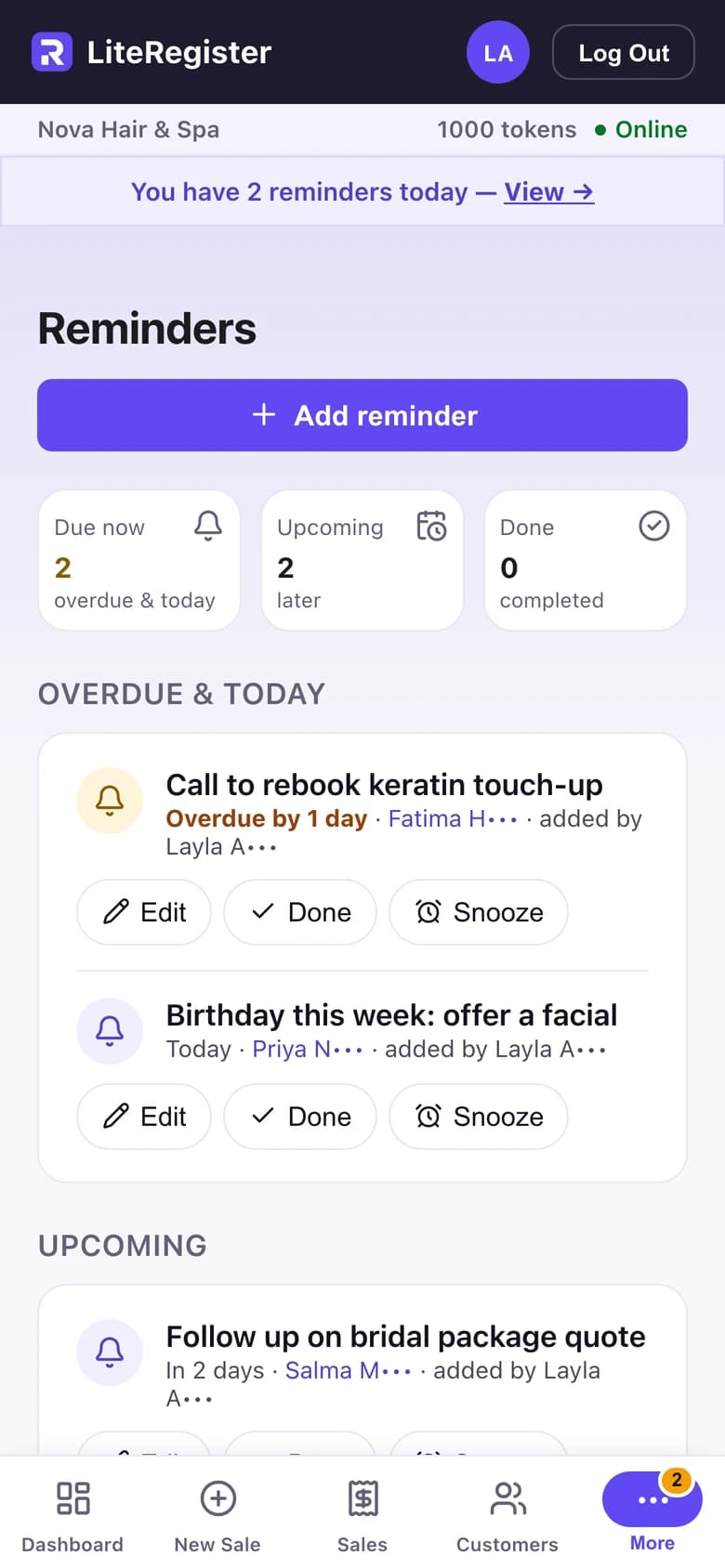
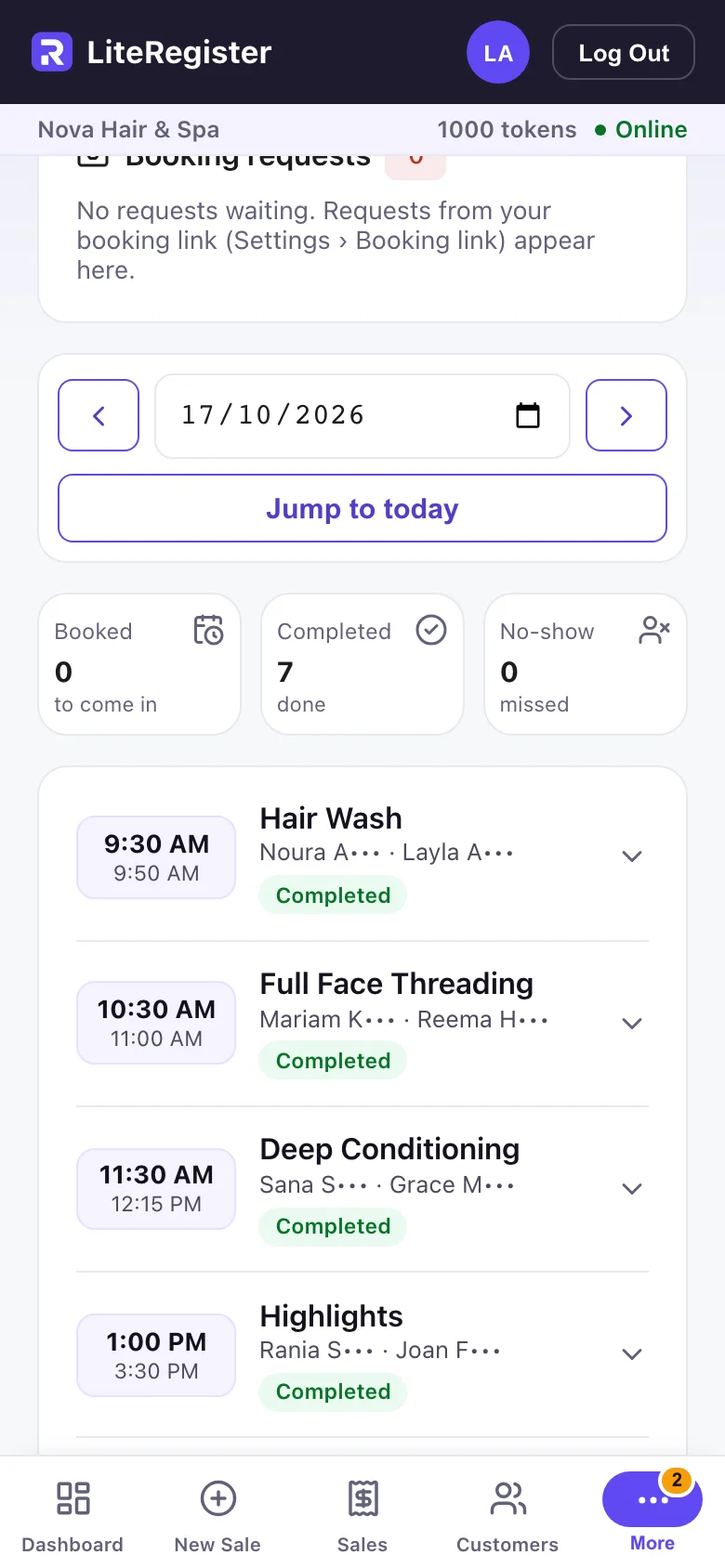
- Keep customers, appointments and reminders in one place.
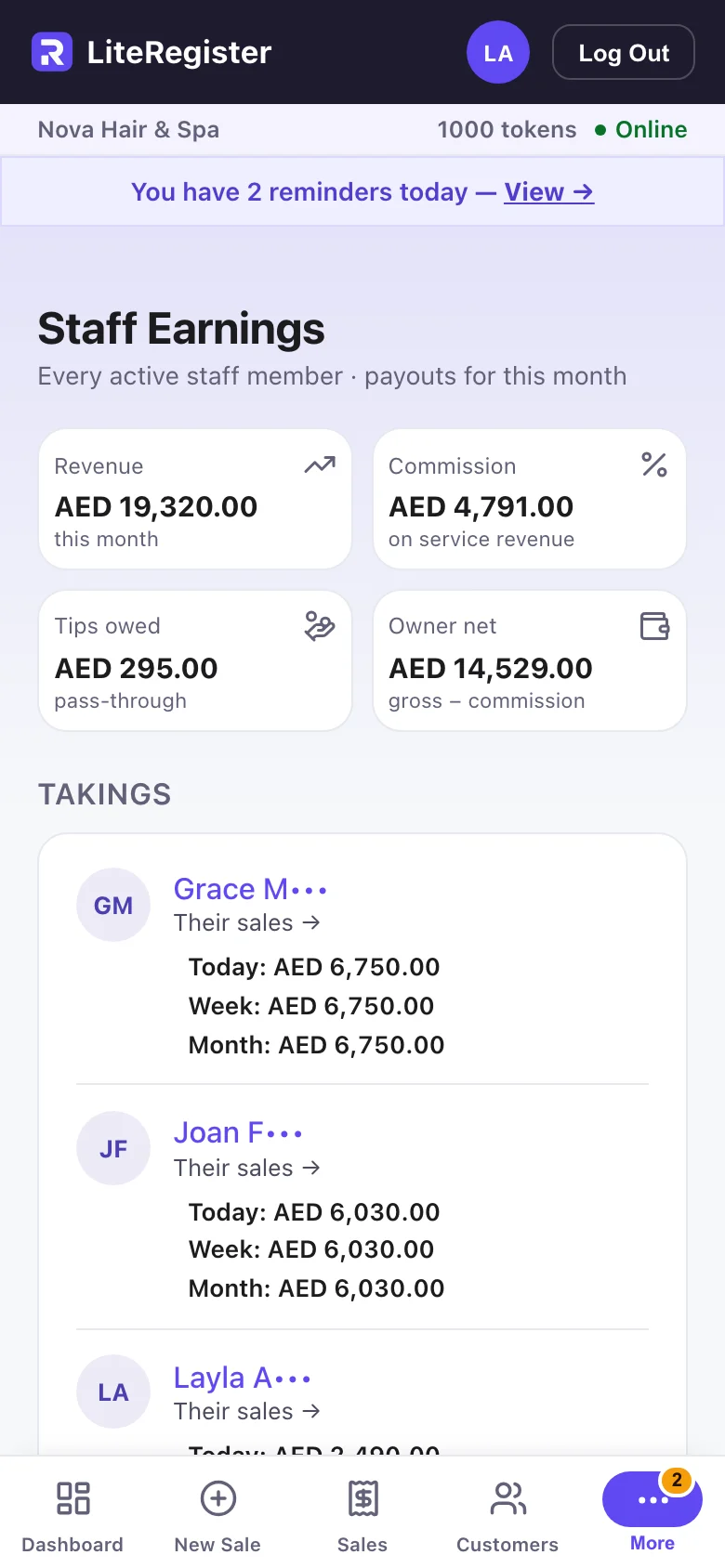
- See takings, expenses, staff commission and what’s left.
- Share a booking link — customers ask for a time, you confirm it.
- Track product costs and stock, with a warning before you run out.
Walkthrough
- 01Dashboard
- 02Record a sale
- 03Take payment your way
- 04Know your customers
- 05Know what’s left
LiteRegister
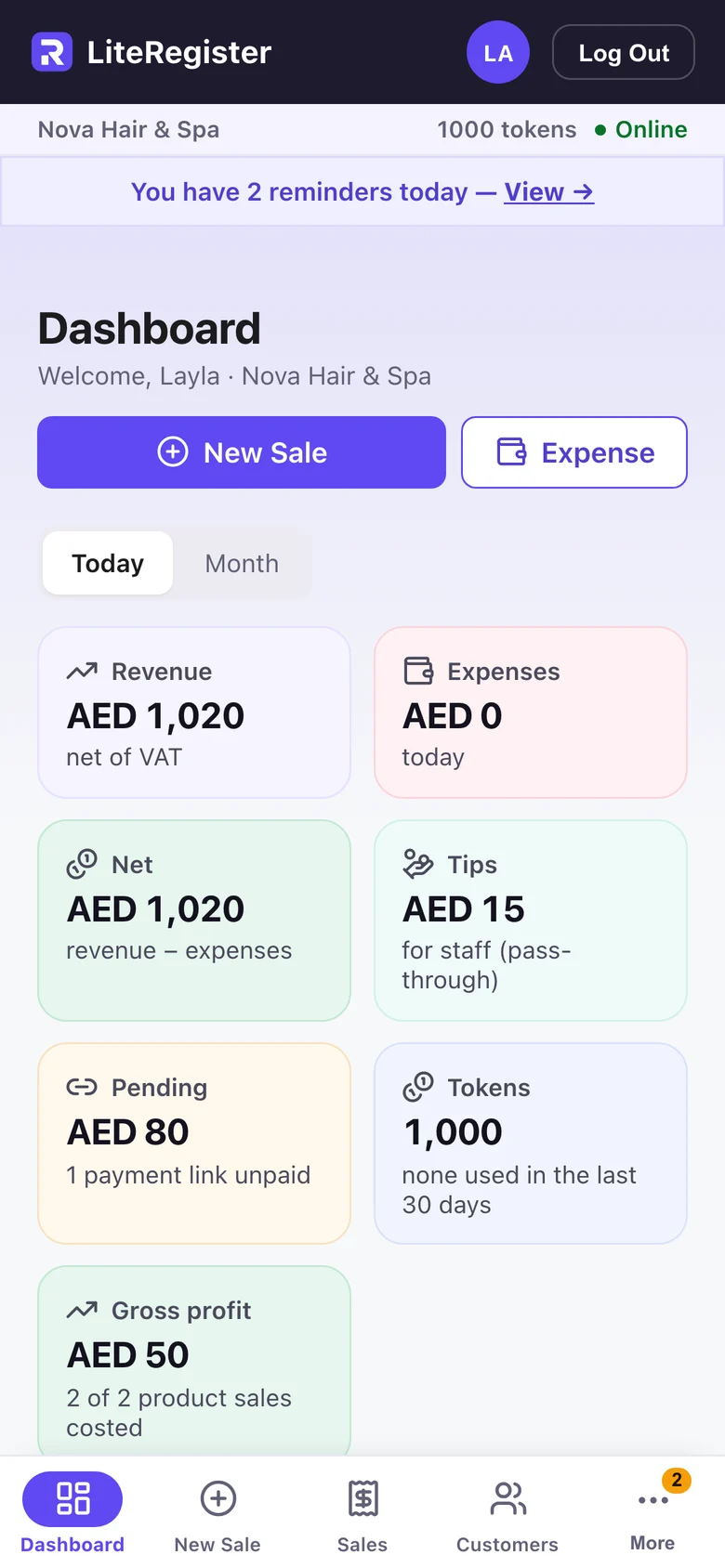
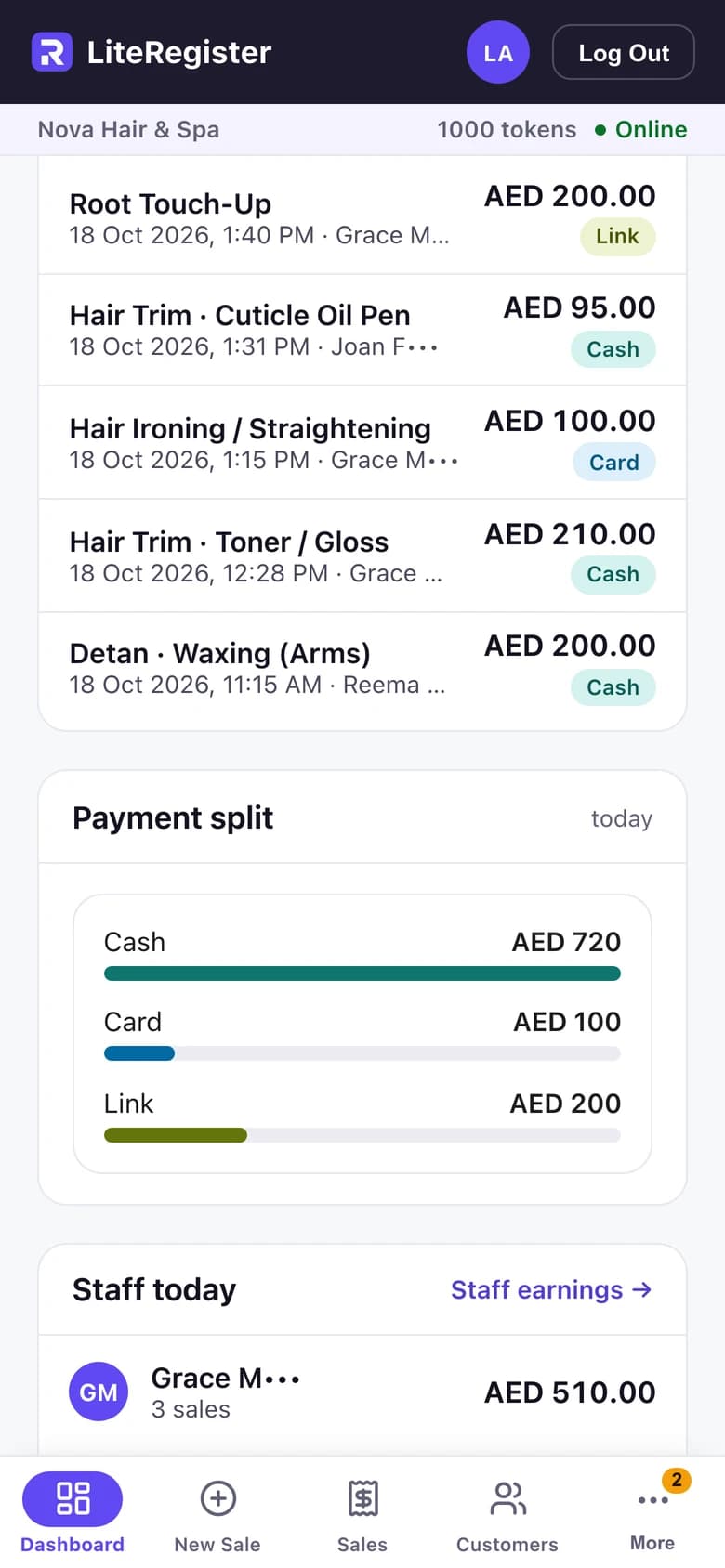
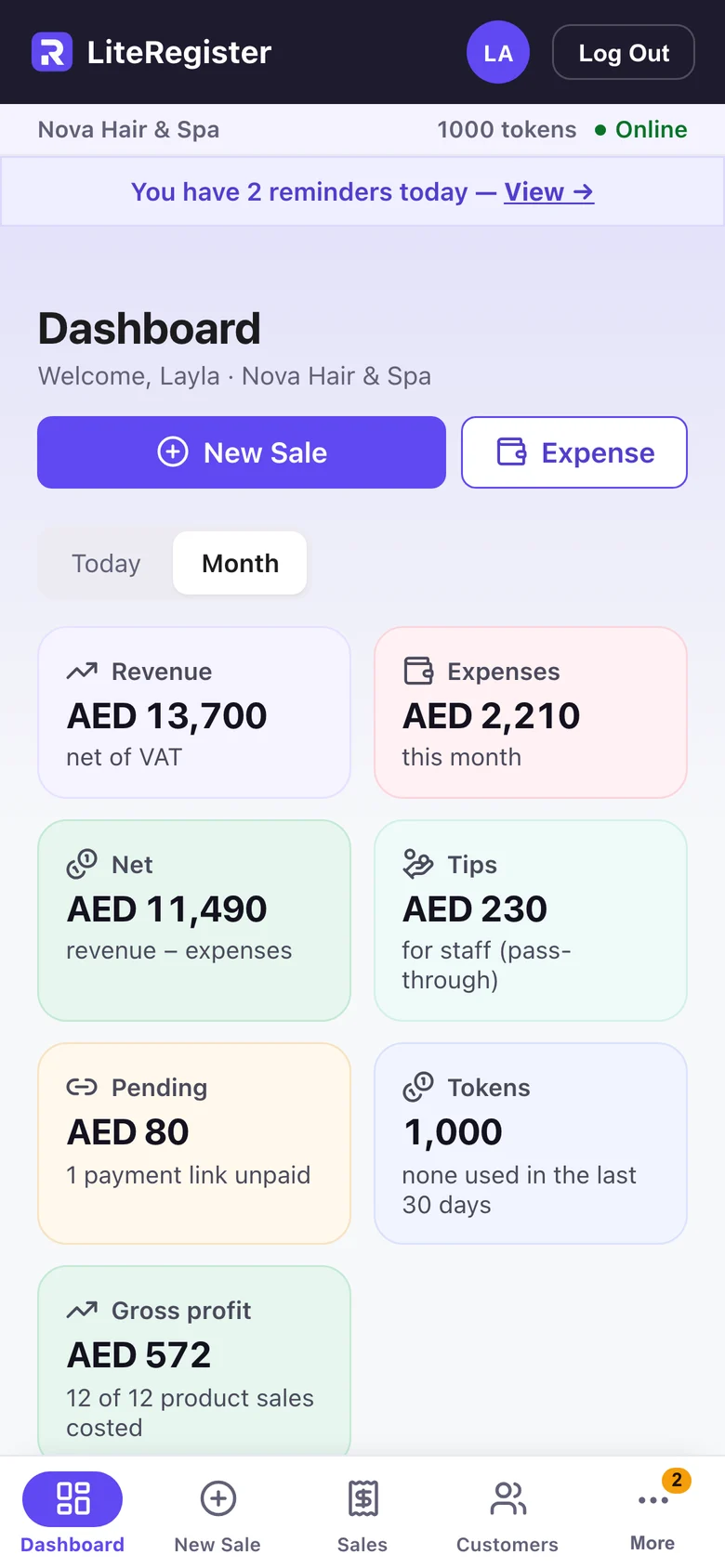
Today’s takings, expenses and net, as soon as you open the app.
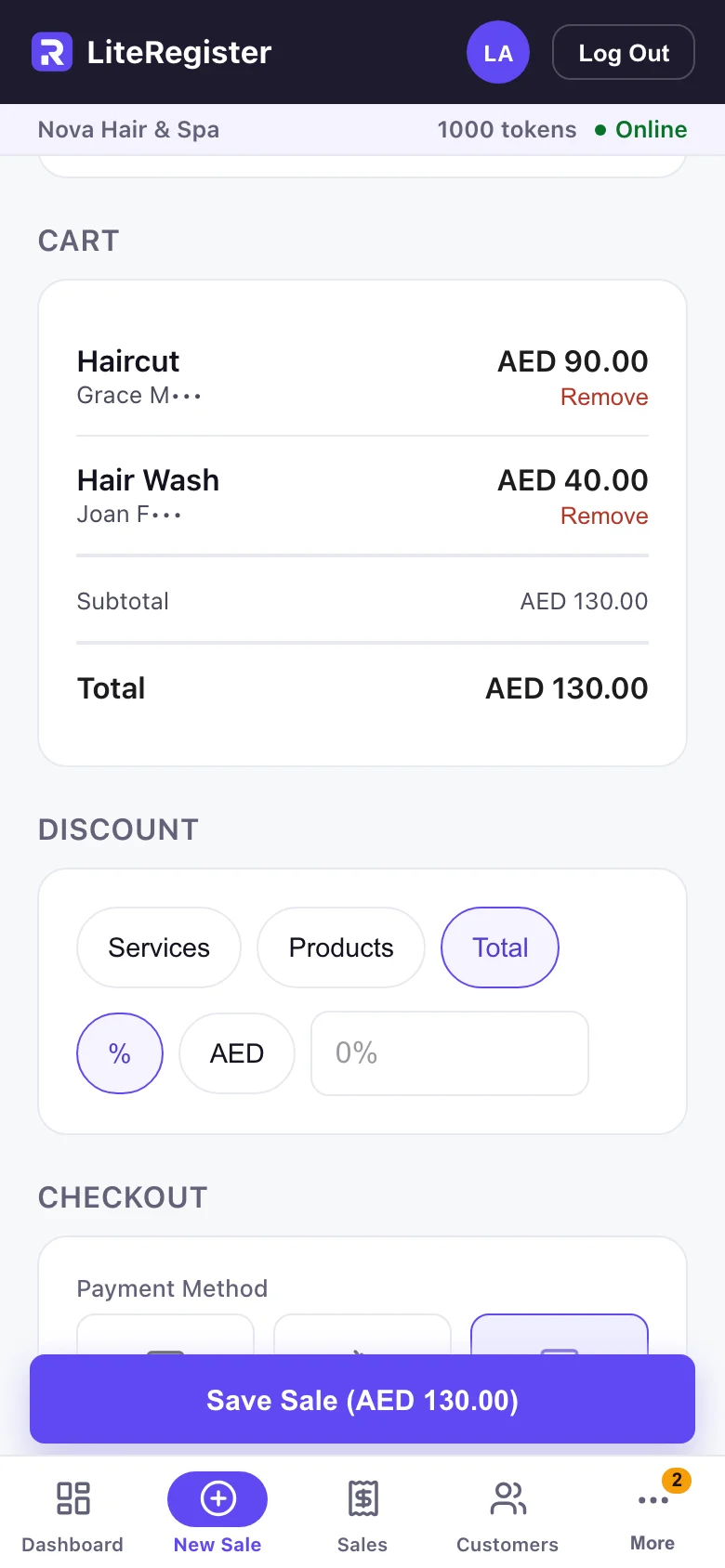
Record a sale
Pick the service or product and who did it, then save.
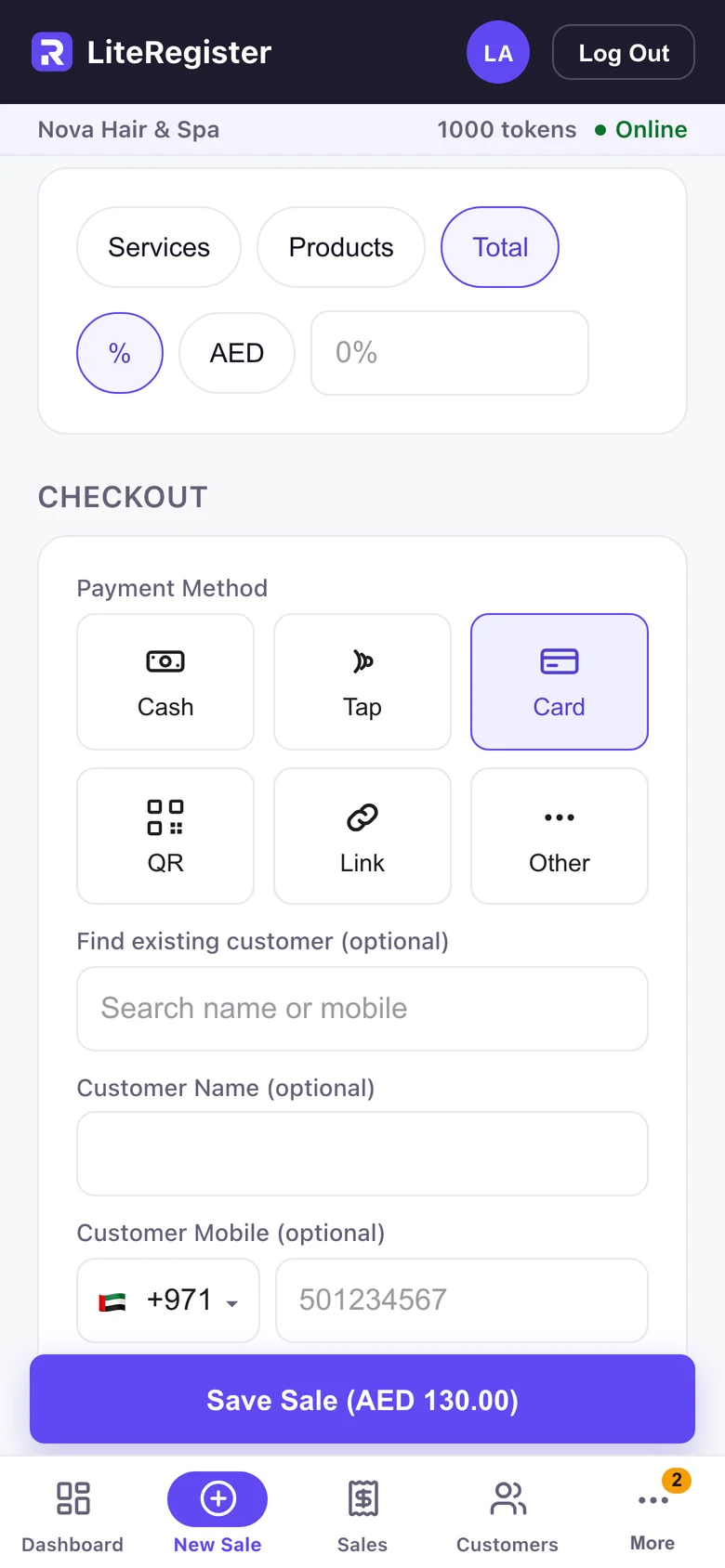
Take payment your way
Cash, Tap, Card, QR, Link or Other — choose how the customer paid.
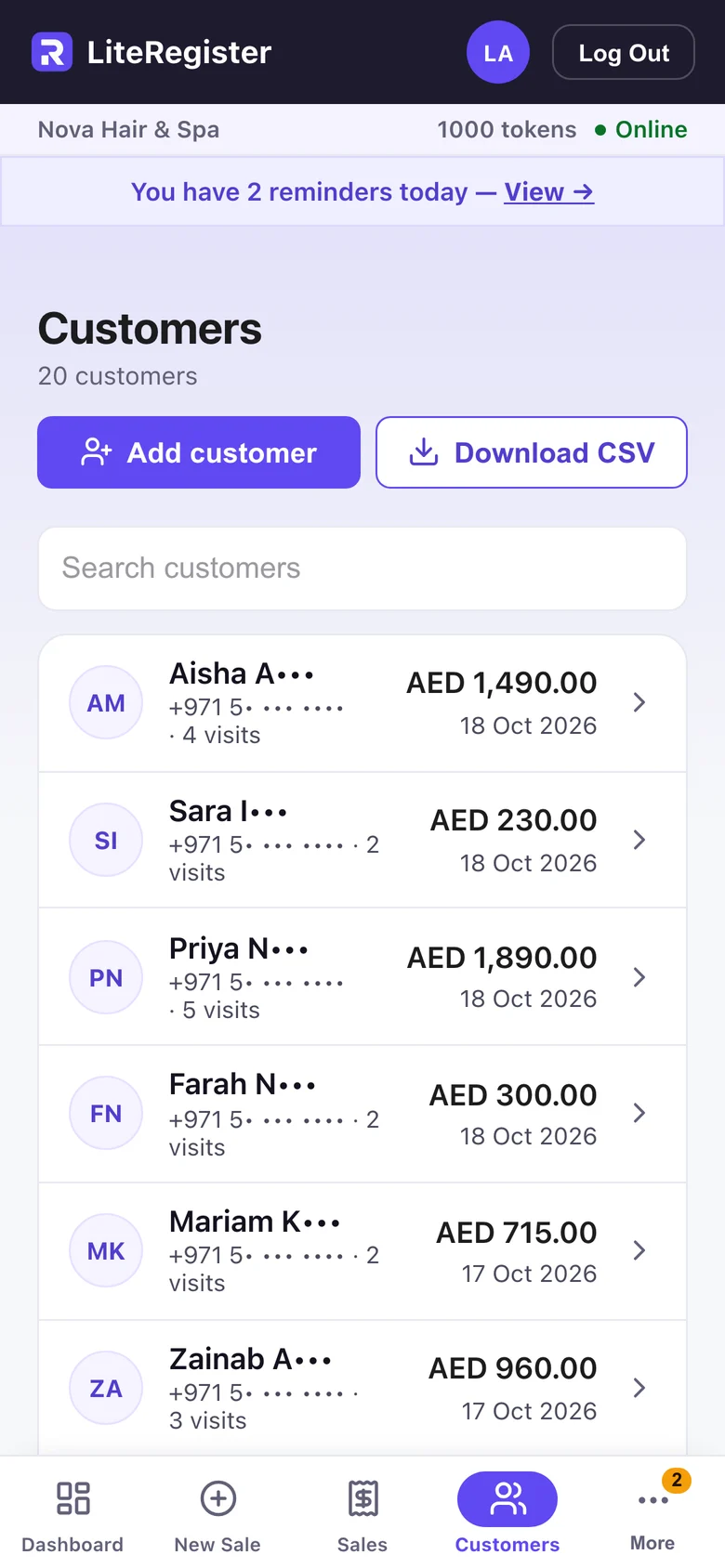
Know your customers
Every customer’s visits and spend in one list.
Know what’s left
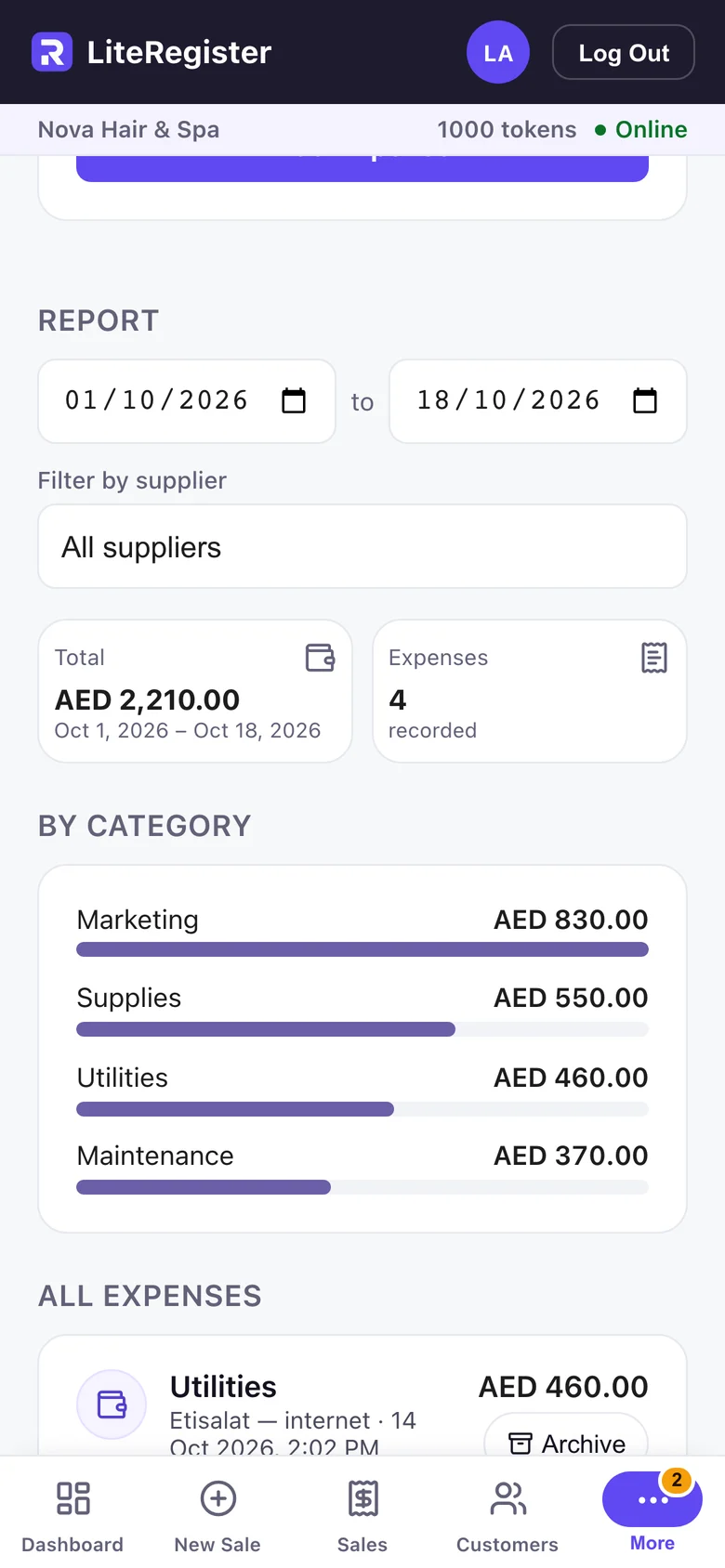
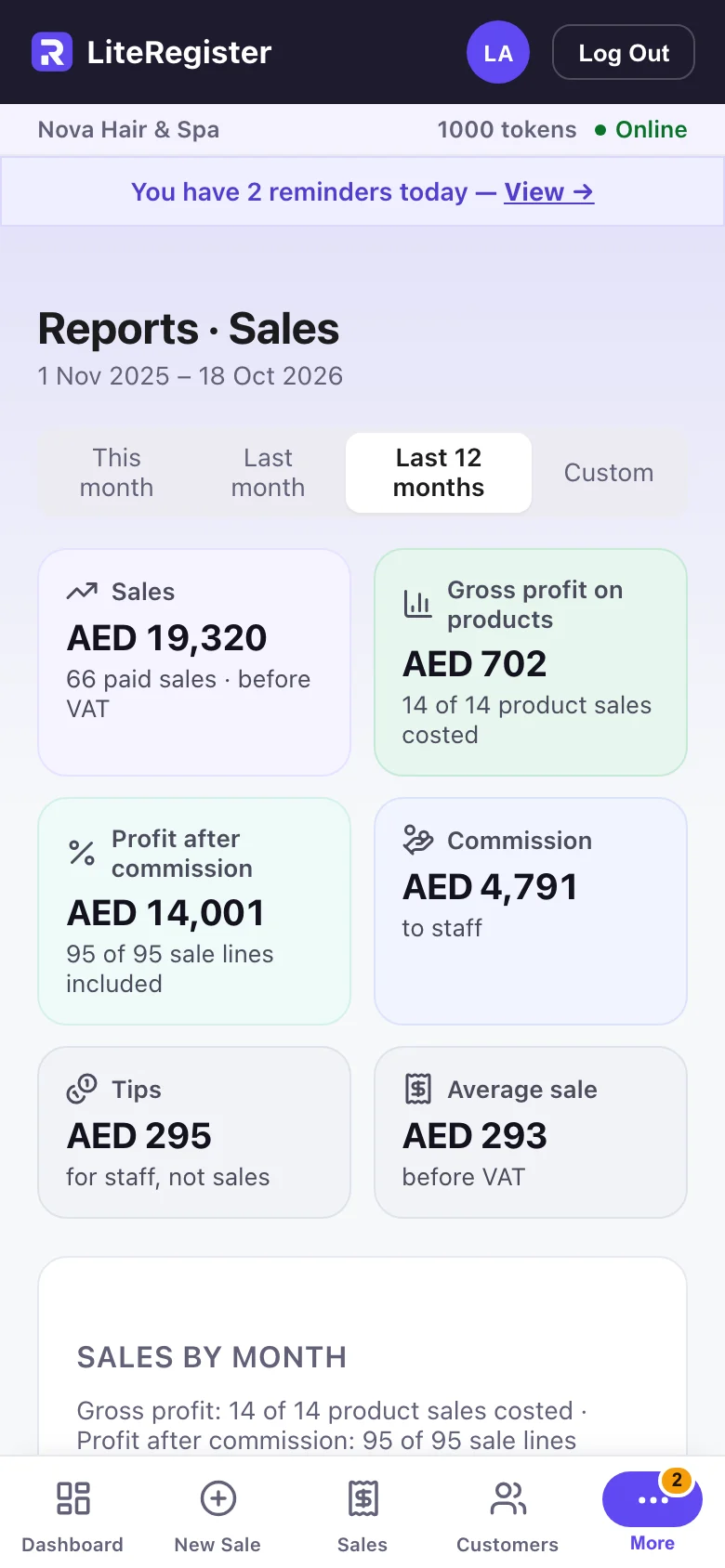
Expenses by category, beside the month’s revenue and net.
1 / 5
LiteRegister
Today’s takings, expenses and net, as soon as you open the app.
Features
Sell and get paid
- One cart for services and products, each with its staff member
- Cash, Tap, Card, QR, Link or Other
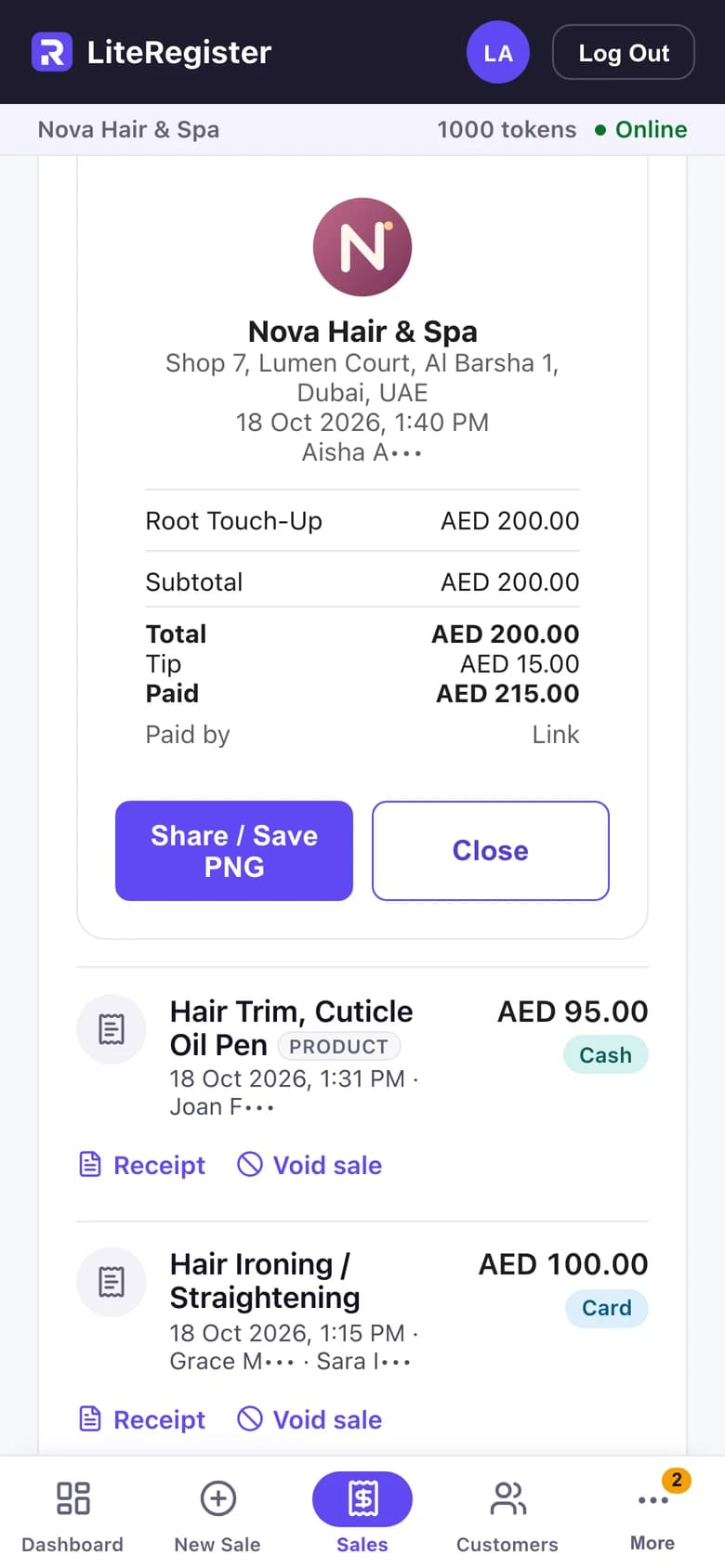
- Receipts with your logo and address, shared as an image
Customers and bookings
- Each customer’s visits and spend
- Appointments, and a booking link where customers ask for a time (email optional)
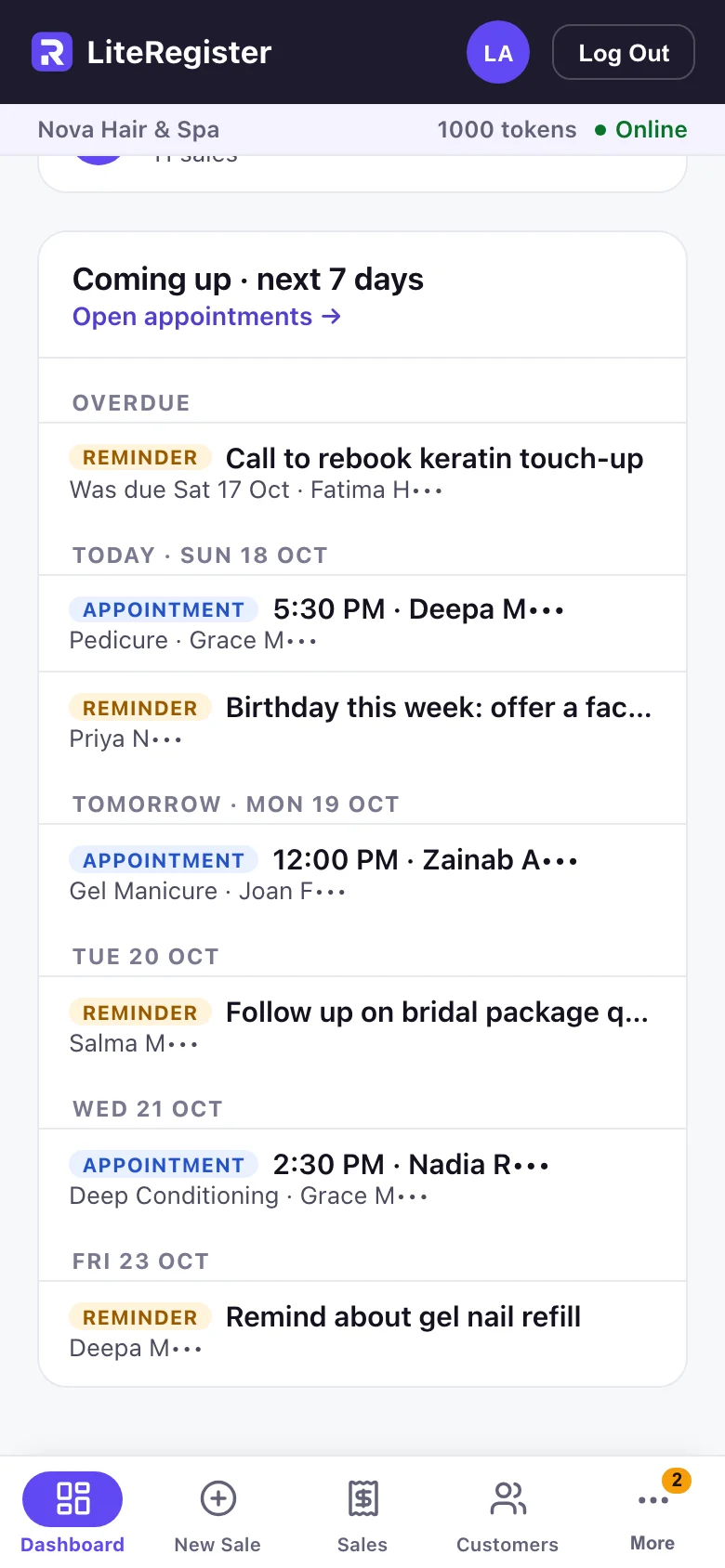
- Upcoming and overdue on the dashboard
- Notifications on your phone, for the owner
Know the numbers
- Expenses by category
- Product costs, stock value and running-low warnings
- Staff commission and tips
- Reports by month, staff, payment method and product
Sell and get paid
Your logo and address on every receipt, shared as an image.
Customers and bookings
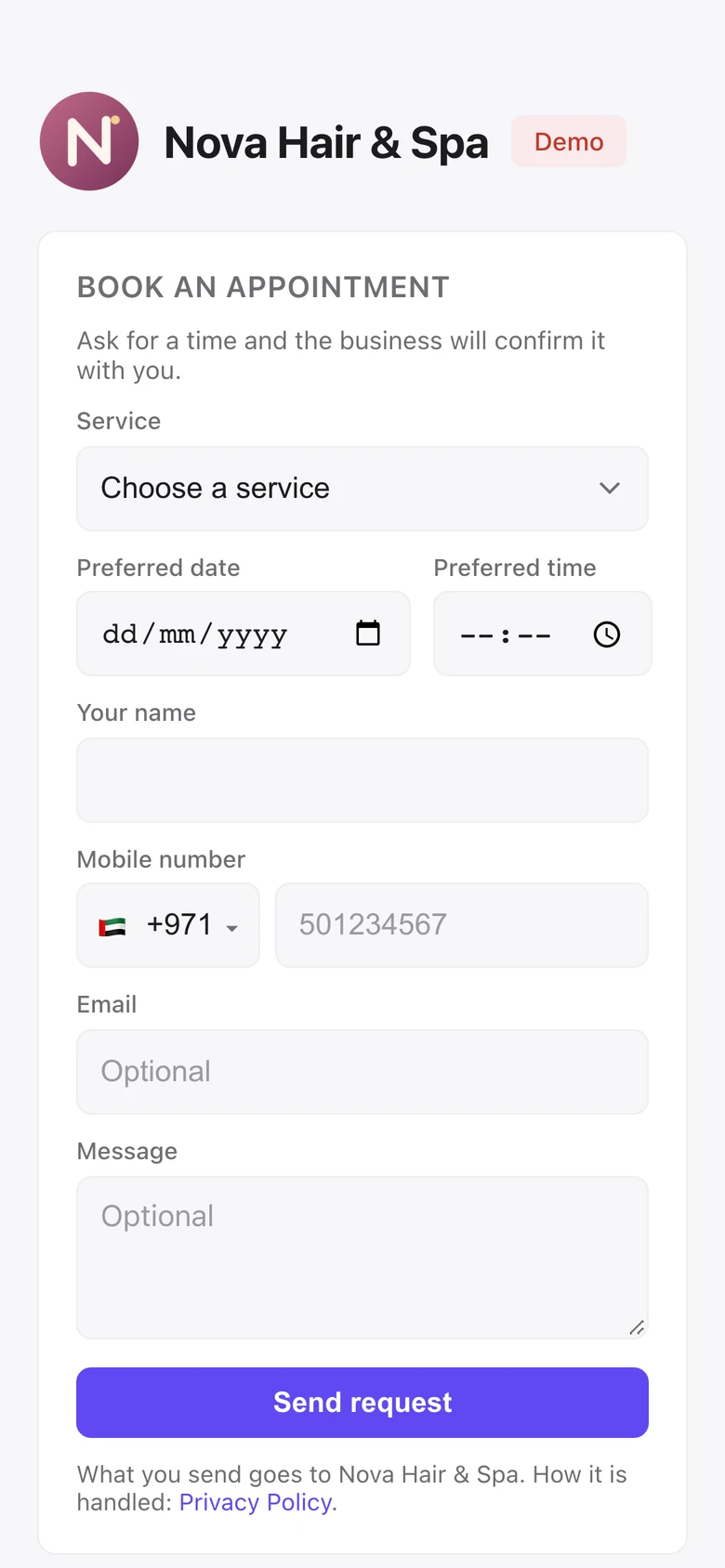
Customers ask for a time on your booking page — email optional.
Customers and bookings
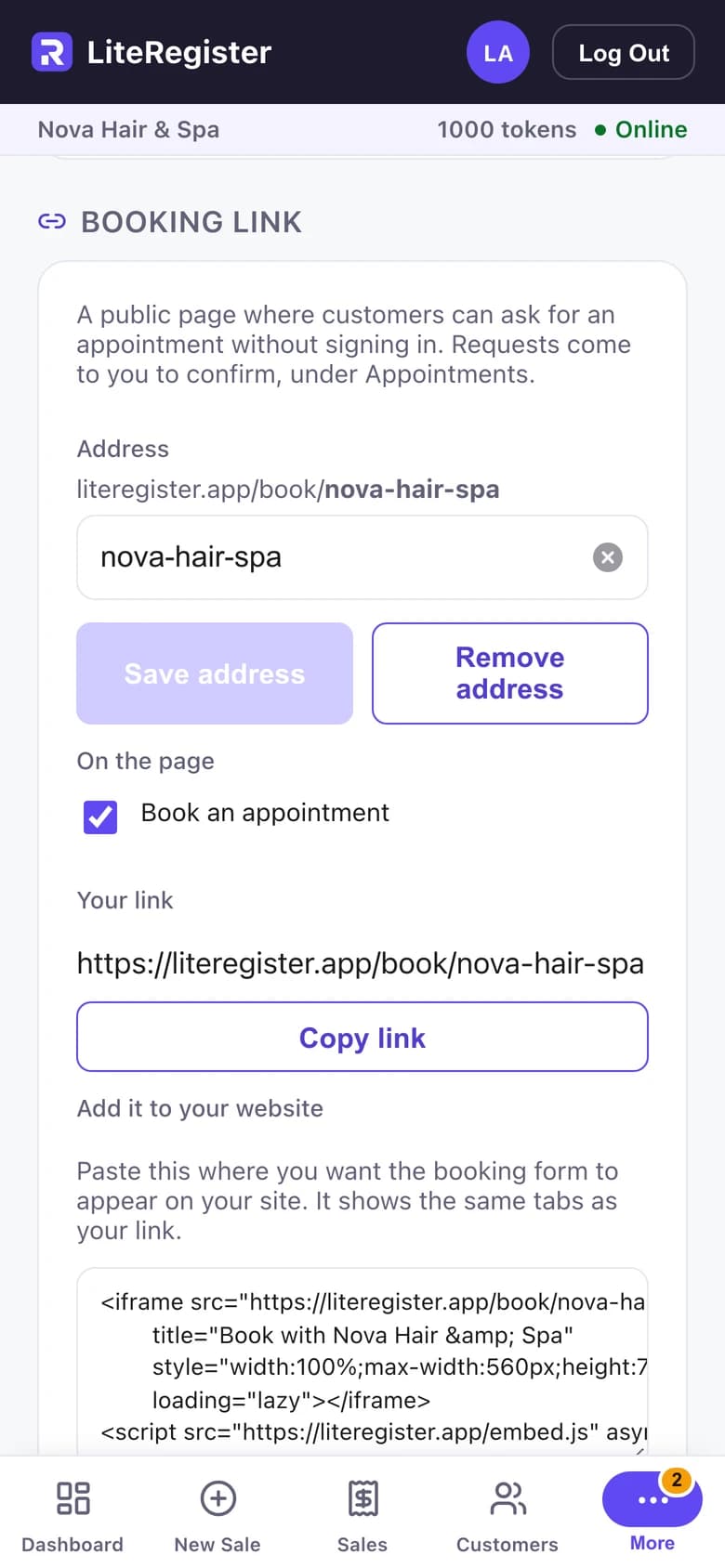
Switch on your booking link, copy it or add it to your website.
1 / 3
Sell and get paid
Your logo and address on every receipt, shared as an image.
Sales & payments without the POS baggage.
Explore all the features on literegister.com (opens in a new tab)